Brightwood Adventures:Meadow V
建立村和發現擱淺forest.Adventurous故事文物
Brightwood Adventures:Meadow V的官方開發商為PopReach Incorporated,雷電模擬器只提供應用程式Apk下載服務。

概述

FAQ
使用雷電模擬器在電腦上玩Brightwood Adventures:Meadow V
Brightwood Adventures:Meadow V是PopReach Incorporated開發的一款能夠在行動裝置上運行的冒險應用程式,但使用最好的Android 模擬器-雷電模擬器 ,你可以在電腦上下載並暢玩Brightwood Adventures:Meadow V。
在電腦上運行Brightwood Adventures:Meadow V,您可以在大螢幕上清晰地瀏覽, 而用滑鼠和鍵盤操控應用程式比用觸摸屏鍵盤要快得多,同時你將永遠不必擔心設備的電量問題。
通過多開和同步功能,你甚至可以在PC上運行多個應用程式和帳戶。
而文件互傳功能讓分享圖像、影片和文件也變得非常容易。
下載Brightwood Adventures:Meadow V並在PC上運行。享受PC端的大螢幕和高畫質畫質吧!
看看為什麼成千上萬的粉絲在玩Brightwood Adventures,這是Android上最熱門的免費遊戲之一!幫助Wally,Rowan和其他幫派在黑暗森林中建立一個熱鬧的村莊。勇敢的冒險家們穿越黑暗森林發現了狮心王失落的村莊,但他們需要您的幫助才能將其從一個很小的草地恢復為一個繁榮的社區。
發現黑暗森林的秘密,保護村民免受恐怖分子的襲擊,並偵破狮心王國王的鬃毛護理秘密(這是凝膠還是他的皮毛自然呈波浪形?)!
從空曠的草地成長為熙熙Village的村民們的熱鬧社區,冒險比比皆是。
確保你:
•在黑暗森林中探索
•參觀附近的村莊
•與朋友一起完成社交任務
•發現史詩般的文物和寶藏
•興旺的村莊
•幫助可愛的村民安頓下來
•一直提防爬行者!
注意:請為我們的應用程序評分,並在評論中留下您的評論!這款Brightwood遊戲沒有任何作弊。
享受所有角色扮演,多人PopReach遊戲(沉船,西行,Goldrush,火山島,骷髏島和新世界)的原創遊戲。在大多數智能手機和平板電腦上受支持。
~~~~~
注意
~~~~~
應用內付款:該遊戲是免費的,但您可以購買特殊物品在遊戲中使用。這將有助於我們保持照明狀態。如果您不想付款,請禁用手機上的付款。
日誌訪問:我們使用日誌權限來調試遊戲。幫助我們獲取錯誤!
家長注意:此遊戲可能包含指向社交網絡的直接鏈接,這些社交網絡面向至少13歲的受眾;直接鏈接到互聯網,有可能瀏覽任何網頁;以及PopReach產品和精選合作夥伴產品的廣告。
電話權限:需要此權限才能保存用戶的遊戲狀態,並在用戶重新安裝或清除數據時還原遊戲數據。
Brightwood Adventures:Meadow V PC版的截圖和影片


為什麼使用雷電模擬器在電腦上玩Brightwood Adventures:Meadow V ?
 多開和同步功能
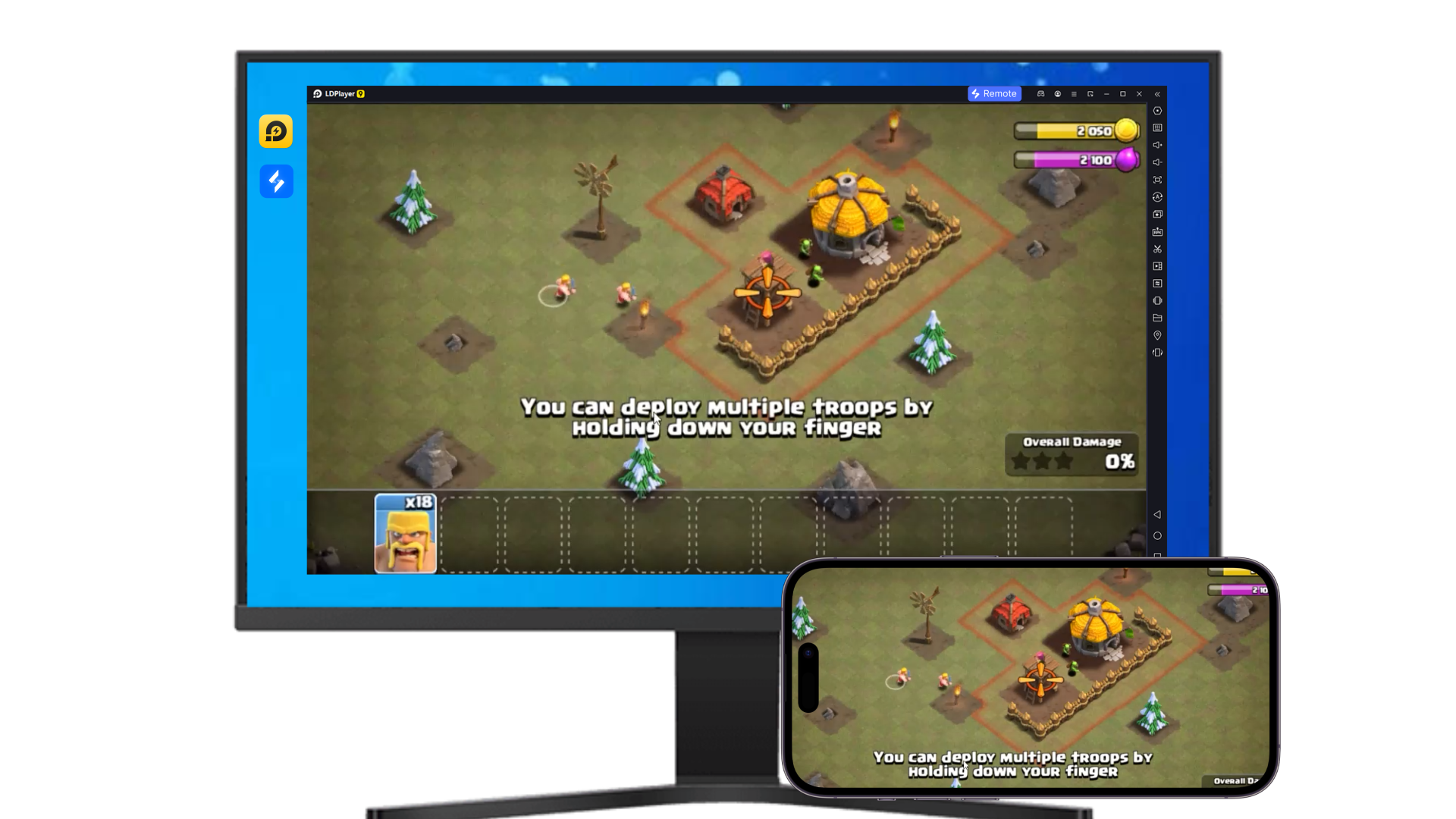
 遠端操控
遠端操控
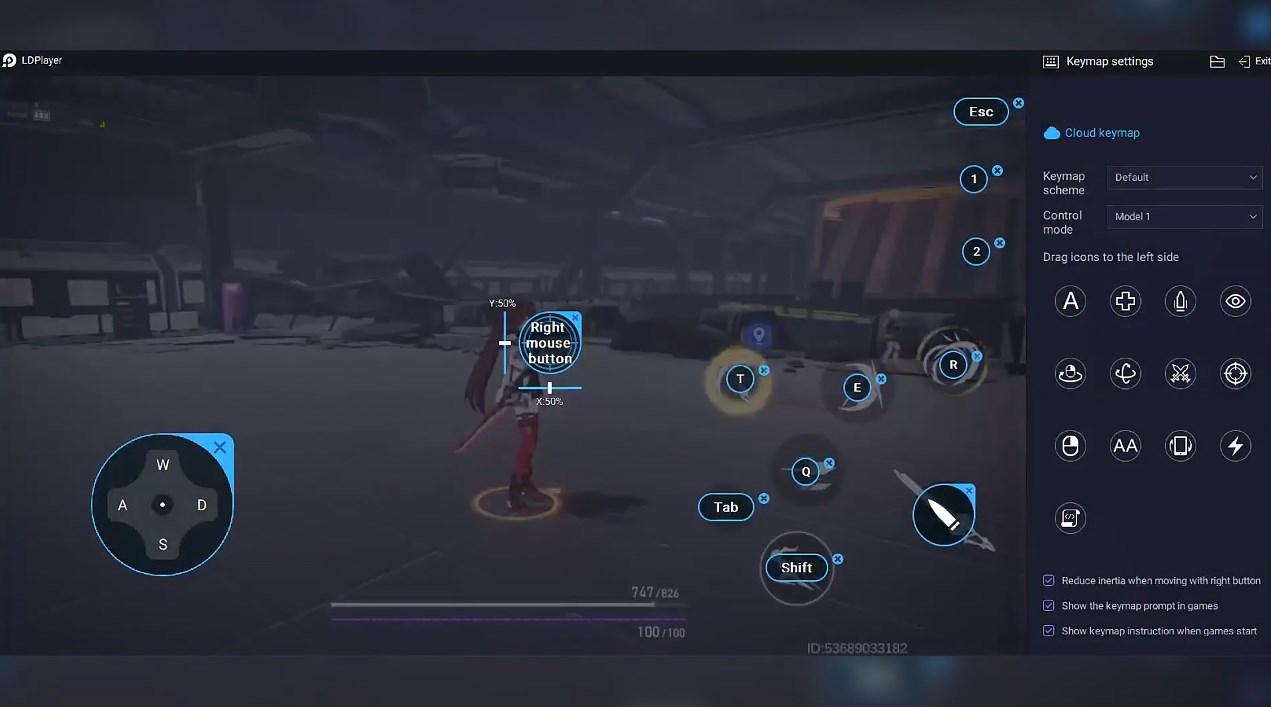
 鍵盤操控
鍵盤操控
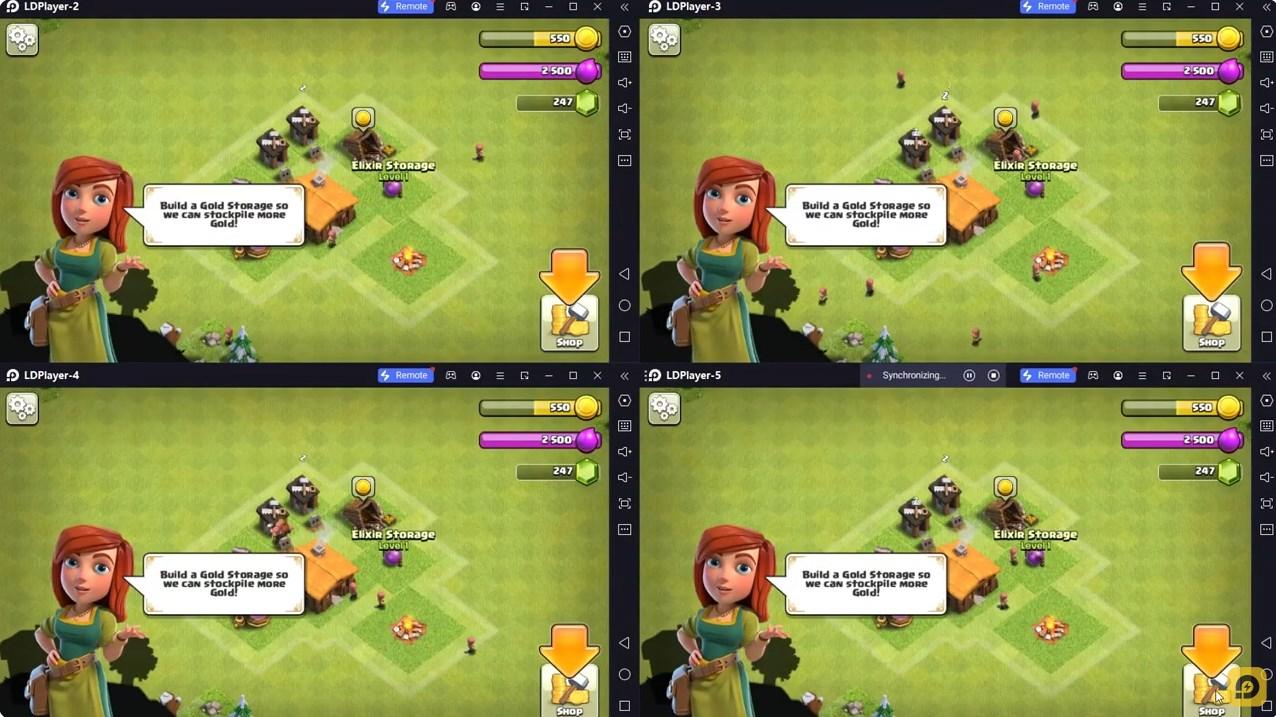

輕鬆複製多個模擬器視窗,然後開始同步過程,直到您抽到喜歡的英雄再綁定您的帳號,更有效率地在Brightwood Adventures:Meadow V中進行遊戲刷首抽(reroll)操作。

高幀率
在高FPS的支援下,Brightwood Adventures:Meadow V遊戲的畫面更加流暢,動作更加連貫,增強了玩Brightwood Adventures:Meadow V的視覺體驗和沉浸感。
影片錄製
輕鬆記錄下在Brightwood Adventures:Meadow V中的賽事表現和操作過程,有助於學習和改進駕駛技術,或者與其他玩家分享自己的遊戲經歷和成就。
如何在電腦上下載Brightwood Adventures:Meadow V
 1
1在你的電腦下載並安裝雷電模擬器
 2
2在雷電模擬器的系統應用中找到GooglePlay商店,啟動並登入你的谷歌帳號。
 3
3在搜索框中輸入並搜尋Brightwood Adventures:Meadow V
 4
4從搜尋結果中選擇並安裝Brightwood Adventures:Meadow V
 5
5完成下載安裝後,回到雷電模擬器首頁。
 6
6點擊雷電模擬器首頁上的遊戲icon就可以開始享受精彩的遊戲了。