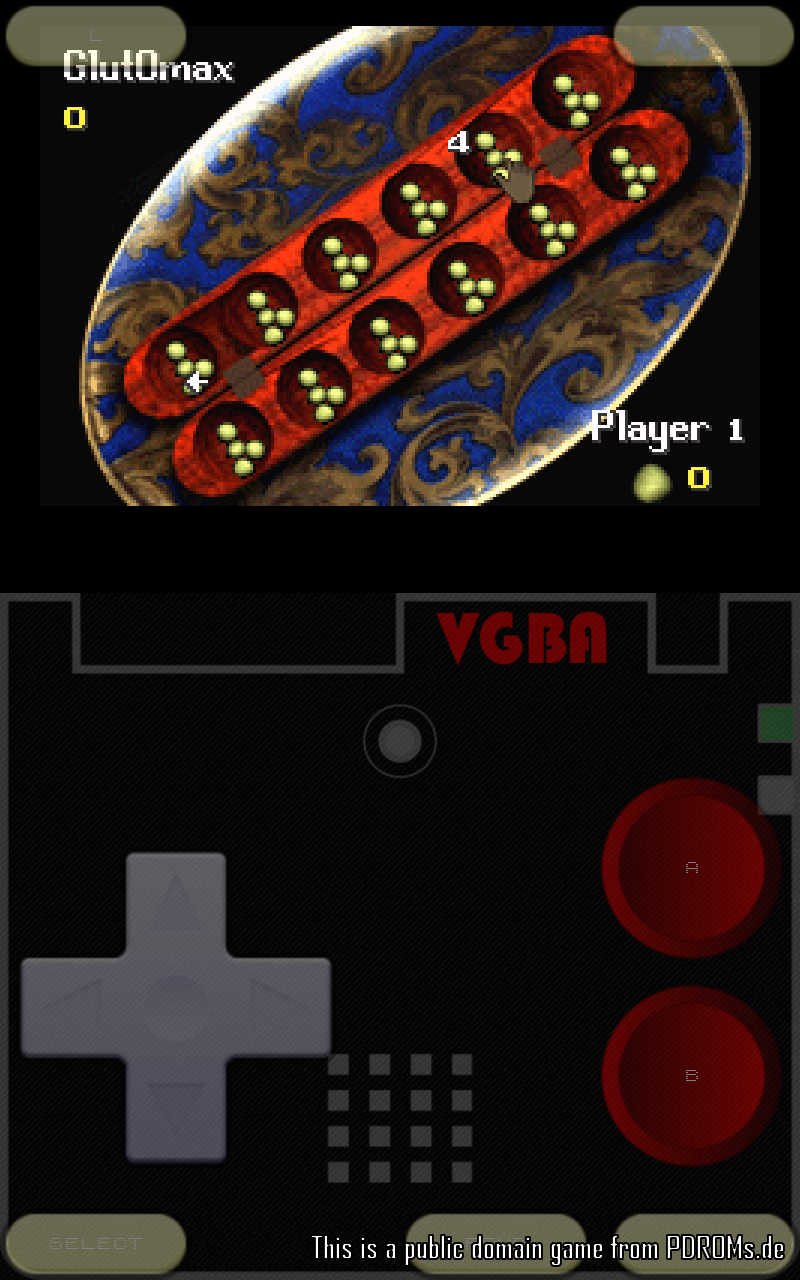
VGBAnext GBA/GBC/NES Emulator是Garage Research Emulators開發的一款能夠在行動裝置上運行的街機應用程式,但使用最好的Android 模擬器-雷電模擬器 ,你可以在電腦上下載並暢玩VGBAnext GBA/GBC/NES Emulator。
在電腦上運行VGBAnext GBA/GBC/NES Emulator,您可以在大螢幕上清晰地瀏覽, 而用滑鼠和鍵盤操控應用程式比用觸摸屏鍵盤要快得多,同時你將永遠不必擔心設備的電量問題。
通過多開和同步功能,你甚至可以在PC上運行多個應用程式和帳戶。
而文件互傳功能讓分享圖像、影片和文件也變得非常容易。
下載VGBAnext GBA/GBC/NES Emulator並在PC上運行。享受PC端的大螢幕和高畫質畫質吧!
VGBAnext runs games written for GBA, GBC, GB, NES, Famicom, DiskSystem, and VS System gaming consoles. It also emulates many addons, such as tilt sensors, light guns, vibration packs, printers, and more. VGBAnext is specifically opimized for Android devices. It lets you save game progress at any moment, or even rewind gameplay back in time. You can exchange saved game states with other users, or play together by using the network play. VGBAnext supports AndroidTV, GoogleTV, and a variety of gamepads, including Xperia Play, Moga, iCade, Sixaxis, Nyko PlayPad, and others.* Supports full screen landscape and portrait modes, with many special effect options and customizable skin.
* Supports Moga and iCade gamepads, Nyko PlayPad, Xperia Play, and Sixaxis.
* Supports AndroidTV devices, such as ShieldTV, Nexus Player, and ADT-1.
* Supports GoogleTV devices running Android 4.x (Jelly Bean), such as LG G2/G3.
* Save gameplay at any point and go back to that point once your character gets killed.
* Rewind gameplay 16 seconds back with a single keypress.
* Share your current progress with other users via State Exchange feature.
* Use Network Play to play with other users over WiFi.
* Play with your hardware keyboard, gamepad, touch screen, or accelerometer.
* Record game soundtrack to MIDI files and use them as ringtones.
* On-screen buttons can be freely rearranged.
VGBAnext comes with a single public domain game. You can find more free public domain games at http://pdroms.de/. Please, do not run any software you do not own with VGBAnext.
Please, report any encountered problems here:
http://groups.google.com/group/emul8