Lifesize Video Conferencing是Enghouse Vidyo開發的一款能夠在行動裝置上運行的通訊應用程式,但使用最好的Android 模擬器-雷電模擬器 ,你可以在電腦上下載並暢玩Lifesize Video Conferencing。
在電腦上運行Lifesize Video Conferencing,您可以在大螢幕上清晰地瀏覽, 而用滑鼠和鍵盤操控應用程式比用觸摸屏鍵盤要快得多,同時你將永遠不必擔心設備的電量問題。
通過多開和同步功能,你甚至可以在PC上運行多個應用程式和帳戶。
而文件互傳功能讓分享圖像、影片和文件也變得非常容易。
下載Lifesize Video Conferencing並在PC上運行。享受PC端的大螢幕和高畫質畫質吧!
Experience video conferencing in the most effortless and effective way possible.Lifesize delivers award-winning, cloud-based video conferencing technology that allows you to connect, communicate, and collaborate—from one-on-one audio and video calls to full-scale company meetings spanning multiple locations.
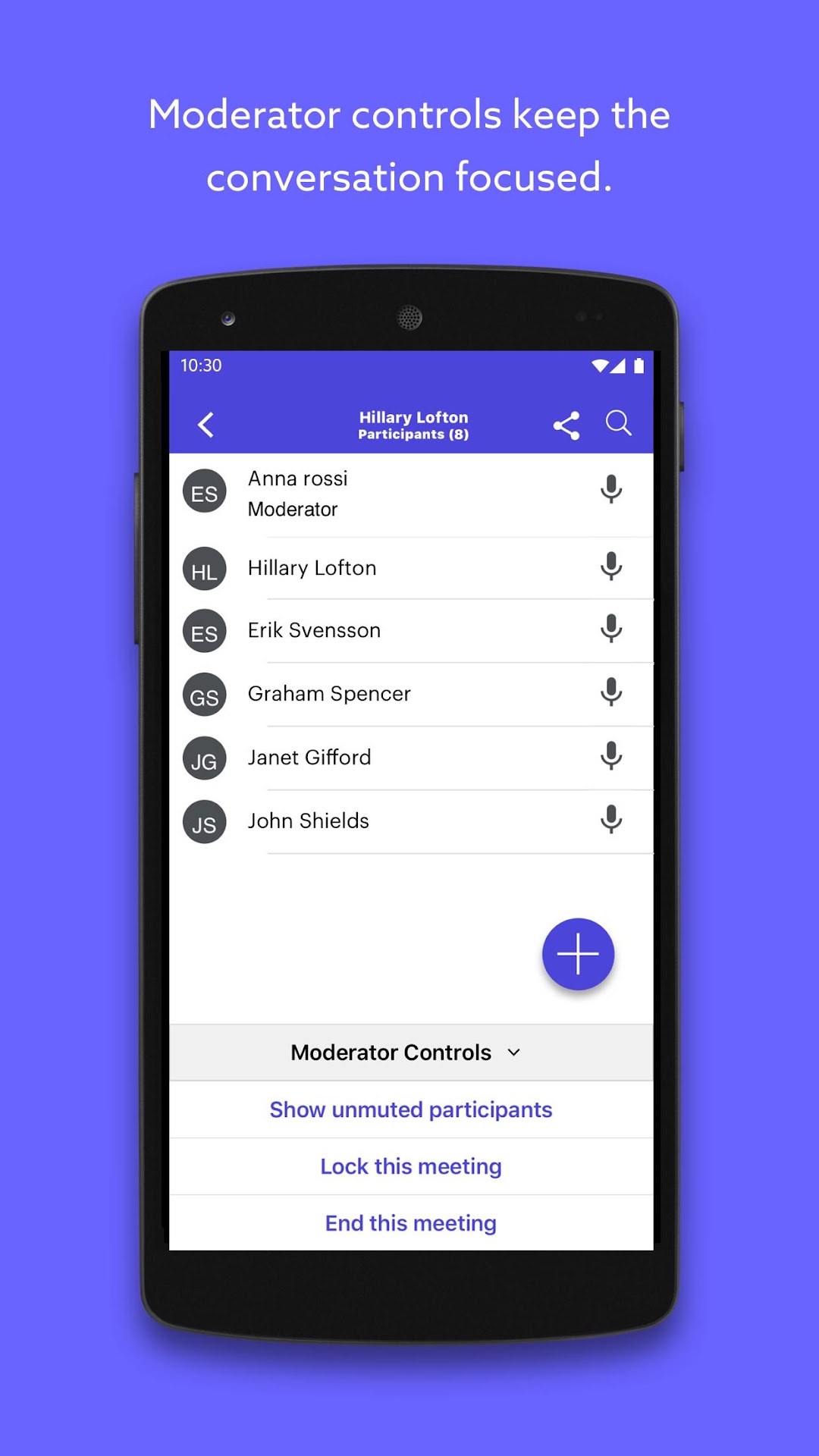
With the Lifesize app, you can stay connected on the go. Start or join a meeting instantly, meet face to face with the highest-quality video and audio, share your screen, chat in real time, sync with your calendar, and more.
Lifesize. Work together.
Features include:
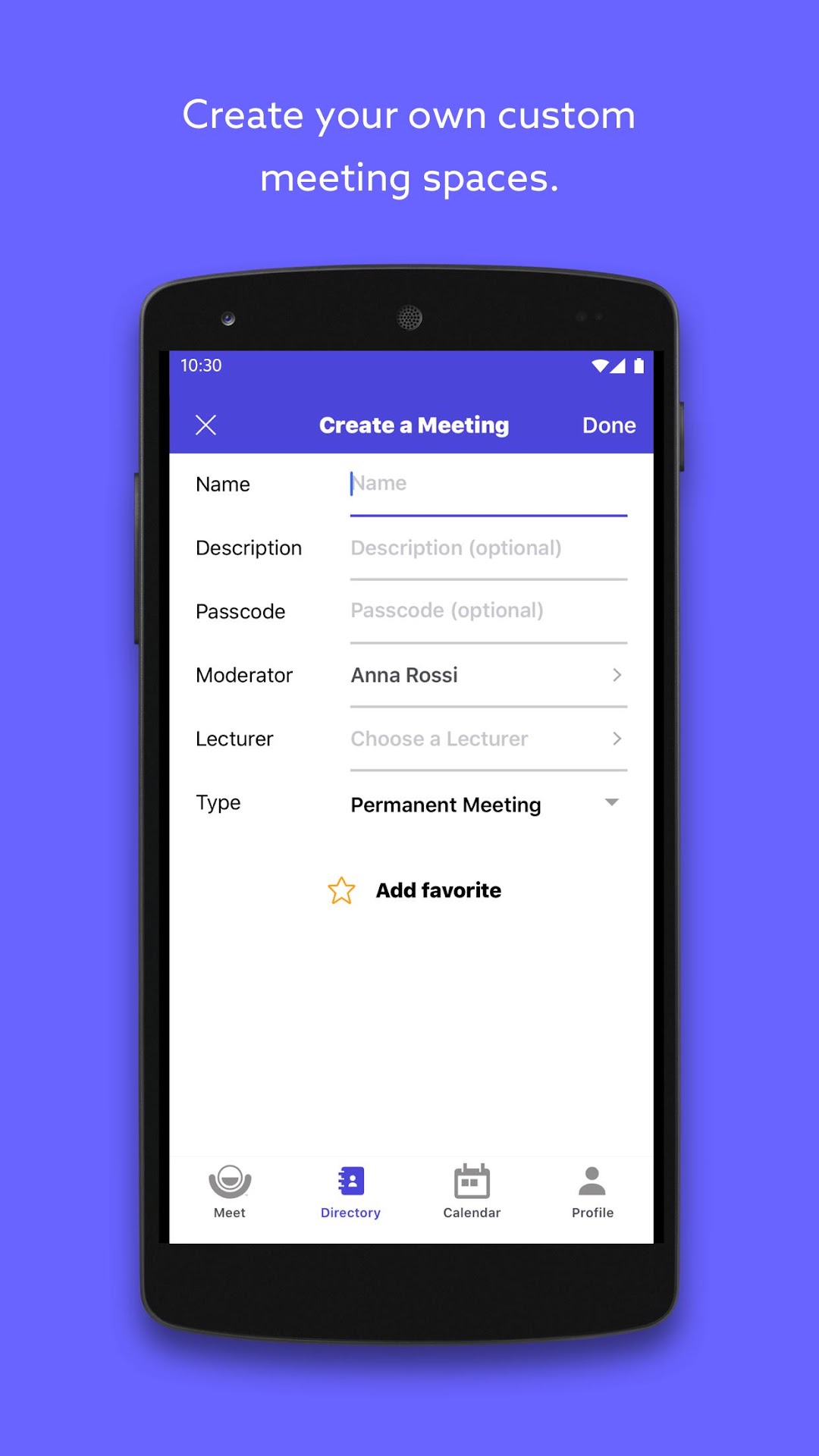
• Start a call or schedule a meeting instantly
• Share content from your device with other participants while in a call
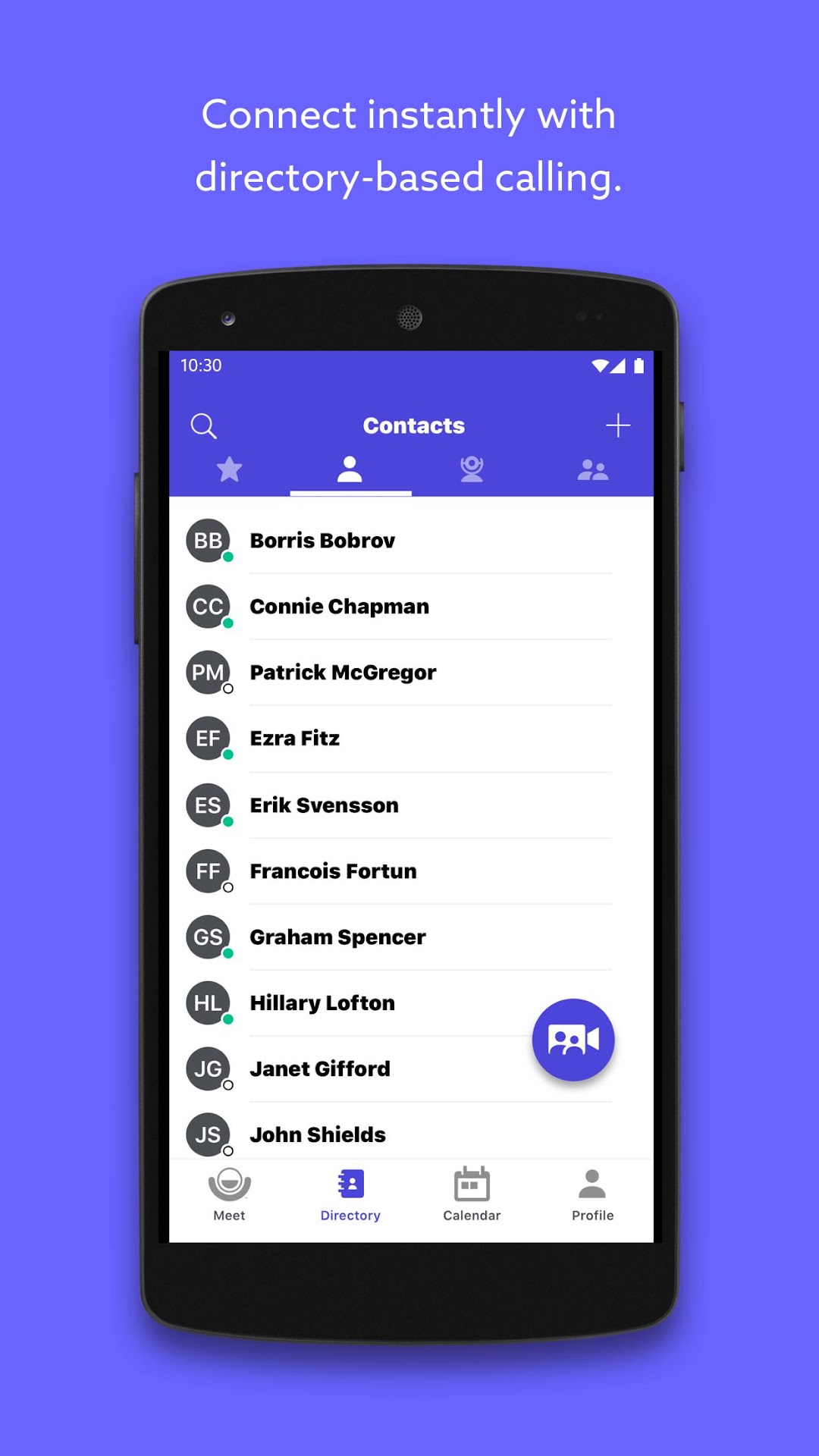
• Comprehensive, name-based directory with search and status
• Click to call contacts, rooms, and meetings
• Add connections as favorites for quick and easy communication
• Support for hands-free calling when paired to compatible audio systems
• Send meeting invites via email or text message
• Send and receive messages with real-time, one-on-one and meeting room chat
• Calendar integration with optional meeting notifications
• Swipe to hide video and enter listen-only mode
• Pinch to zoom in on video and presentations
• Record calls and meetings for access on demand from cloud video library
• Control room system camera from your device in supported calling situations
• Optionally enable dark mode to switch to a darker color scheme
Have a question or need help? Contact us at https://www.lifesize.com/support
Note: Available features may vary by Android version. Updating your device to the latest version is recommended for the best experience.