Habit Tracker - HabitKit是Sebastian Röhl開發的一款能夠在行動裝置上運行的生產應用應用程式,但使用最好的Android 模擬器-雷電模擬器 ,你可以在電腦上下載並暢玩Habit Tracker - HabitKit。
在電腦上運行Habit Tracker - HabitKit,您可以在大螢幕上清晰地瀏覽, 而用滑鼠和鍵盤操控應用程式比用觸摸屏鍵盤要快得多,同時你將永遠不必擔心設備的電量問題。
通過多開和同步功能,你甚至可以在PC上運行多個應用程式和帳戶。
而文件互傳功能讓分享圖像、影片和文件也變得非常容易。
下載Habit Tracker - HabitKit並在PC上運行。享受PC端的大螢幕和高畫質畫質吧!
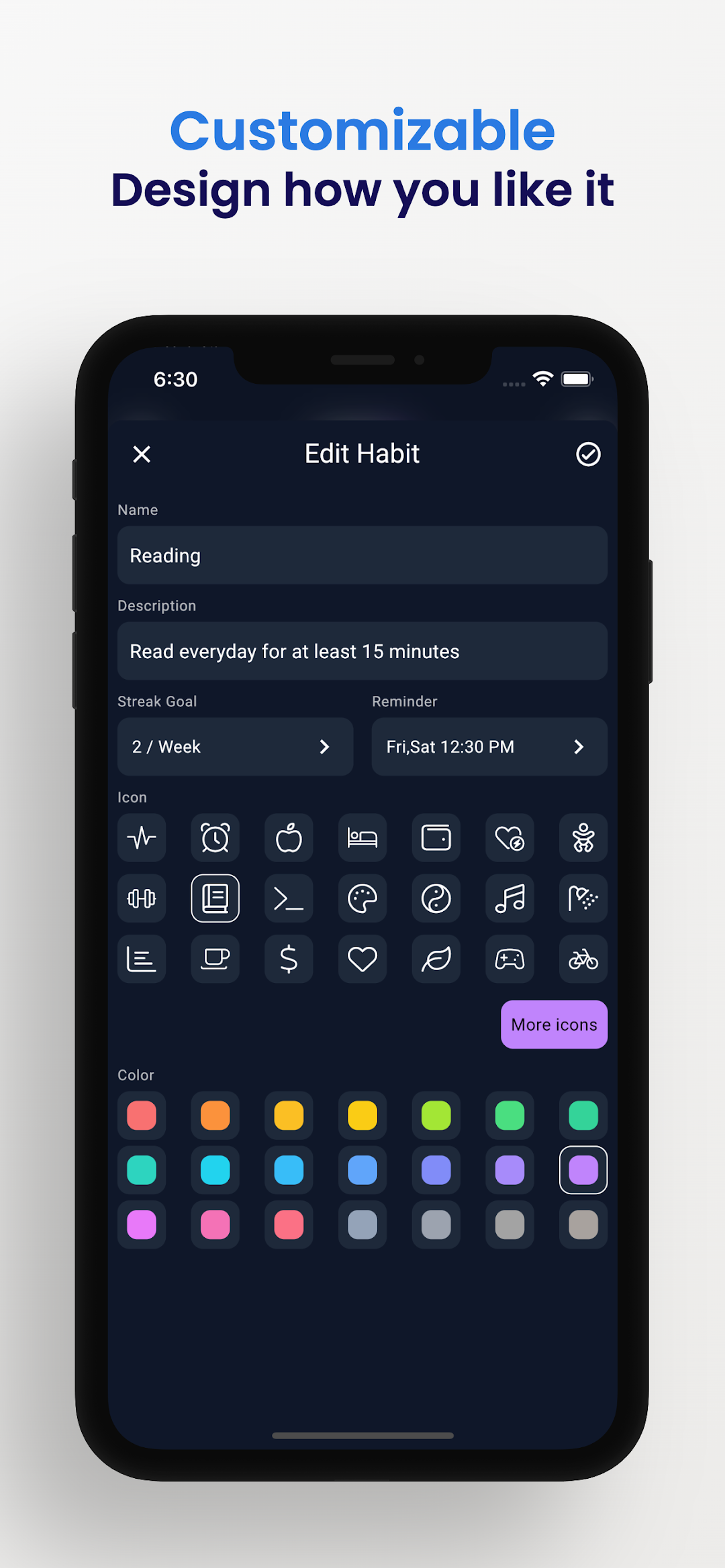
HabitKit is the perfect app for anyone looking to form new habits or break old ones. With HabitKit, you can track your progress with beautiful tile-based grid charts. Whether you're trying to quit smoking, eat healthier, or exercise more, HabitKit can help you achieve your goals. You can customize your dashboard by adjusting colors, icons and descriptions. Draw motivation from growing the amount of colored tiles on your habit dashboard.---
CREATE HABITS
Add your habits you want to track in a fast and easy way. Provide a name, description, icon and color and you're good to go.
DASHBOARD
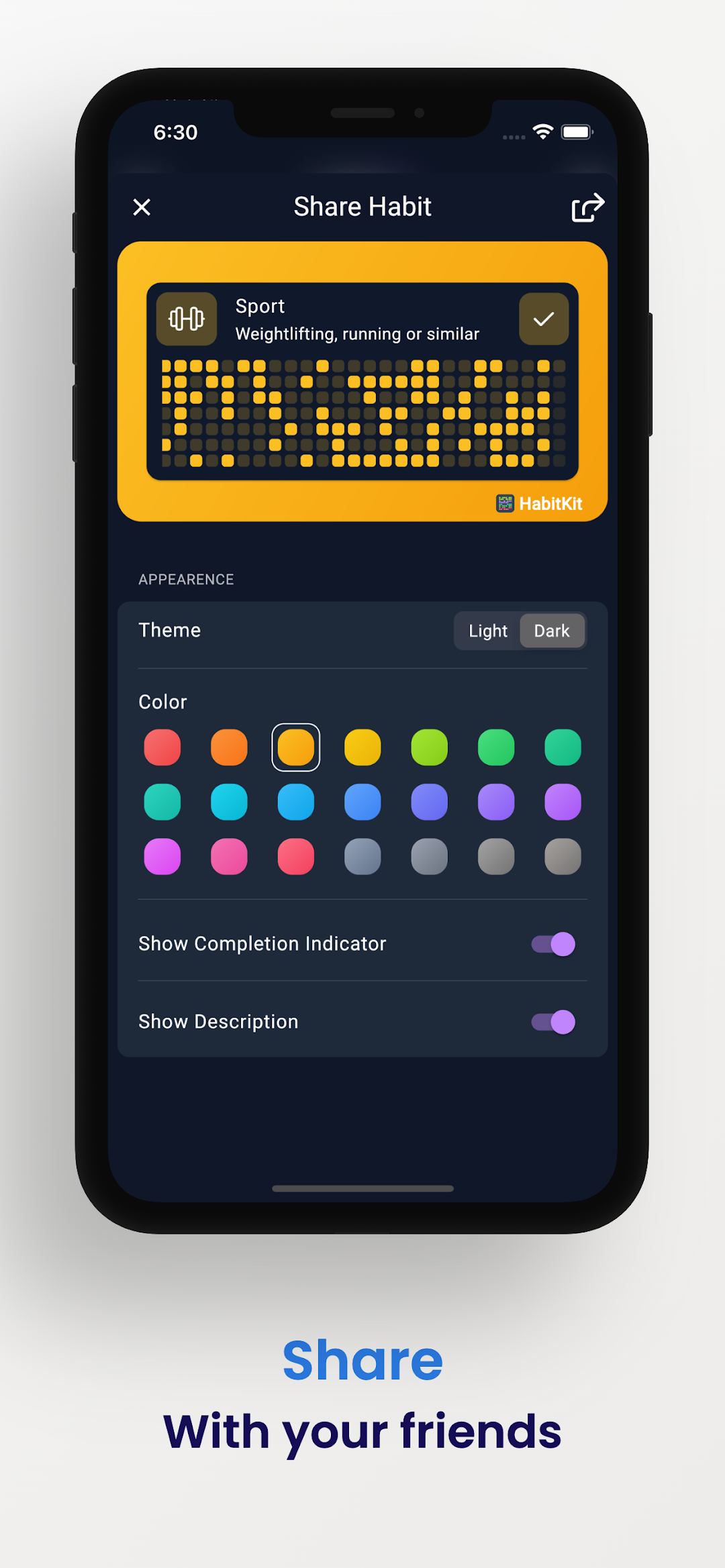
All your habits are displayed on your dashboard represented by a cool looking grid chart. Every filled out square show a day where you kept up with your habit.
STREAKS
Get motivation from streaks. Tell the app how often you would like to complete a habit (3/week, 20/month, daily, ...) and see how your streak count grows!
REMINDERS
Never miss a completion again and add reminders to your habits. You'll get a notification at your specified time.
CALENDAR
The calendar provides a fast and easy way to manage past completions. Simply tap a day to remove or add a completion.
ARCHIVE
Do you need a break from a habit and don't want to clutter your dashboard with it? Just archive it and restore it at a later point from the menu.
IMPORT AND EXPORT
Switching phones and don't want to lose your data? Export your data to a file, save it wherever you want and restore it at a later point of time.
PRIVACY FOCUSED
All your data belongs to you and stays on your phone. No sign-in. No servers. No cloud.
---
Terms of Use: https://www.habitkit.app/tos/
Privacy Policy: https://www.habitkit.app/privacy/