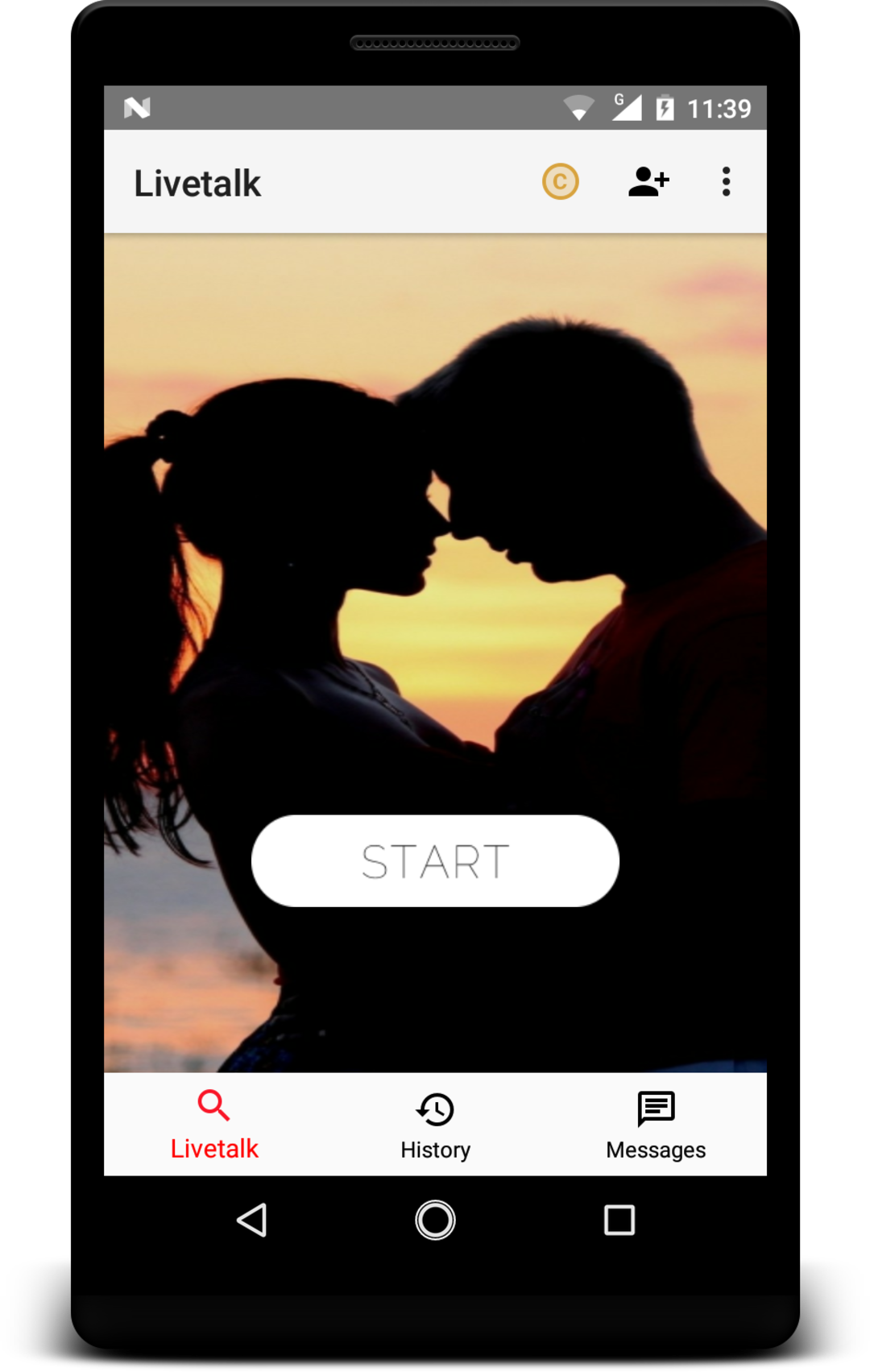


Livetalk - Live Video Chat是Videokar開發的一款能夠在行動裝置上運行的通訊應用程式,但使用最好的Android 模擬器-雷電模擬器 ,你可以在電腦上下載並暢玩Livetalk - Live Video Chat。
在電腦上運行Livetalk - Live Video Chat,您可以在大螢幕上清晰地瀏覽, 而用滑鼠和鍵盤操控應用程式比用觸摸屏鍵盤要快得多,同時你將永遠不必擔心設備的電量問題。
通過多開和同步功能,你甚至可以在PC上運行多個應用程式和帳戶。
而文件互傳功能讓分享圖像、影片和文件也變得非常容易。
下載Livetalk - Live Video Chat並在PC上運行。享受PC端的大螢幕和高畫質畫質吧!
Livetalk allows you to talk and make friends with people from all over the world.• Over 30 million downloads worldwide!
• Featured in Google Play Store in many countries!
▷ Discover & Connect!
Livetalk allows you to meet someone new with a single tap.
You can easily explore new cultures and people from all over the world.
- Meet new people from all over the world through live video calls (using 3G, 4G, Wi-Fi)
- Select your gender and start building new conversations
- Enhance your chat experience with facial recognition
▷ Share Livetalk with people around you and make more connections
Please leave a review on the Google Play Store. Your review will help make Livetalk a better service.
▷ Creating a better and enjoyable community at Livetalk
The Livetalk team is committed to creating a service that anyone can use safely. We believe our users are able to meet new and genuine people. Please respect other users to keep the community at its best!
▷ Protection of Personal Information
- We only collect your Gender information, which is stored locally and not sold nor shared to third parties.
- Information what you say directly to the other party once you connect can not be seen by other users.
- Please take caution when delivering sensitive information, because you are responsible for the information you provide to the other party once you connect.
Some of the screens are from Olivia Carneiro licensed under the ShareAlike 4.0 International(CC BY-SA 4.0)
https://commons.wikimedia.org/wiki/File:Olivia_carneiro.jpg
Some of the screens are from Adventurejay licensed under the Creative Commons Attribution 3.0 (CC BY 3.0)
http://adventurejay.com/blog/index.php?m=12&y=16