Spiral Craft 3D是Dual Cat開發的一款能夠在行動裝置上運行的冒險應用程式,但使用最好的Android 模擬器-雷電模擬器 ,你可以在電腦上下載並暢玩Spiral Craft 3D。
在電腦上運行Spiral Craft 3D,您可以在大螢幕上清晰地瀏覽, 而用滑鼠和鍵盤操控應用程式比用觸摸屏鍵盤要快得多,同時你將永遠不必擔心設備的電量問題。
通過多開和同步功能,你甚至可以在PC上運行多個應用程式和帳戶。
而文件互傳功能讓分享圖像、影片和文件也變得非常容易。
下載Spiral Craft 3D並在PC上運行。享受PC端的大螢幕和高畫質畫質吧!
Want adventure, space exploration, going to the edge of the galaxy? Spiral Craft and its colorful universe is made for you. Go through each planet and overcome many challenges as you explore each nook and crany in the universe.Every new planet has its share of novelties. New resources to be collected, new universes to be explored, people to be met and challenges to succeed. It will be up to you, the greatest explorer, to make this galactic adventure. Whether you’re at home, in the office or commuting, a new world is at your fingertips.
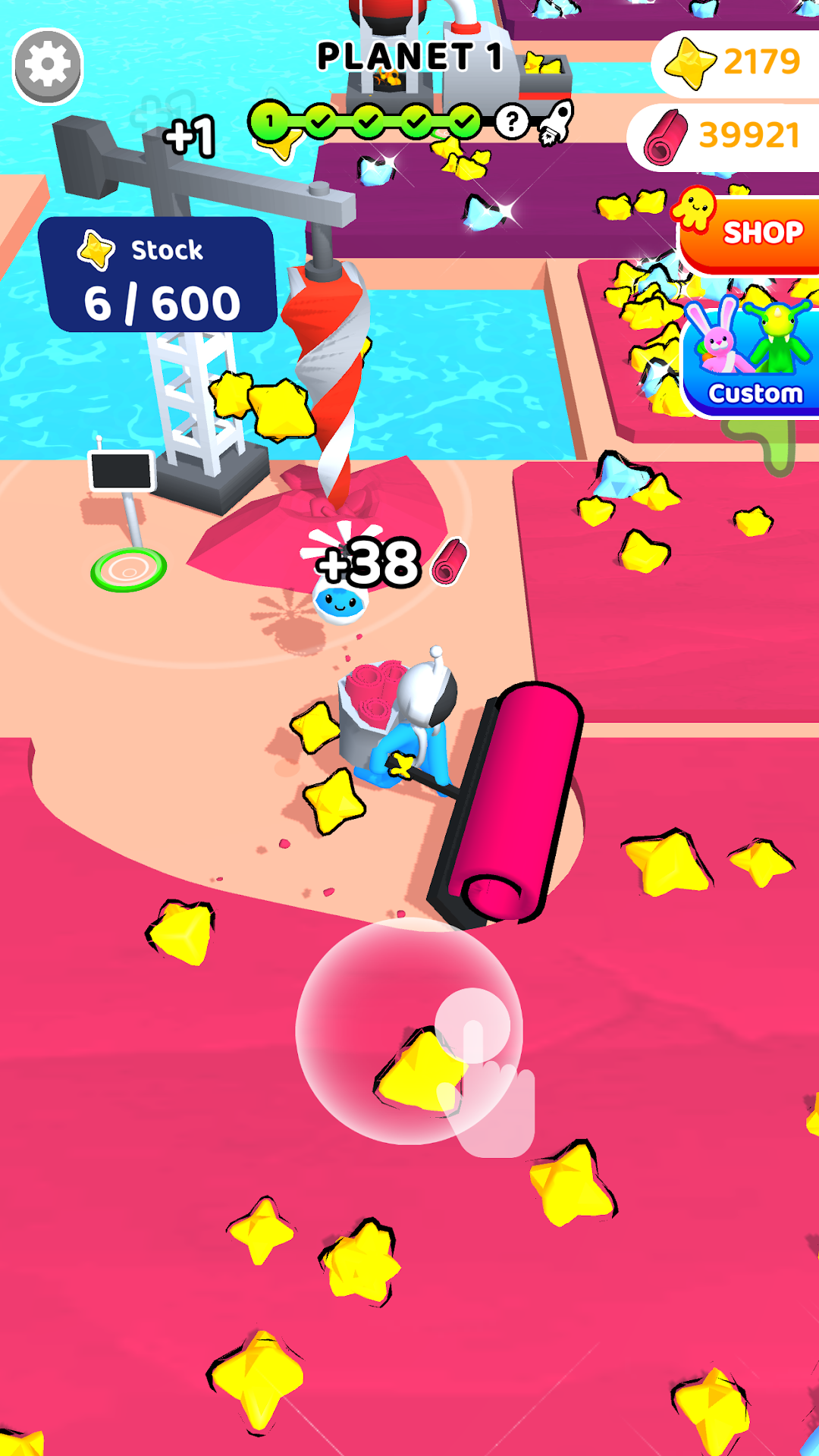
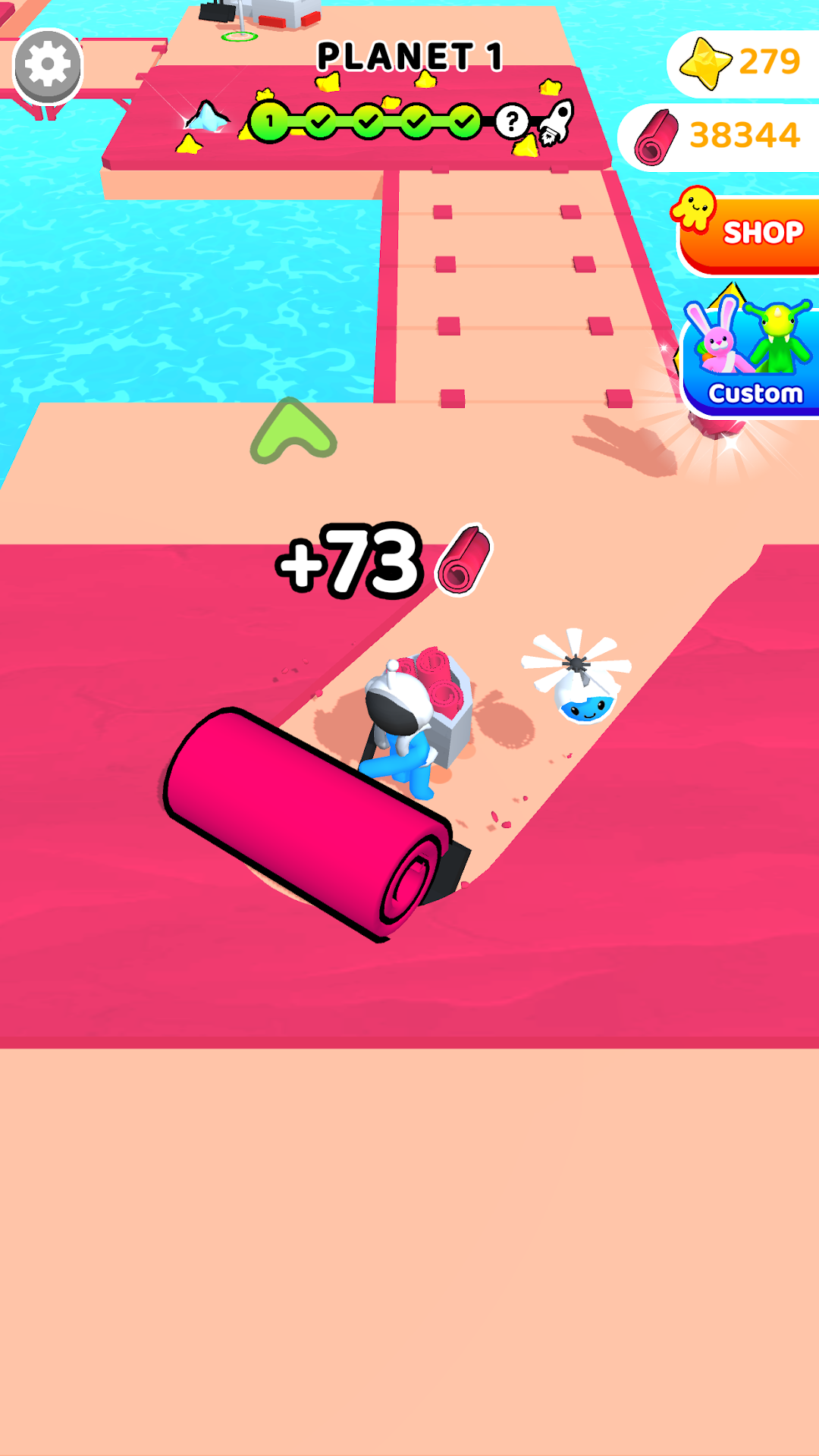
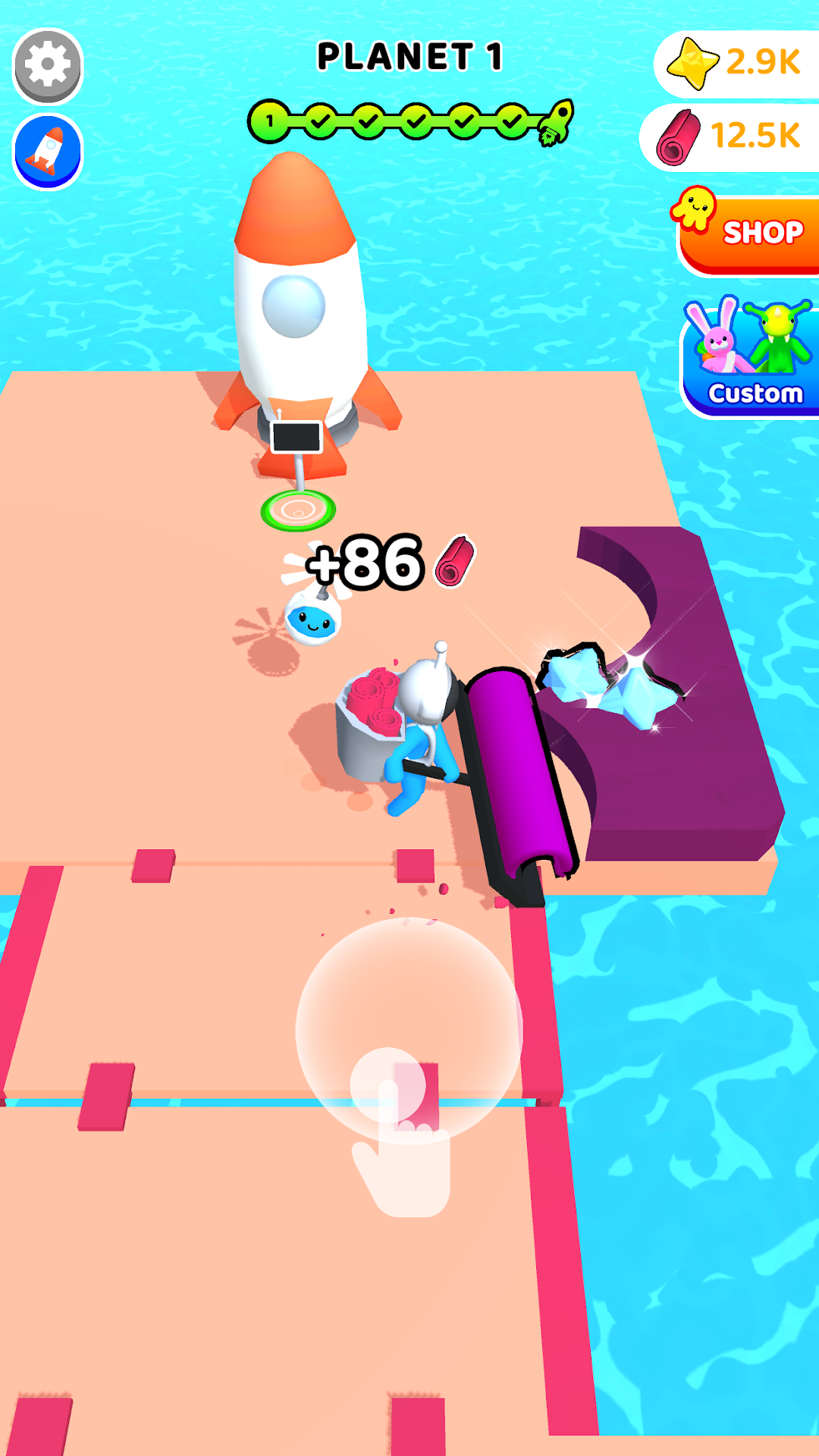
Spiral Craft 3D is an adventure-simulation game that seduces by its colors, its gameplay accessible to all and the satisfaction it provides. Each level offers challenges. Collect the resources needed to unlock new areas by building bridges, rockets or futuristic machines. During your adventure, you will be led to meet the inhabitants of these distant galaxies. For some, they will invite you to challenges of speed and agility, for others they will become your adventure companions. Will you be strong enough for them?
It's easy to control your character. Place your finger on your screen and you will see a joystick. All right, you're ready for adventure.
During the game you will get collect many objects that will serve you in the game such as star dust. That will help your progress in the game and maybe you will find star crystals falling from the sky. Crystals that will unlock new content or machines.
Many skins are available for you and your companions through the Custom section. Nevertheless, all are unlockable by playing and exploring the planets except for two (1 skin character and one skin companion) which are available on the shop.
Our game exists thanks to advertisements. They pace your progress in the game and for some increase your rewards. However, we offer a paid version without advertisements and a "Super Pack" which contains: the No Ads version and premium skins (mentioned above).