首頁/

遊戲/

解謎/

MitchiriNeko Bubble: Shooter

MitchiriNeko Bubble: Shooter
4.05+

MitchiriNeko Bubble: Shooter

The cutest bubble shooter game!

使用雷電模擬器在PC電腦上暢玩
recommend
NLABSOFT Co., Ltd.
如何在電腦上下載MitchiriNeko Bubble: Shooter
近期更新: 2026-04-27
com.memoryinc.IGMNB
分享:
  • 概述

  • FAQ

使用雷電模擬器在電腦上玩MitchiriNeko Bubble: Shooter

MitchiriNeko Bubble: Shooter是NLABSOFT Co., Ltd.開發的一款能夠在行動裝置上運行的解謎應用程式,但使用最好的Android 模擬器-雷電模擬器 ,你可以在電腦上下載並暢玩MitchiriNeko Bubble: Shooter。

在電腦上運行MitchiriNeko Bubble: Shooter,您可以在大螢幕上清晰地瀏覽, 而用滑鼠和鍵盤操控應用程式比用觸摸屏鍵盤要快得多,同時你將永遠不必擔心設備的電量問題。

通過多開和同步功能,你甚至可以在PC上運行多個應用程式和帳戶。

而文件互傳功能讓分享圖像、影片和文件也變得非常容易。

下載MitchiriNeko Bubble: Shooter並在PC上運行。享受PC端的大螢幕和高畫質畫質吧!

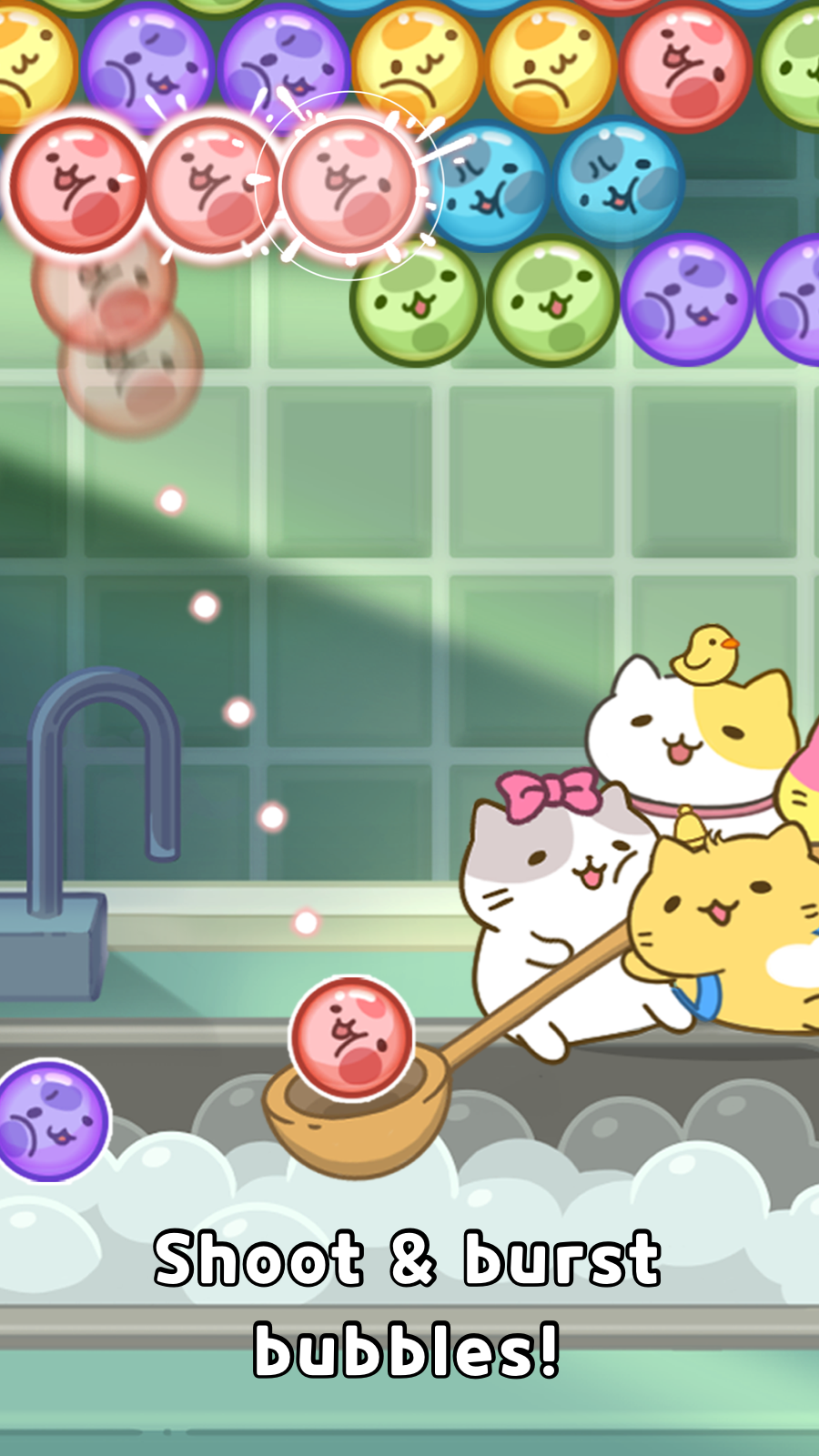
Cute and healing bubble shooter game!

MitchiriNeko is caught in bubbles!
Burst that bubble and save our MitchiriNeko friends! Meow!

◎Easy controls◎
・Shoot bubbles in desired direction!
・Bubbles popping when 3 or more bubbles of the same color are gathered!

◎MitchiriNeko collection◎
・MitchiriNeko produces items!
・Find MitchiriNeko and complete the collection! Meow!

◎Special bubble◎
Stage clear gets easier
when using the special bubbles that appear during the game!

◎A variety of items◎
A vast collection of items make the gameplay even more fun!
・'Add Bubbles(3)’ - adds more bubbles to shoot
・'Bubble Guide’ - adds more accuracy to the bubbles
・’Dash’ - allows for a faster start!
'Start with a Chick Bomb'
・’Rainbow Bomb’ that bursts nearby bubbles
・'Water Cannon Bubble’ that bursts bubbles on a straight line
・'Color Bomb’ that bursts bubbles in the same color

[Sound Effects]
・SOOYOUNG KIM
・OH KYUNG
・YOOKYUNG KIL

[Required Access]
Users that deny this access cannot play the game.
∙ READ_EXTERNAL_STORAGE(Use images, meida nad files on the device)
∙ WRITE_ EXTERNAL_STORAGE(Use images, meida nad files on the device)

© Anime-MitchiriNeko
© NLABSOFT Co., Ltd. All rights reserved.
展開

MitchiriNeko Bubble: Shooter PC版的截圖和影片

透過雷電模擬器下載并在電腦上暢玩MitchiriNeko Bubble: Shooter ,享受更寬闊的視野,更精緻的遊戲畫面,更酷炫的戰鬥技能和特效。極致完美的遊戲體驗,盡在雷電模擬器。
為什麼使用雷電模擬器在電腦上玩MitchiriNeko Bubble: Shooter ?

雷電模擬器提供獨有的模擬器功能,包括多實例支持、巨集指令、操作錄製以及行動裝置上不提供的其他功能。

多開和同步功能

遠端操控

鍵盤操控

多開和同步功能遠端操控鍵盤操控

輕鬆複製多個模擬器視窗,然後開始同步過程,直到您抽到喜歡的英雄再綁定您的帳號,更有效率地在MitchiriNeko Bubble: Shooter中進行遊戲刷首抽(reroll)操作。

  • 高幀率

    在高FPS的支援下,MitchiriNeko Bubble: Shooter遊戲的畫面更加流暢,動作更加連貫,增強了玩MitchiriNeko Bubble: Shooter的視覺體驗和沉浸感。
  • 影片錄製

    輕鬆記錄下在MitchiriNeko Bubble: Shooter中的賽事表現和操作過程,有助於學習和改進駕駛技術,或者與其他玩家分享自己的遊戲經歷和成就。

如何在電腦上下載MitchiriNeko Bubble: Shooter

  • 1

    在你的電腦下載並安裝雷電模擬器

  • 2

    在雷電模擬器的系統應用中找到GooglePlay商店,啟動並登入你的谷歌帳號。

  • 3

    在搜索框中輸入並搜尋MitchiriNeko Bubble: Shooter

  • 4

    從搜尋結果中選擇並安裝MitchiriNeko Bubble: Shooter

  • 5

    完成下載安裝後,回到雷電模擬器首頁。

  • 6

    點擊雷電模擬器首頁上的遊戲icon就可以開始享受精彩的遊戲了。
