Earthlings Beware!是Marconi Loures開發的一款能夠在行動裝置上運行的街機應用程式,但使用最好的Android 模擬器-雷電模擬器 ,你可以在電腦上下載並暢玩Earthlings Beware!。
在電腦上運行Earthlings Beware!,您可以在大螢幕上清晰地瀏覽, 而用滑鼠和鍵盤操控應用程式比用觸摸屏鍵盤要快得多,同時你將永遠不必擔心設備的電量問題。
通過多開和同步功能,你甚至可以在PC上運行多個應用程式和帳戶。
而文件互傳功能讓分享圖像、影片和文件也變得非常容易。
下載Earthlings Beware!並在PC上運行。享受PC端的大螢幕和高畫質畫質吧!
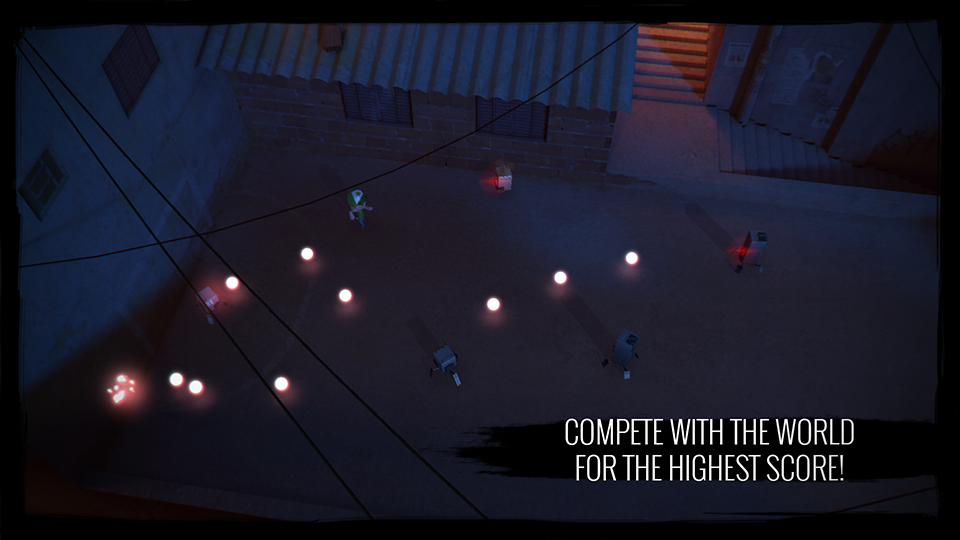
Robots from outer space are invading Earth to capture you!Running is your only alternative in this fast-paced arcade style game where you must trick the robots and make them explode. Collect their cores, increase your score and compete with your friends and the world for the highest score!
Gameplay v1.1.1: https://www.youtube.com/watch?v=nxXEsB4odDg
Gameplay v1.1.3: https://www.youtube.com/watch?v=qdm3DOu0axw
★ Five Power-Ups to change the way you play.
★ Several Characters, Robots and Stages to unlock.
★ Fast and beautiful HD Graphics!
★ Several graphical options to fit your device.
★ Several control options, including Gamepad, Mouse, Keyboard and Tilt.
★ Ready to be played on Smartphones, Tablets, Consoles and TVs.
★ Google Play Games: Achievements and Leaderboards!
★ No in-app purchases, no advertising and no pushing! Only fun!
TIPS:
- Don't just run away from shots. Robots will always aim at you, so this is your "weapon", use it against the other robots. Take a look at the gameplay videos above.
- You can pause during the game and access some options when touching/clicking your score or by using the "back" button on Android. If you are using a gamepad, press the "B" button. With the keyboard you can press "Esc" or "Pause".