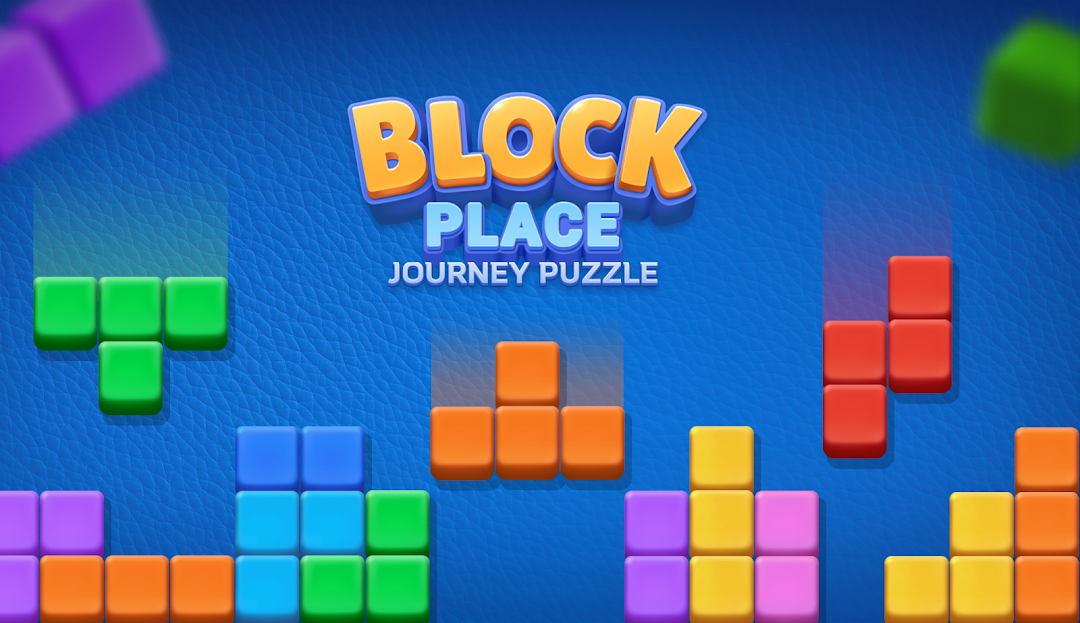
Block Place - Journey Puzzle是STELLASOFT APPLICATION HOSTING SERVICES開發的一款能夠在行動裝置上運行的解謎應用程式,但使用最好的Android 模擬器-雷電模擬器 ,你可以在電腦上下載並暢玩Block Place - Journey Puzzle。
在電腦上運行Block Place - Journey Puzzle,您可以在大螢幕上清晰地瀏覽, 而用滑鼠和鍵盤操控應用程式比用觸摸屏鍵盤要快得多,同時你將永遠不必擔心設備的電量問題。
通過多開和同步功能,你甚至可以在PC上運行多個應用程式和帳戶。
而文件互傳功能讓分享圖像、影片和文件也變得非常容易。
下載Block Place - Journey Puzzle並在PC上運行。享受PC端的大螢幕和高畫質畫質吧!
Dive into the enchanting realm of Block Place - Journey Puzzle, a mesmerizing game that intricately weaves together casual enjoyment and mind-bending puzzle challenges. This delightful experience offers the perfect fusion of classic block puzzles, exhilarating cube smashing, and dynamic block destruction puzzles, making it an essential adventure for puzzle aficionados who revel in a worthy puzzle challenge. Play daily to enjoy the new adventure mode in this iconic block puzzle game. If you love relaxing and exhilarating puzzle games, you don't want to miss Block Place - Journey Puzzle!The game features two mesmerizing and addictive modes: Classic Block Puzzle and Adventure Mode, creating a warm and fulfilling gaming atmosphere filled with captivating puzzle mechanics. The straightforward block puzzle mechanics are remarkably easy to master, engaging your mind while enhancing your cognitive abilities through puzzle-solving. Furthermore, Block Place is completely free, requiring no Wi-Fi or internet connection, allowing you to tackle engaging logic puzzles even when offline. It's your moment to embark on a soothing jigsaw puzzle journey, with Block Place accompanying you for countless delightful puzzle moments!
• Classic Block Puzzle: Immerse yourself in the thrill of dragging colorful blocks onto the board, aiming to match as many as you can in this addictive brainteaser. The game continuously presents a variety of idle block shapes until the board reaches its fullness.
• Block Adventure Mode: A fresh puzzle challenge beckons! Dive into a captivating world filled with intricate puzzles, stimulating your cognitive faculties as you conquer intricate logic challenges.
HOW TO PLAY:
• Simply drag and drop the colorful tile blocks onto the 8x8 grid in a smooth and strategic manner.
• Your objective is to crush as many cubes as you can to achieve the highest score possible.
• Be mindful of the available space on the board; running out will end your game.
• Remember, the block puzzle pieces cannot be rotated, so use your logic and problem-solving skills to place them effectively.
FEATURES:
• Entirely free to play, with no internet connection necessary, allowing for uninterrupted puzzle fun.
• User-friendly and straightforward, free from time constraints or undue pressure, making it the perfect puzzle escape.
• Simple to learn yet offering a challenging puzzle experience that will rigorously test your skills and strategic thinking.
If you seek a free classic puzzle game that captivates and challenges, look no further than Block Place - Journey Puzzle. Don’t hesitate! Take a moment to relax and embrace the thrill of Block Place - Journey Puzzle! Join the adventure, and let the fun unfold as we play together!