Amblyopia Square Colors是Lapigames開發的一款能夠在行動裝置上運行的解謎應用程式,但使用最好的Android 模擬器-雷電模擬器 ,你可以在電腦上下載並暢玩Amblyopia Square Colors。
在電腦上運行Amblyopia Square Colors,您可以在大螢幕上清晰地瀏覽, 而用滑鼠和鍵盤操控應用程式比用觸摸屏鍵盤要快得多,同時你將永遠不必擔心設備的電量問題。
通過多開和同步功能,你甚至可以在PC上運行多個應用程式和帳戶。
而文件互傳功能讓分享圖像、影片和文件也變得非常容易。
下載Amblyopia Square Colors並在PC上運行。享受PC端的大螢幕和高畫質畫質吧!
Amblyopia square colors, aims to be a simple, easy and useful application that helps train the brain to use both eyes simultaneously, in addition to working on reflexes and general visual perception.The game is simple and is not intended to frustrate you. If you need challenges, this application will not give them to you, since what matters is that it is played, without abandoning it or frustrating the player for at least 60 seconds a day.
What is amblyopia?
Amblyopia, "lazy eye" or "lazy eye", is one of the most common vision problems. This happens because one of the eyes does not communicate well with the brain. The eye may appear normal but the brain "prefers" the other eye. In some cases, both eyes may be affected.
How can Square Color Amblyopia help me?
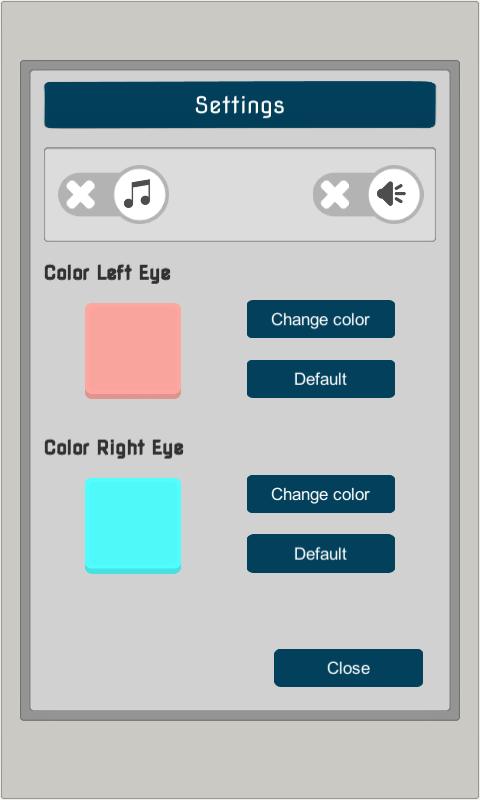
With the correct settings, the application can force the brain to use both eyes simultaneously to teach the brain the correct processing of the image. Each part of the image is filtered only by one of the two eyes and this is achieved through a color filter by putting on anaglyph glasses. Always make sure only one eye can see the left or right color. Playing the game requires information to be sent to both eyes to work cooperatively.
The application will take out the colored boxes with which you have configured your glasses, you must find them among the rest of the boxes, since the two colors are the ones to look for, you force the "lazy eye" or "lazy eye" to work to find this color.
For this to make sense, the application must be used with anaglyph glasses (red / cyan 3D glasses) that you can create yourself at home.
⚠️ WARNINGS:
- This game is aimed at amblyopia, if you have any other eye disorders, please do not use this game to treat them.
- This app does not replace the medical diagnosis of a professional. Remember to always follow the advice of your professional.
- It is advisable to go to an eye specialist annually. THIS APP IS NOT A MEDICAL DEVICE and will not be responsible for any misuse given by it.
Remember, this is not a medical application and should not be taken as a treatment, but rather as a helpful exercise.