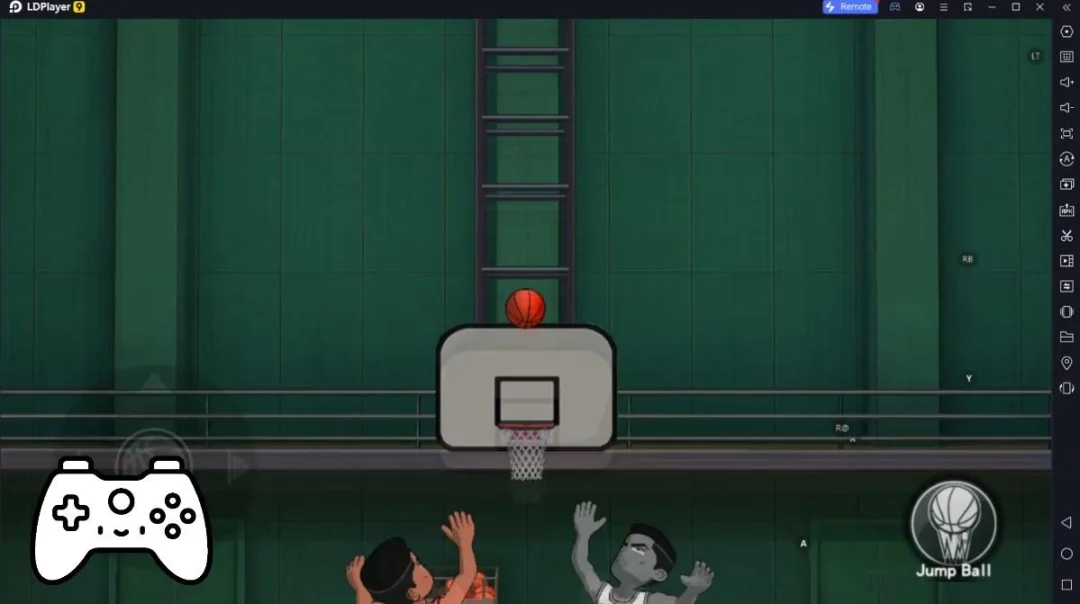
talkSPORT是News Corp UK & Ireland Limited開發的一款體育競技遊戲,雷電模擬器是在電腦上玩talkSPORT的最佳平台,可提供強大的功能幫助你在talkSPORT中獲得沉浸式的體驗。
當你在電腦上玩talkSPORT的時候,如果你想使用自己的遊戲手把來操控遊戲,雷電模擬器自動啟用的gamepad檢測可以幫助你在幾個簡單的點擊中自訂操控,享受更加身臨其境的賽車場景和挑戰。
在高幀率的支援下,遊戲中多樣的賽道設計、豐富的地形和環境變化也會變得更加真實細膩。
同時,錄製影片功能能讓你輕鬆記錄下一切精彩有趣的比賽和遊戲內容,用來與朋友分享或製作影片都非常方便。現在就開始在電腦上下載和玩talkSPORT吧!
The talkSPORT app is bigger and better than ever. Listen to the shows you know and love or watch with our brand new app for the big screen.Enjoy your favourite shows, big sporting opinions and analysis - now in video across our expanded schedule.
As well as our stellar line up of existing shows, from the Breakfast squad with Jeff Stelling, Alan Brazil and Ally McCoist, to White and Jordan, to Drive with Andy Goldstein and Darren Bent, the talkSPORT app gives you a host of brand new shows to get stuck into.
Check out our club shows; Inside Devils, Inside Chelsea and Inside Gooners, where we dive deeper into the Premier League clubs with new and existing talkSPORT presenters. Our weekly talkBOXING show brings you all the analysis and opinions from the world of Boxing with Simon Jordan. And don’t miss How Football Works which focuses on the business behind the beautiful game.
We also bring you our brand new matchday show, The Final Whistle, as we take a look at the scores on the doors as they come in and discuss the big talking points on your mind.
Plus, don’t miss over 450 live commentaries every season on our radio app as we bring your more football than anywhere else across the Premier League, EFL, WSL, Champions League and beyond.
talkSPORT - On Radio and now on your Smart TV.
----------
If there is anything you would like to see included, let us know by emailing: apps@talksport.co.uk.
We will keep making it better and adding to the app so you get the best experience you can.
Our mobile app can be used on Android 8 and above, although we recommend that you stay up to date with the latest operating system if possible. We routinely test on a mixture of the following devices:
Samsung Galaxy S9 (SM-G960F), S9+ (SM-G965F), S20 (SM-G981F), S10 (SM-G973), Note 10 (SM-N970F), and A20e (SM-A202F)
Huawei Mate 20 Pro (LYA-L09), Mate 30 (TAS-L09), P30 (ELE-L29), P40 (ANA-AN00) and Y9 (JKM-LX1)
OnePlus 8 (IN2013), OnePlus 9 (LE2113) and OnePlus Nord (AC2001)
Pixel 6 (GR1YH)
LG Nexus 5X (LG-H791)