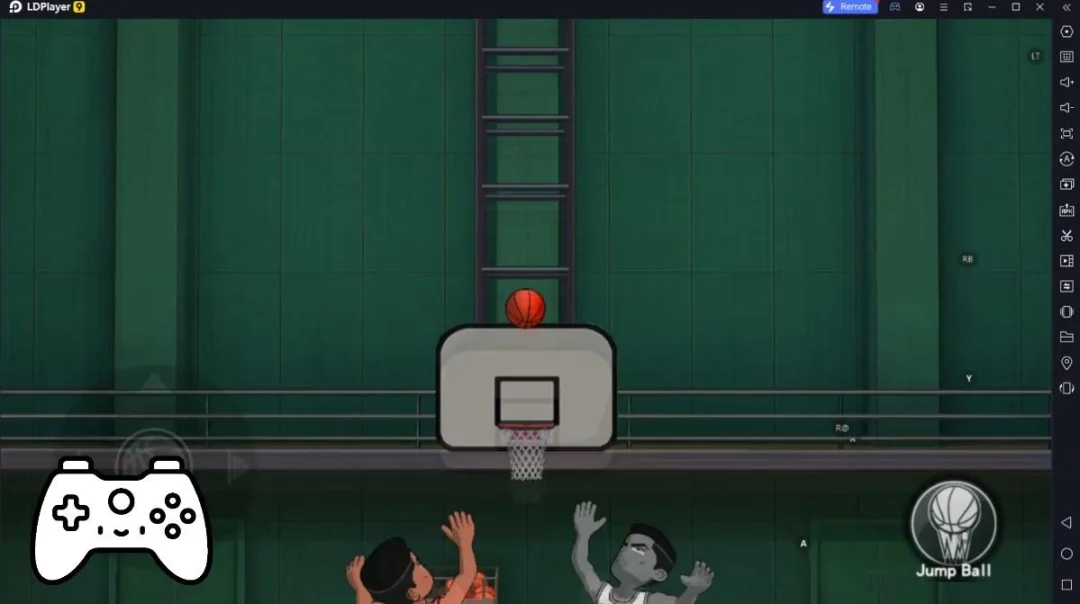
NBA 2K HQ是2K, Inc. - a Take-Two Interactive affiliate開發的一款體育競技遊戲,雷電模擬器是在電腦上玩NBA 2K HQ的最佳平台,可提供強大的功能幫助你在NBA 2K HQ中獲得沉浸式的體驗。
當你在電腦上玩NBA 2K HQ的時候,如果你想使用自己的遊戲手把來操控遊戲,雷電模擬器自動啟用的gamepad檢測可以幫助你在幾個簡單的點擊中自訂操控,享受更加身臨其境的賽車場景和挑戰。
在高幀率的支援下,遊戲中多樣的賽道設計、豐富的地形和環境變化也會變得更加真實細膩。
同時,錄製影片功能能讓你輕鬆記錄下一切精彩有趣的比賽和遊戲內容,用來與朋友分享或製作影片都非常方便。現在就開始在電腦上下載和玩NBA 2K HQ吧!
Lock in around the clock with a host of exciting features designed to level-up your NBA 2K27 experience anytime and anywhere. Create unique builds with the built-in MyPLAYER builder, rally your friends with Crew management and social features, and claim rewards every day. Play beyond the whistle with NBA 2K HQ and stay connected to NBA 2K27.MyPLAYER BUILDER
Shape your game wherever you go. Access the full NBA 2K27 MyPLAYER Builder directly in-app and upload builds you create on NBA 2K HQ right onto your home console setup. Then, share them from anywhere via QR codes.
SOCIAL AND CREW INTEGRATION
Tap into your squad 24/7 with full Crew management and NBA 2K’s social features. With both real-time messaging and Crew management, NBA 2K HQ puts the NBA 2K social experience in the palm of your hand.
DAILY REWARDS
Start your day with a fresh drop! NBA 2K HQ features mobile-exclusive daily login rewards!
PROGRESSION TRACKING
Stay in the moment by viewing your progress and rank in real-time. NBA 2K HQ features continuous tracking for Daily Leaderboards and Crew Rewards so you can focus on your climb to the top.
FACE SCAN
The new-and-improved Face Scan features a quicker, more accurate scanning process with high-fidelity texture quality–all designed to place you right into your very own basketball fantasy. Your game. Your look.
Requires internet connection and Android 11.0 or above (Minimum API level 30)
Do Not Sell or Share My Personal Information: https://www.take2games.com/ccpa
Use of this application is governed by the Terms of Service (ToS) found at www.take2games.com/legal. Online and certain special features require an internet connection, may not be available to all users or at all times, and may be terminated, modified, or offered under different terms without notice. For more information on the availability of online features and services visit https://bit.ly/2K-Online-Services-Status.