

iRacing Companion是iRacing開發的一款能夠在行動裝置上運行的應用程式,但使用最好的Android 模擬器-雷電模擬器 ,你可以在電腦上下載並暢玩iRacing Companion。
在電腦上運行iRacing Companion,您可以在大螢幕上清晰地瀏覽, 而用滑鼠和鍵盤操控應用程式比用觸摸屏鍵盤要快得多,同時你將永遠不必擔心設備的電量問題。
通過多開和同步功能,你甚至可以在PC上運行多個應用程式和帳戶。
而文件互傳功能讓分享圖像、影片和文件也變得非常容易。
下載iRacing Companion並在PC上運行。享受PC端的大螢幕和高畫質畫質吧!
Are you looking for a reliable race schedule and stats app for iRacing that will inform you about upcoming races?An iRacing schedule app that will let you add race reminders and sync your account on multiple mobile devices via the cloud?
Meet the iRacing Companion App – the official companion app of iRacing members. With the iRacing Companion App, you’ll never miss an event, and you’ll be able to stay on top of your iRacing profile.
Get the iRacing calendar, follow your favorite series, add reminders for races, leagues, and series, watch upcoming races, and much more directly from your phone.
►PROFILE
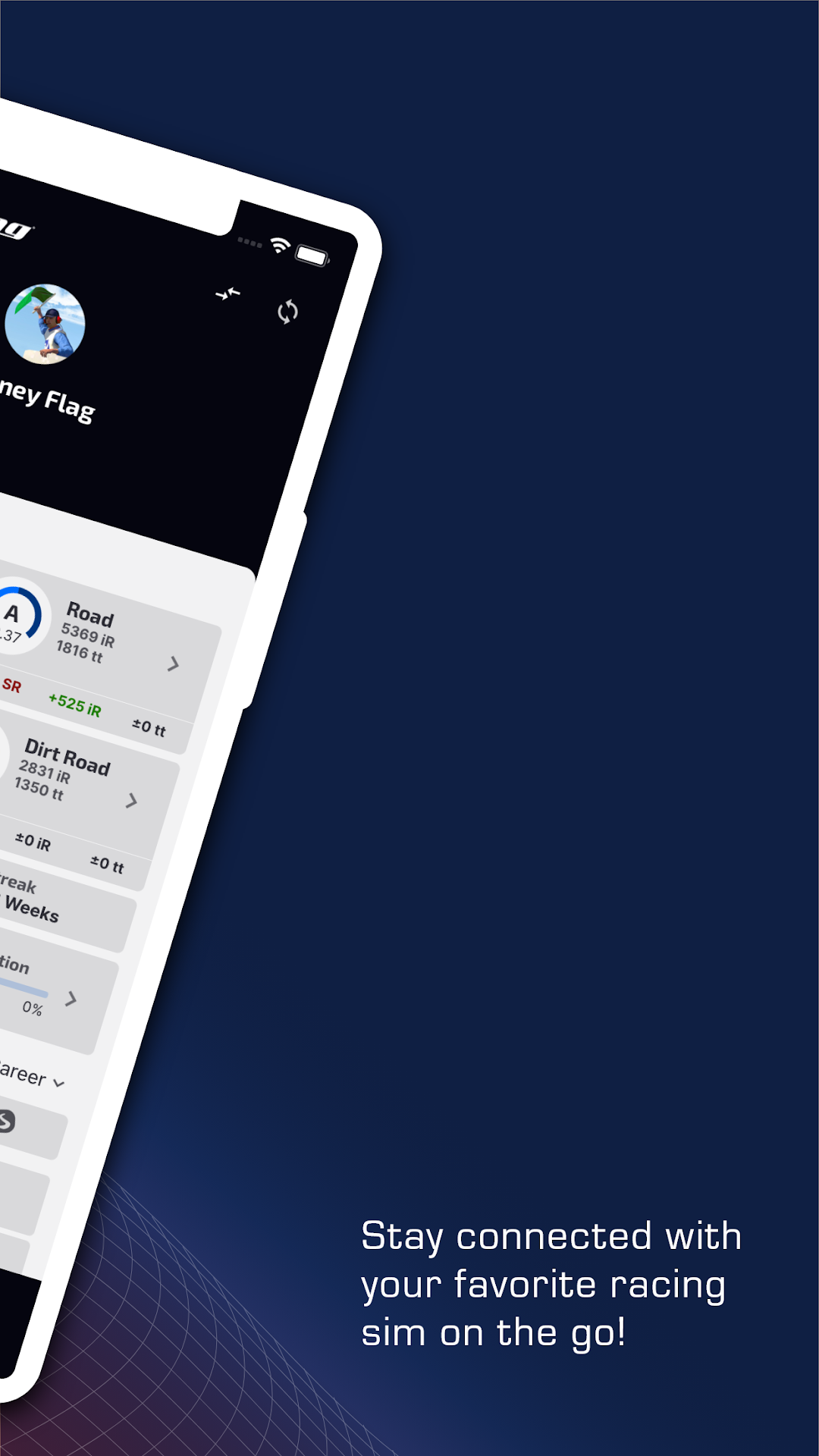
Sync your iRacing account and see all your licenses, statistics, and last race times in one place.
►SERIES
Explore all available series for each of your licenses. Favorite any series you like and have them quickly accessible in your favorites section. Also, add reminders for Series.
►UPCOMING RACES
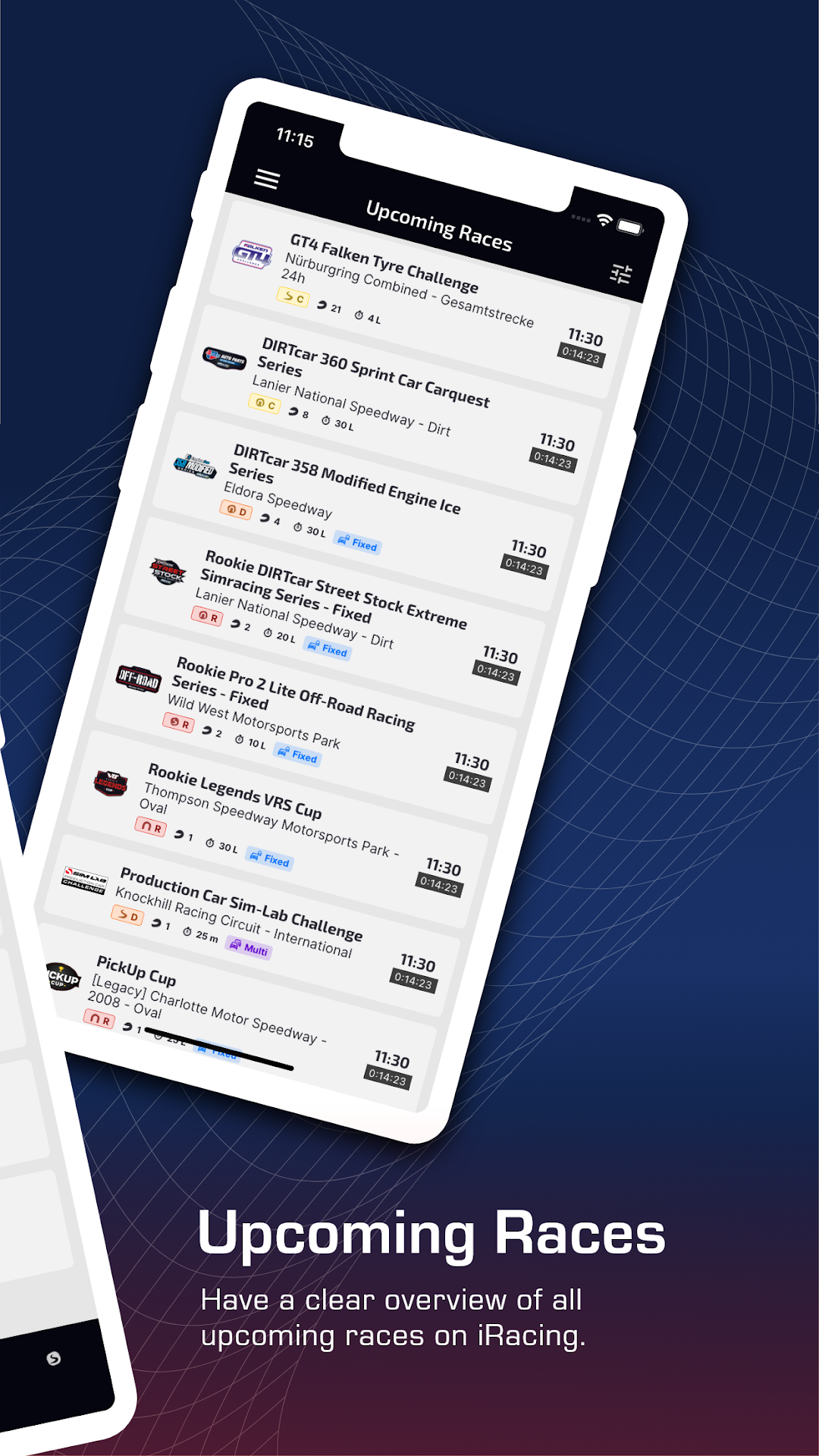
Have a clear overview of all upcoming races on iRacing. Filter your search by series, category, licenses, setup, and multiclass. View the time, conditions, schedule, standings, session times, and information for each race. Add reminders for any race and add races to your favorites.
►REMINDERS
Add reminders for leagues and official series. The app will notify you before the race starts!
►NEWS
Don’t miss any important updates for iRacing. See exciting updates from iRacing’s pro esports series, as well as content previews, gift cards, contest updates, and more.
►MY LEAGUES & CONTENT
View all of the leagues you have joined and add race reminders. Additionally, view and filter all your owned content on iRacing by owned/unowned, type, release, and price.
►ACCOUNT SYNCING
All of your account data like reminders, notifications, time settings, owned content, and preferences are now synchronized on the cloud. Everything will be updated and synced automatically on up to three devices.
Now it’s time to take your iRacing career to a new level.
Get the iRacing Companion App now and see why our users name it a must-have companion app for iRacing!