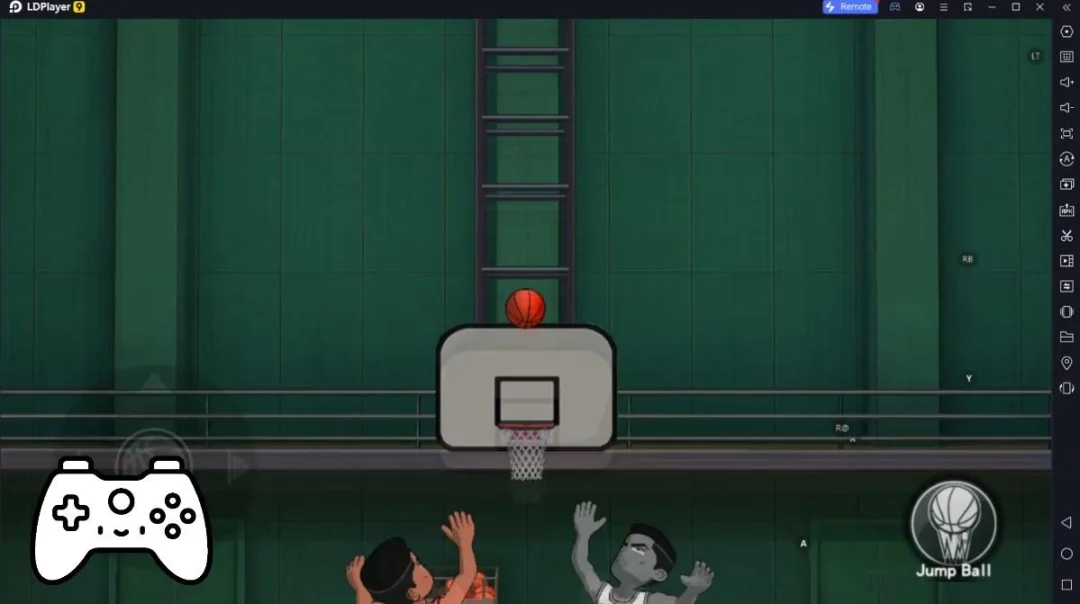
Gym Flip是Ruby Games AS開發的一款體育競技遊戲,雷電模擬器是在電腦上玩Gym Flip的最佳平台,可提供強大的功能幫助你在Gym Flip中獲得沉浸式的體驗。
當你在電腦上玩Gym Flip的時候,如果你想使用自己的遊戲手把來操控遊戲,雷電模擬器自動啟用的gamepad檢測可以幫助你在幾個簡單的點擊中自訂操控,享受更加身臨其境的賽車場景和挑戰。
在高幀率的支援下,遊戲中多樣的賽道設計、豐富的地形和環境變化也會變得更加真實細膩。
同時,錄製影片功能能讓你輕鬆記錄下一切精彩有趣的比賽和遊戲內容,用來與朋友分享或製作影片都非常方便。現在就開始在電腦上下載和玩Gym Flip吧!
Swing and jump to make fantastic flips through the air! With realistic physicseasy mechanics and gorgeous visuals, play the hottest flip game of the year.
Do you like Gym, Parkour, doing flips? Then this is your game.
Master all the tricky jumps!
Subscription Terms
VIP Membership offers a weekly subscription for $6.99 after a 3-day free trial. After purchasing this subscription, you will immediately unlock: 3 new VIP skins, 200% extra gems from daily reward and bonus stages, and remove all random ads. This is an Auto-renewable subscription. The payment is charged to your iTunes account after confirmation of purchase. Your subscription will be renewed unless you turn it off at least 24 hours before the period ends. Your account will be charged for renewal as well. Subscriptions may be managed by the user and auto-renewal may be turned off by going to the user's Account Settings after purchase. See below links for more information.
Policy - http://rubygamestudio.com/privacypolicy.html
The prices are set for United States customers. Pricing in other countries may vary and actual charges may be converted to your local currency.
To cancel your Subscription Please visit: https://support.google.com/googleplay/answer/7018481?co=GENIE.Platform%3DAndroid&hl=en
Contacting Us
If there are any questions regarding these terms, you may contact us using the information below.
Ruby Games
Turkey
info@rubygamestudio.com