Chinese Chess - Xiangqi Pro是Gnik Box開發的一款能夠在行動裝置上運行的棋牌應用程式,但使用最好的Android 模擬器-雷電模擬器 ,你可以在電腦上下載並暢玩Chinese Chess - Xiangqi Pro。
在電腦上運行Chinese Chess - Xiangqi Pro,您可以在大螢幕上清晰地瀏覽, 而用滑鼠和鍵盤操控應用程式比用觸摸屏鍵盤要快得多,同時你將永遠不必擔心設備的電量問題。
通過多開和同步功能,你甚至可以在PC上運行多個應用程式和帳戶。
而文件互傳功能讓分享圖像、影片和文件也變得非常容易。
下載Chinese Chess - Xiangqi Pro並在PC上運行。享受PC端的大螢幕和高畫質畫質吧!
Chinese Chess Pro is the best Chinese Chess board game with amazing graphics, smart computer and awesome features. Specially, NO Ads, NO in-app purchase, NO casino feature, just for fun with Chinese Chess Pro. Available for 5 languages: English, Vietnamese, Chinese Simplified, Chinese Traditional and Japanese.6 people to play against in Chinese Chess Pro:
- A Lucky Child (easy): He is just 9 years old.
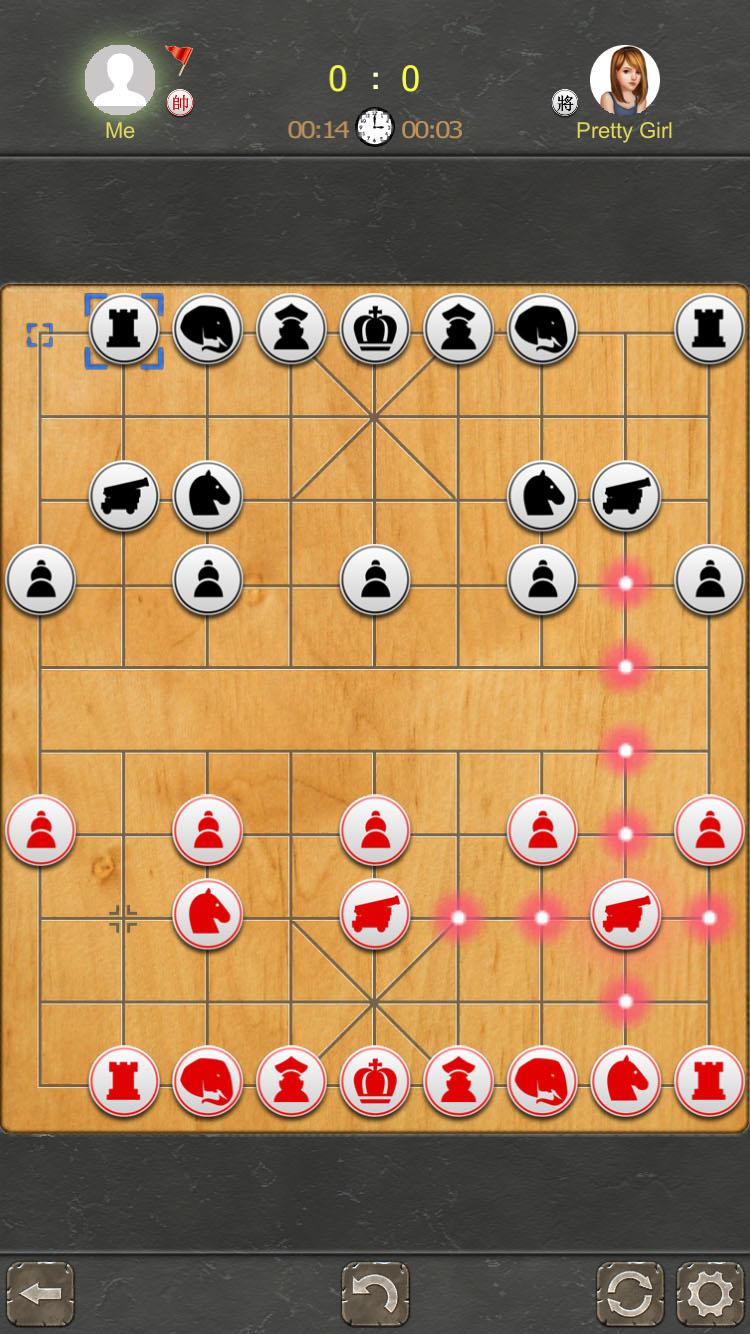
- Pretty Girl (medium): She is beautiful, smart, and 20 years old.
- Gentleman (hard): He is handsome and 39 years old.
- Master (very hard): He is old, he is the master. You must have patience to play with him.
- Grand Master (nightmare): He is very old, and excellent at Chinese Chess Pro.
- Genius (legendary): The strongest opponent, challenge him if you are the best.
Special Features only in Chinese Chess Pro:
- NO-Ads: Don't show any Advertisements in game.
- Posture mode, puzzle with Chinese Chess.
- Unlimited undo.
- Play with a Chinese or Western set.
- See all the possible and impossible moves when selecting a piece.
- Amazing UI with excellent graphics.
- Great animation.
- Great moving effect.
- Pretty sound and music.
- Sign in and view leaderboard.
Have fun playing Chinese Chess - Xiangqi Pro.