Shimeji - desktop pet是Anbu Studio開發的一款能夠在行動裝置上運行的工具應用程式,但使用最好的Android 模擬器-雷電模擬器 ,你可以在電腦上下載並暢玩Shimeji - desktop pet。
在電腦上運行Shimeji - desktop pet,您可以在大螢幕上清晰地瀏覽, 而用滑鼠和鍵盤操控應用程式比用觸摸屏鍵盤要快得多,同時你將永遠不必擔心設備的電量問題。
通過多開和同步功能,你甚至可以在PC上運行多個應用程式和帳戶。
而文件互傳功能讓分享圖像、影片和文件也變得非常容易。
下載Shimeji - desktop pet並在PC上運行。享受PC端的大螢幕和高畫質畫質吧!
Shimejis (or desktop pet) are little characters (buddies or mascots) who mess about in your windows (desktop, browser, mobile screen), while you are still working on your device.Get a shimeji with the mouse pointer, drag them around, and drop them where you need. They walk, slither, and climb all around your screen.
They can play on pretty much every site including Google, YouTube, Facebook, DeviantArt, MyAnimeList, Pinterest, Tumblr, and Instagram.
There is a mate of numerous shimeji of famous anime series, games, movies, cartoons, and so on accessible for download in the shimeji list. Pick your favorite shimeji and enjoy!
Shimeji - desktop pet is a shimeji tool app for Android, it will help you bring a cute shimeji mascot to your phone.
How to use Shimeji-ee?
✔️ Install & open the app
✔️ Click "Enable shimeji" and grant the needed permission
✔️ Click add button, and you have 2 options: search in the available list or add manually
✔️ Many shimeji are already for download directly and some are available on https://shimejimascot.com
✔️ Choose your favorite character to preview the shimeji
✔️ Click the "Add" button to show the shimeji on top of the screen
✔️ You can click on the sticker to open control panel
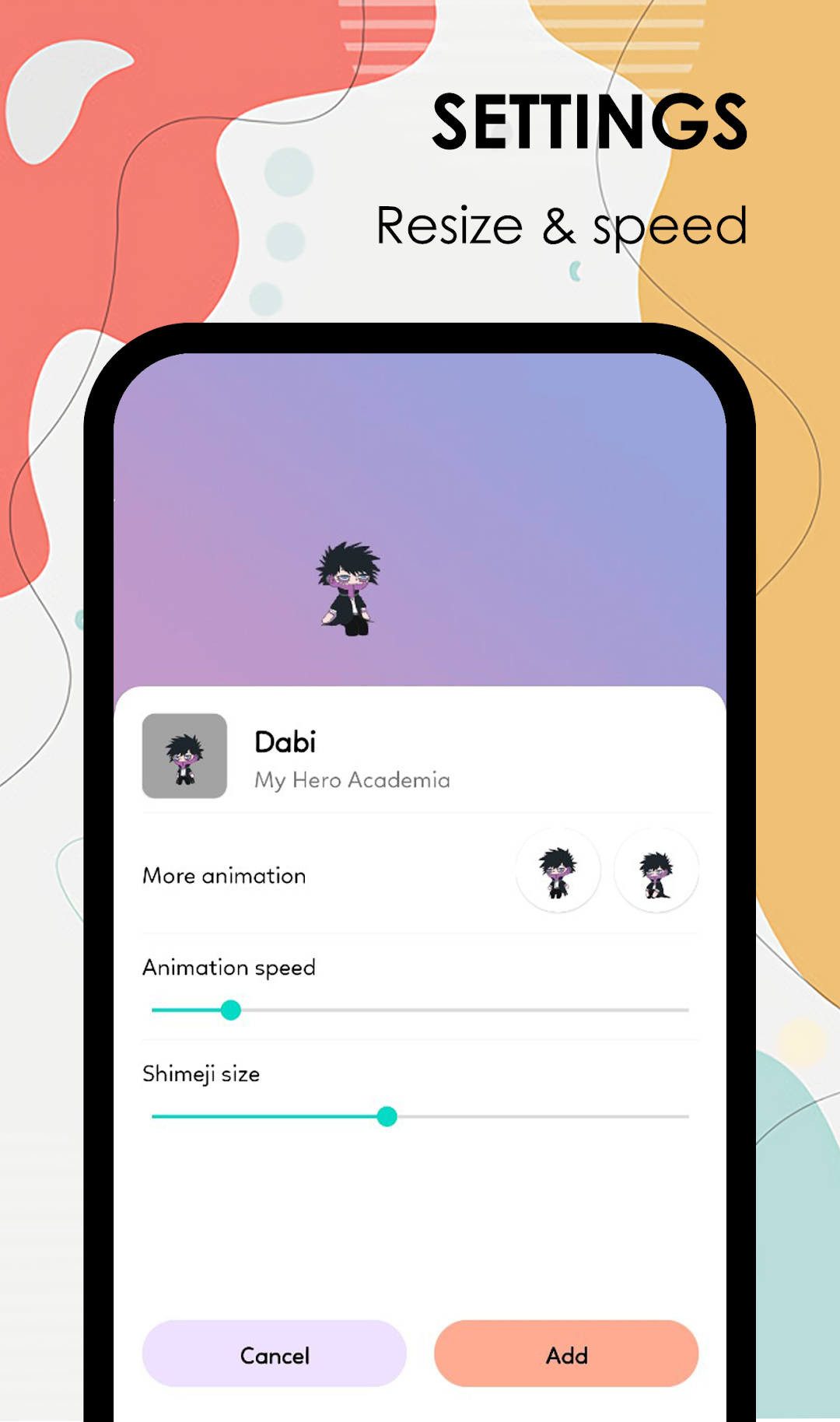
✔️ You can change the size, and speed in setting
What can you find in this app?
Many cute shimeji/desktop pets of a large collection: such as anime/manga (One Piece, Naruto, Demon Slayer, Jujutsu Kaisen, Hunter x Hunter, My Hero Academia, etc) or games (Mario, Genshin Impact) or superheroes (Spiderman, Thor, etc) or BTS (Jungkook, V, Jimin, etc) and so on...
👉 Now, download Shimeji - desktop pet, and enjoy it!