

Line 98 Classic: Color Puzzle是HALA GAMES JSC開發的一款能夠在行動裝置上運行的棋牌應用程式,但使用最好的Android 模擬器-雷電模擬器 ,你可以在電腦上下載並暢玩Line 98 Classic: Color Puzzle。
在電腦上運行Line 98 Classic: Color Puzzle,您可以在大螢幕上清晰地瀏覽, 而用滑鼠和鍵盤操控應用程式比用觸摸屏鍵盤要快得多,同時你將永遠不必擔心設備的電量問題。
通過多開和同步功能,你甚至可以在PC上運行多個應用程式和帳戶。
而文件互傳功能讓分享圖像、影片和文件也變得非常容易。
下載Line 98 Classic: Color Puzzle並在PC上運行。享受PC端的大螢幕和高畫質畫質吧!
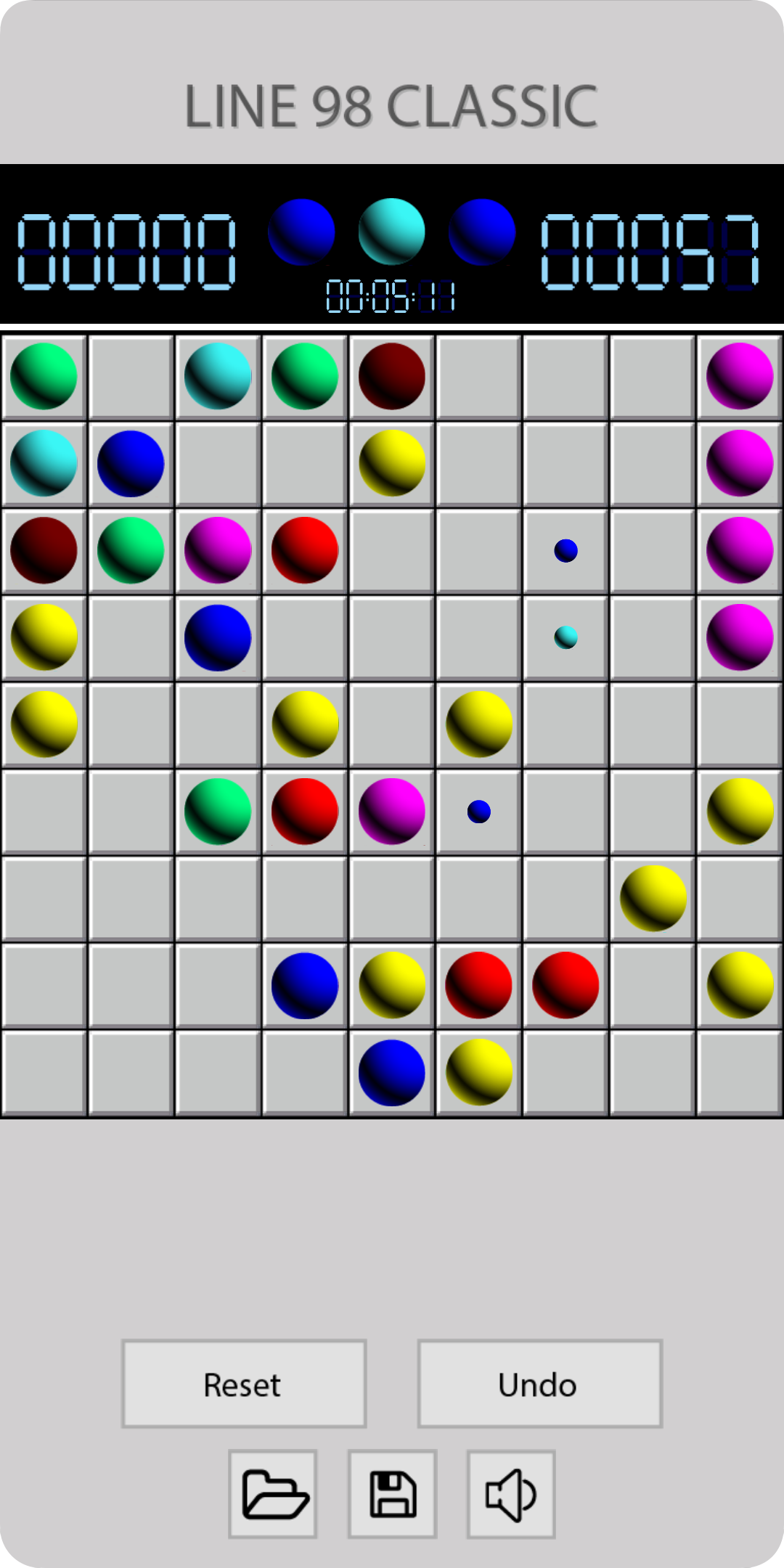
Lines 98 is a classic puzzle game in 1990s. First invented by a Russian programmer, it is quickly being well known in the end of 90s when integrated in a PC operating system which called Win 98. That’s why it has the name Lines 98 then.This classic puzzle game has very simple rule. On a 9x9 board, there are some color balls. They have different colors: Red, Green, Blue, Yellow, Dark Red, Pink. Some balls are smaller than the others. And only 3 small color balls appear on screen at the same time. User can move the big ball by drag or touch on the ball then touch on the destination. Their mission is to bring the same color balls together. When 5 same color balls are arranged in a line (cross, vertical, horizontal), they will explode and disappear from the board. You score up then!
This classic lines 98 game has no time limit. User just touch and touch, score and score to beat their record. It is simple, but it is very relaxing. I have seen many people playing this Line 98 game for years, in every free time in their day.
Though it was old, but it is always be missed. And users keeps playing this Line 98 Classic till this time. 30 years since it was first invented.
There are many versions on store but I still feel that they are not satisfying. So I created this one - Line 98 Classic - with the old theme. And you could feel exact the old feeling 30 years ago.
Let’s download and play Line 98 Classic: Color Puzzle.
Thank you!