Tripo - AI 3D Modeler是Holymolly Limited開發的一款能夠在行動裝置上運行的藝術與設計應用程式,但使用最好的Android 模擬器-雷電模擬器 ,你可以在電腦上下載並暢玩Tripo - AI 3D Modeler。
在電腦上運行Tripo - AI 3D Modeler,您可以在大螢幕上清晰地瀏覽, 而用滑鼠和鍵盤操控應用程式比用觸摸屏鍵盤要快得多,同時你將永遠不必擔心設備的電量問題。
通過多開和同步功能,你甚至可以在PC上運行多個應用程式和帳戶。
而文件互傳功能讓分享圖像、影片和文件也變得非常容易。
下載Tripo - AI 3D Modeler並在PC上運行。享受PC端的大螢幕和高畫質畫質吧!
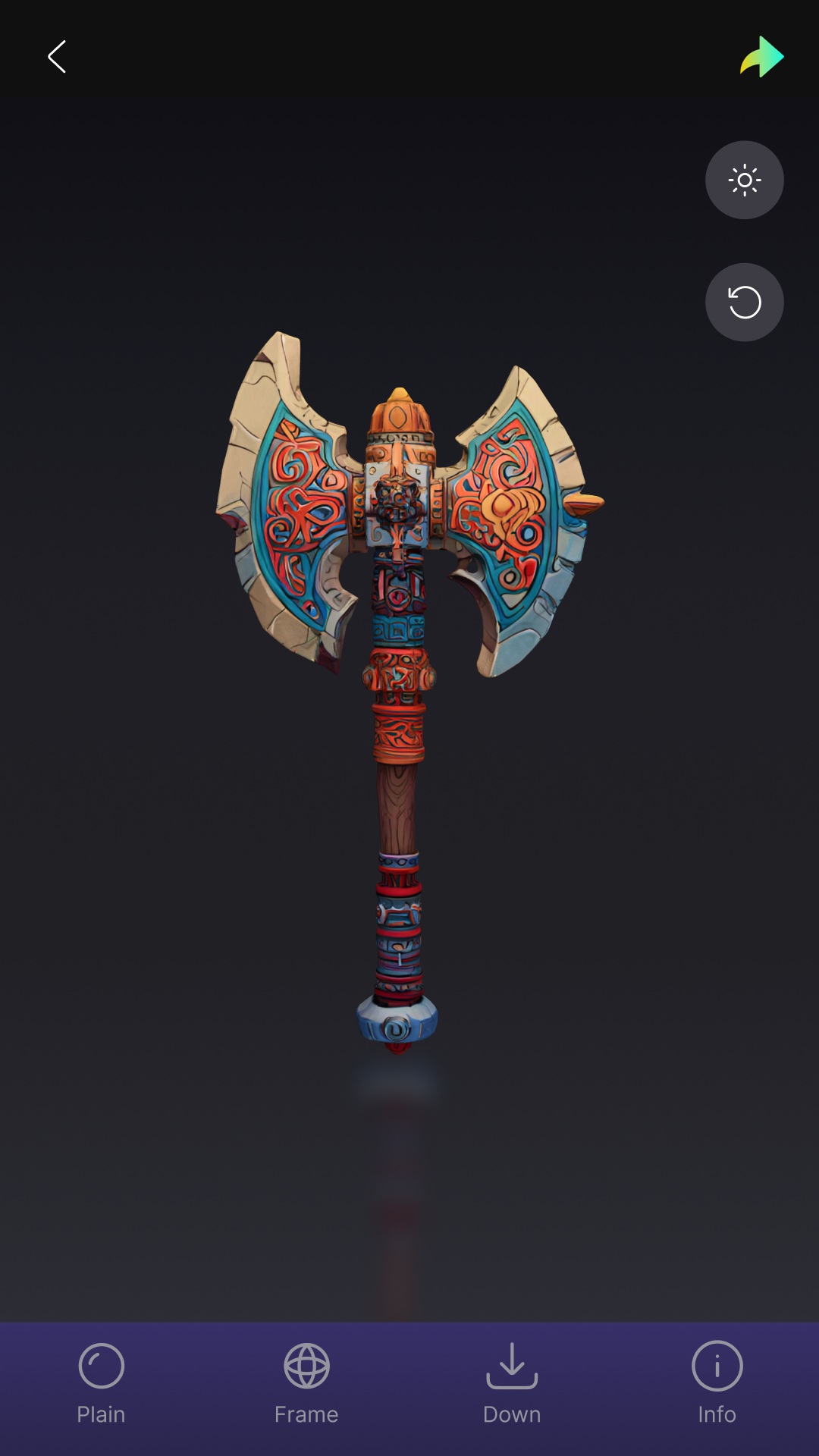
Tripo AI - Create Stunning 3D Models with EaseUnleash your creativity with Tripo AI, an innovative app that harnesses advanced artificial intelligence to transform your images or text prompts into unique, high-quality 3D models. With just a few taps, you can create breathtaking, ready-to-use models that simplify your work and enhance your creative projects.
How It Works
Tripo AI leverages cutting-edge "text-to-3D" and "image-to-3D" technology to bring your ideas to life. Simply input a text description or upload an image, and our AI will generate a bespoke, high-precision 3D model tailored to your vision. Whether you're designing buildings, characters, props, or 3D-printable objects, Tripo AI empowers you to create virtually anything.
Why Choose Tripo AI?
*Spark Creativity: Discover fresh ideas and inspiration to fuel your imagination.
*Boost Efficiency: Quickly produce professional-grade 3D models for work, study, or personal projects.
*Personalize Your Creations: Craft custom 3D models for 3D printing, unique gifts, or personalized home décor.
How to Use Tripo AI
1.Open the app and enter a text prompt or upload an image.
2.Tap the "Generate" button.
3.Watch as Tripo AI crafts your custom 3D model.
4.Save and share your stunning creation!
A Growing Platform
Tripo AI is continuously evolving, with new features and improvements added regularly. While the app has some limitations, its potential is boundless. We value your feedback, as it helps us refine the app and deliver an even better user experience.
Download Tripo AI today and explore the endless possibilities of AI-powered 3D creation!