首頁/

應用程式/

漫畫/

Screen & Comic Translate

Screen & Comic Translate
0.05+

Screen & Comic Translate

翻譯螢幕、遊戲、聊天、漫畫、漫畫、漫畫和其他應用程式。

使用雷電模擬器在PC電腦上暢玩
recommend

Screen & Comic Translate的官方開發商為COSMOMIME,雷電模擬器只提供應用程式Apk下載服務。

COSMOMIME
如何在電腦上下載Screen & Comic Translate
近期更新: 2025-12-24
com.cosmomime.cosmoscreenimagetranslate
分享:
  • 概述

  • FAQ

用雷電模擬器在PC電腦上運行Screen & Comic Translate

Screen & Comic Translate是COSMOMIME開發的一款能夠在行動裝置上運行的漫畫應用程式,但使用最好的Android 模擬器-雷電模擬器 ,你可以在電腦上下載並暢玩Screen & Comic Translate。

在電腦上運行Screen & Comic Translate,您可以在大螢幕上清晰地瀏覽, 而用滑鼠和鍵盤操控應用程式比用觸摸屏鍵盤要快得多,同時你將永遠不必擔心設備的電量問題。

通過多開和同步功能,你甚至可以在PC上運行多個應用程式和帳戶。

而文件互傳功能讓分享圖像、影片和文件也變得非常容易。

下載Screen & Comic Translate並在PC上運行。享受PC端的大螢幕和高畫質畫質吧!

Cosmo Screen & Comic Translate is a powerful translation tool designed for general purpose. Translate chat, game, manga, and other apps directly on your screen or from saved images with specialized text detection optimized for comic layouts.

🌟 KEY FEATURES 🌟

📱 SCREEN TRANSLATION
• Floating button overlay for non-intrusive access
• Quick Translation: Capture and translate any screen with a single tap
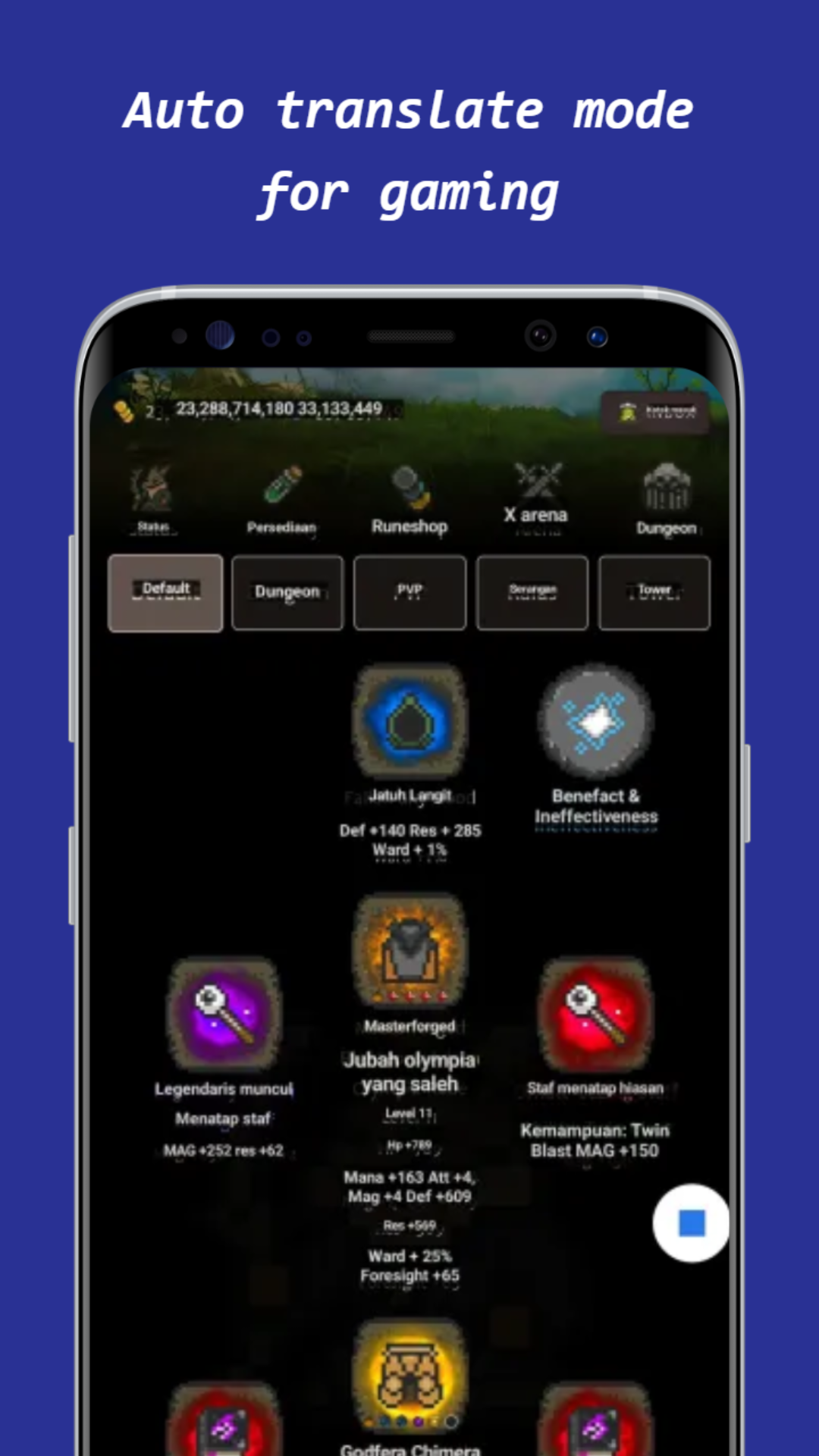
• Auto Translation: Automatically detects screen changes and translates new content
• Real-time translation displayed directly over original text
• Optimized for comics with specialized layout modes

🖼️ IMAGE TRANSLATION
• Batch processing for multiple images
• Individual image editing with precise control
• Manual text editing before translation
• Translation editing for perfect results
• Save changes directly to image files

🔤 LANGUAGE SUPPORT
• 50+ languages including Japanese, Korean, Chinese, English and more
• Offline translation - no internet required!
• Specialized comic text detection and processing

📚 ADVANCED FEATURES
• Glossary system with 90% similarity matching to handle OCR errors
• Multiple layout modes: General, Comic Horizontal, Comic Vertical
• Text cleanup options for better translation quality
• OpenCV inpainting for clean text extraction
• Adjustable text extraction settings

💡 OPTIMIZED FOR COMICS
• Special preprocessing for comic text styles
• Comic-specific layout detection
• Background cleaning with mask protection
• Perfect for manga, manhwa, manhua and more!

Cosmo Screen & Image Translate is the perfect companion for comic readers, language learners, and anyone who needs quick, accurate translations. Enjoy your favorite comics in your preferred language with our specialized translation technology!

Supported languages include: Afrikaans, Albanian, Arabic, Bengali, Belarusian, Bulgarian, Catalan, Chinese, Croatian, Czech, Danish, Dutch, English, Esperanto, Estonian, Finnish, French, Galician, Georgian, German, Greek, Gujarati, Hebrew, Hindi, Hungarian, Icelandic, Indonesian, Irish, Italian, Japanese, Kannada, Korean, Latvian, Lithuanian, Macedonian, Malay, Maltese, Marathi, Norwegian, Persian, Polish, Portuguese, Romanian, Russian, Slovak, Slovenian, Spanish, Swahili, Swedish, Tagalog, Tamil, Telugu, Thai, Turkish, Ukrainian, Urdu, Vietnamese, Welsh.
展開

Screen & Comic Translate PC版的截圖和影片

透過雷電模擬器下載并在電腦上運行Screen & Comic Translate ,可同時執行多個app和多個小號,做時間管理大師,工作娛樂兩不誤。

如何在PC電腦上下載並運行Screen & Comic Translate

  • 1

    在你的電腦下載並安裝雷電模擬器

  • 2

    在雷電模擬器的系統應用中找到GooglePlay商店,啟動並登入你的谷歌帳號。

  • 3

    在搜索框中輸入並搜尋Screen & Comic Translate

  • 4

    從搜尋結果中選擇並安裝Screen & Comic Translate

  • 5

    完成下載安裝後,回到雷電模擬器首頁。

  • 6

    點擊雷電模擬器首頁上的遊戲icon就可以開始享受精彩的遊戲了。