Video Player是Polaris Vortex開發的一款能夠在行動裝置上運行的影片播放與編輯應用程式,但使用最好的Android 模擬器-雷電模擬器 ,你可以在電腦上下載並暢玩Video Player。
在電腦上運行Video Player,您可以在大螢幕上清晰地瀏覽, 而用滑鼠和鍵盤操控應用程式比用觸摸屏鍵盤要快得多,同時你將永遠不必擔心設備的電量問題。
通過多開和同步功能,你甚至可以在PC上運行多個應用程式和帳戶。
而文件互傳功能讓分享圖像、影片和文件也變得非常容易。
下載Video Player並在PC上運行。享受PC端的大螢幕和高畫質畫質吧!
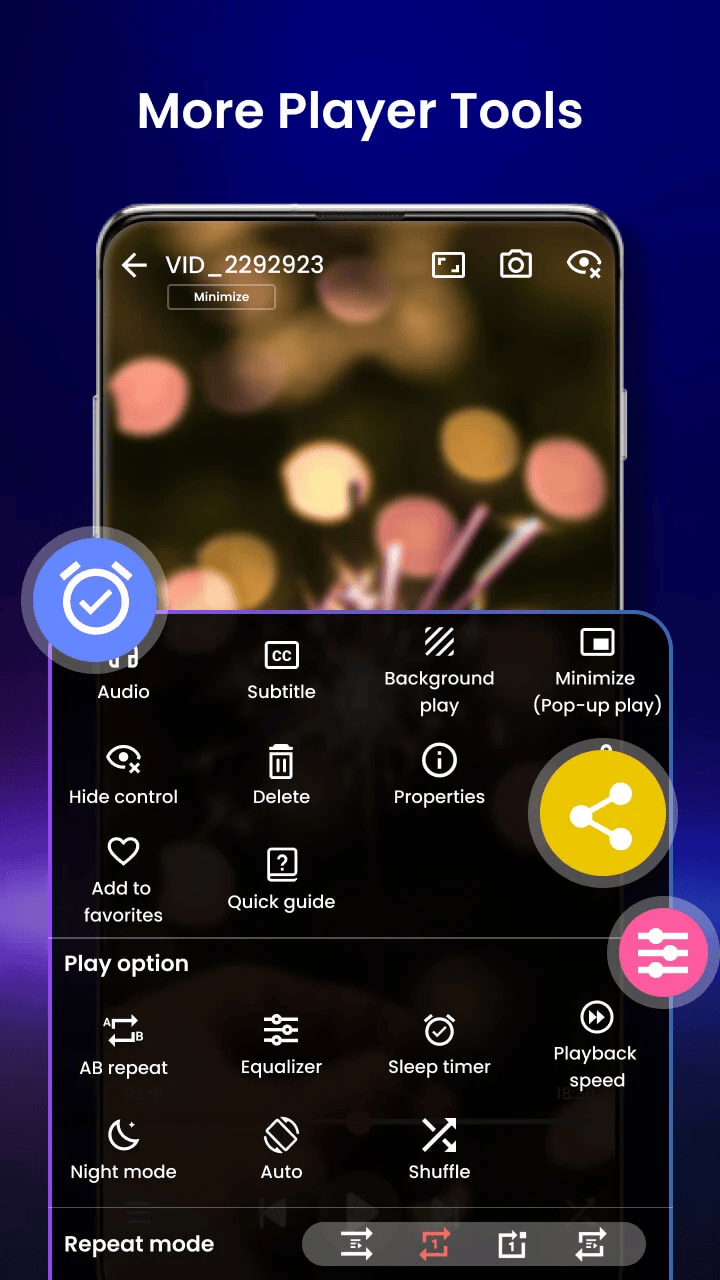
Experience the ultimate video playback with our powerful and feature-rich Video Player app — your all-in-one solution for watching videos in stunning HD and 4K quality. Whether it's local video files, cloud-based media, or streamed content, this app delivers smooth, high-performance playback on Android devices with full support for all video formats including MP4, MKV, AVI, MOV, FLV, 3GP, WMV, and more.📽️ Top Features:
✓ Ultra HD & 4K playback support
✓ All video formats: MP4, MKV, AVI, MOV, WMV, FLV, TS, M4V, 3GP
✓ Smart gesture controls: volume, brightness, seeking
✓ Subtitle support: SRT, SSA, ASS, VTT, and built-in track detection
✓ Background play & pop-up window mode
✓ Night mode and eye-protection features
✓ Speed control: Slow-motion and fast forward (0.25x to 4x)
✓ File manager integration: Auto-detects and organizes video files
✓ Private folder: Keep your videos secure with PIN lock
✓ Chromecast support to stream to TV
✓ Resume playback and last seen tracker
✓ No ads
🎯 Why Choose This Video Player?
Designed for speed, simplicity, and powerful performance, our video player uses advanced decoding technology to ensure smooth playback of high-resolution videos. With AI-enhanced rendering, it boosts clarity and optimizes frames for a seamless viewing experience. Whether you're watching movies, recorded clips, or downloaded files, enjoy premium video quality with zero lag.
🌎 Localized Support & Customization
Our video player supports multiple languages and includes theme customization, making it a truly global and user-friendly app for all Android users.
🔍 Perfect for:
Watching downloaded movies and shows
Playing video tutorials or lectures
Managing media collections
Secure private viewing
Download now and transform your Android device into a cinema-grade video experience. With over-the-top video format support, subtitle synchronization, smart controls, and a lightweight design, our Video Player app is the perfect entertainment companion.