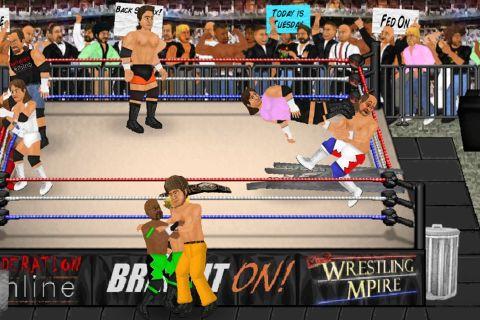
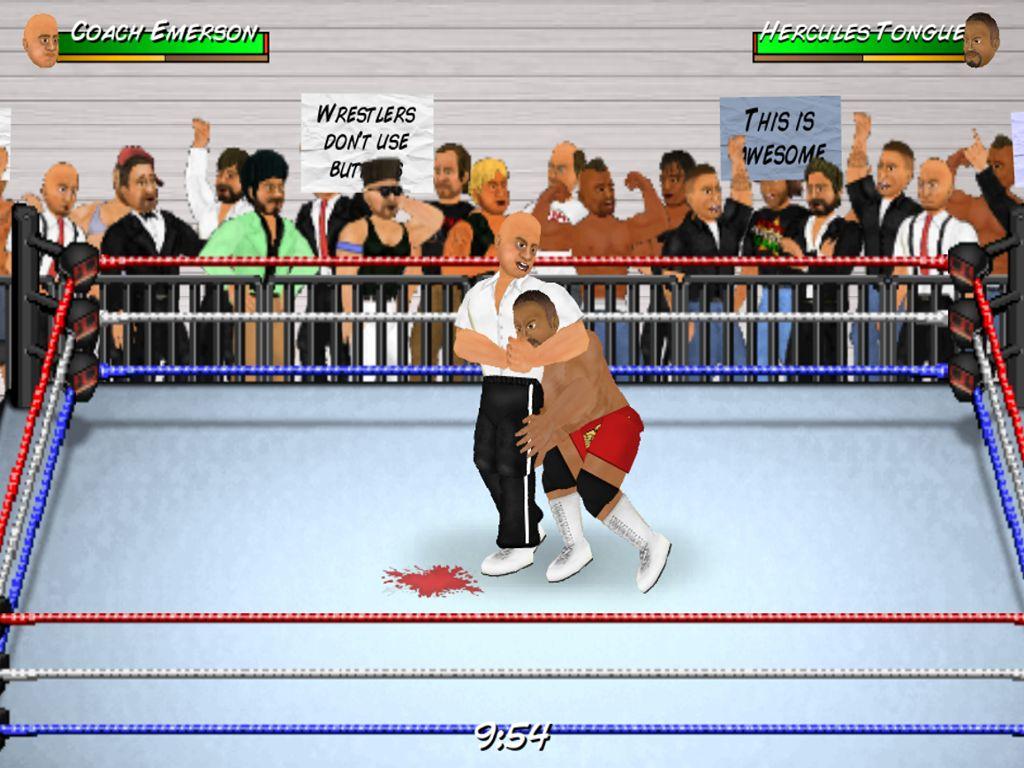
Wrestling Revolution是MDickie開發的一款體育競技遊戲,雷電模擬器是在電腦上玩Wrestling Revolution的最佳平台,可提供強大的功能幫助你在Wrestling Revolution中獲得沉浸式的體驗。
當你在電腦上玩Wrestling Revolution的時候,如果你想使用自己的遊戲手把來操控遊戲,雷電模擬器自動啟用的gamepad檢測可以幫助你在幾個簡單的點擊中自訂操控,享受更加身臨其境的賽車場景和挑戰。
在高幀率的支援下,遊戲中多樣的賽道設計、豐富的地形和環境變化也會變得更加真實細膩。
同時,錄製影片功能能讓你輕鬆記錄下一切精彩有趣的比賽和遊戲內容,用來與朋友分享或製作影片都非常方便。現在就開始在電腦上下載和玩Wrestling Revolution吧!
The original 2D wrestling game that started a mobile revolution - now celebrating over 30 MILLION downloads!It harks back to the genre's 16-bit heyday where the fun comes first, and the versatile animation system means that anything could happen at any moment - with as many wrestlers in the ring as your device can handle! Create your own star and embark on an endless career full of possibilities, as you attempt to make the right moves backstage as well as in the ring. Or simply blow off steam in "Exhibition" matches of your own creation - where YOU make the rules, pick the players, and design the arena! Upon turning "Pro", your editing privileges even extend to saving your changes to all 350 characters across 9 rosters.
BUTTON CONTROLS
Please play through the tutorial for further instructions.
A = Attack (with a direction to aim high, without to aim low)
G = Grapple / Throw object
R = Run
P = Pick up / Drop
T = Taunt / Pin
* To set fire to a handheld weapon, press the R (Run) and P (Pick-Up) buttons simultaneously next to one on the ground. This torch can then be used to set fire to a larger item using the same command.
TOUCH CONTROLS:
- TOUCH anywhere in the arena to walk towards it.
- SWIPE to run or trigger moves.
- TAP your opponent to attack that part of their body.
- PINCH to grab or pick-up.
- PART your fingers to taunt, pin, or cancel an action.
- Touch the clock to PAUSE the game, and then the arrow to EXIT.
MENU CONTROLS
- Touch either side of a value or box to browse its contents left or right.
- When selecting characters, touching their slot once will display their stats and touching again will proceed to access them. Touch the company logo to choose a different roster.
- Hold your finger over a character slot to move it and switch with another. Move it to the company logo to switch rosters.
- At the calendar screen, touch any date to view its contents. Touch your character to edit them, touch their stats to train them, touch the company logo to view the whole roster, touch the match title to see an exact description of the rules.
- When setting up an exhibition, touch a character to replace them and touch the match title to change the rules. From that screen, touch the table icon to add weapons and touch the ring icon to edit the arena.
- Touch any speech bubbles to speed up conversations. Touch any other static screen to proceed as soon as possible.
* Please note that Wrestling Revolution depicts a fictitious universe and is not affiliated with any real wrestling promotions.