

Weaphones Firearms Simulator是OranginalPlan開發的一款動作遊戲,雷電模擬器是在電腦上玩Weaphones Firearms Simulator的最佳平台,可提供強大的功能幫助你在Weaphones Firearms Simulator中獲得沉浸式的遊戲體驗。
當你在電腦上玩Weaphones Firearms Simulator的時候,你可以調整幀頻設定,享受流暢的遊戲體驗和酷炫的遊戲畫面。
雷電模擬器還提供配置好的鍵盤映射,以最大限度地方便你控制整個遊戲的操作。鍵盤映射功能的不斷最佳化還提高了按鍵靈敏度和技能釋放精準度。為了增強你的遊戲體驗,雷電模擬器還為你配置了特殊的按鈕,如射擊按鈕、隱藏滑鼠按鈕、連續按鍵等。
如果你想用遊戲手把玩遊戲,自動啟用的遊戲手把檢測可以幫助你在幾個簡單的點擊中自訂控制,自由移動你的英雄。現在就開始在電腦上下載和玩Weaphones Firearms Simulator吧!
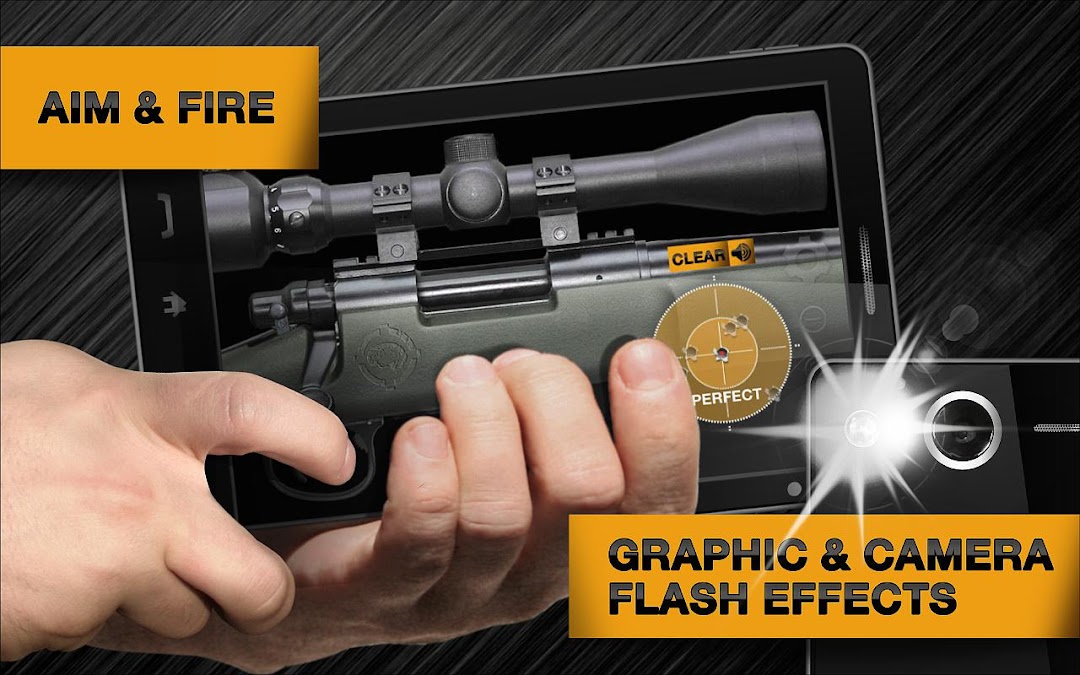
Welcome to the world of Weaphones, the ultimate firearms simulator for your phone or tablet.Blurring the line between digital and physical, Weaphones combines the two to create a fully interactive real world experience. Switch off the safety, load the magazine, rack the slide and fire, all without having the cops called on you.
Ergonomically designed, Weaphones fit naturally into the shooter’s hand. All the important controls are located within a finger’s reach. The ability to resize, flip and relocate the Weaphone assures perfect fit no matter the size of hand or screen.
For the price of a couple of 5.56mm rounds you can have a full arsenal of Weaphones… and you won’t shoot your eye out.
_________________________
» Realistic Sound, Smoke, Flash & Recoil Effects
» Firing and Shell Ejection Animations
» Full Interaction and Control
» Realistic Weapon Mechanics
» Mini-Games and Accessories
» Detailed Full HD Graphics
» 100% Customizable to Fit User’s Hand Size and Preference
→ Lefty Flip
→ Rotate 180°
→ Scale
→ Location
» User Adjustable Variables
→ Unlimited Ammo
→ Delay Timer (Grenade)
→ Auto Reload
→ Weapon Jamming/Overheating
→ Accelerometer Reloading
→ Camera Flash Shooting
→ Multi-Device Linking Android to Android or Android to iOS (e.g. C4 and Detonator)
» Weapon State Indicator (“Why Am I Not Shooting”)
» Ultra Detailed Step-By-Step Animated Tutorial for Each Weaphone
» Multi-Touch & Accelerometer Support
» Social Media Driven Future Content
_________________________
Weapon Types:
PISTOLS
ASSAULT RIFLE
SMGS
LIGHT MACHINE GUN
SNIPER RIFLE
SHOTGUN
GRENADE & C4
CROSSBOW
RPG
MINIGUN
40MM GRENADE LAUNCHER