W10 Simulator是MALGOW開發的一款能夠在行動裝置上運行的模擬應用程式,但使用最好的Android 模擬器-雷電模擬器 ,你可以在電腦上下載並暢玩W10 Simulator。
在電腦上運行W10 Simulator,您可以在大螢幕上清晰地瀏覽, 而用滑鼠和鍵盤操控應用程式比用觸摸屏鍵盤要快得多,同時你將永遠不必擔心設備的電量問題。
通過多開和同步功能,你甚至可以在PC上運行多個應用程式和帳戶。
而文件互傳功能讓分享圖像、影片和文件也變得非常容易。
下載W10 Simulator並在PC上運行。享受PC端的大螢幕和高畫質畫質吧!
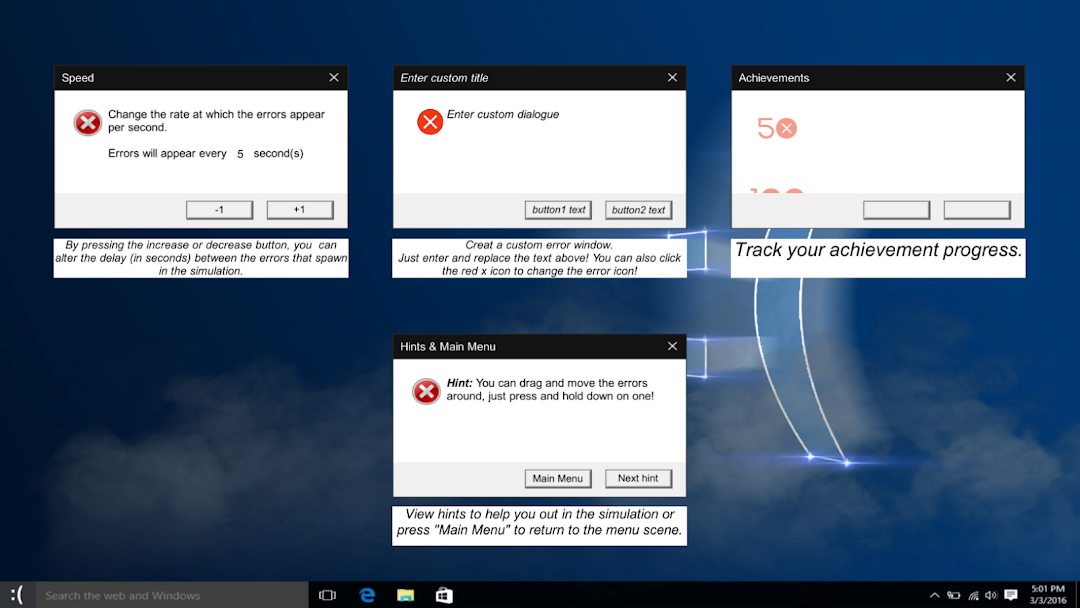
A fun little GAME based on Windows 10 systems.Explore your computer and discover many hidden easters eggs and achievements, can you get them all?
For more help and information, visit: http://malgow.net/Windows10Simulator
or, talk to me on discord!: https://discord.com/invite/gdu7dZk
How To Play:
Activating Windows
STEP 1: Launch Simulation
STEP 2: Click the start menu
STEP 3: Click "Settings"
STEP 4: Enter code "110102"
STEP 5: Done!
Entering the Matrix
STEP 1: Activate Windows
STEP 2: Open the Recycle Bin
STEP 3: Launch "Matrix.exe"
STEP 4: Done!
Other Activation Codes
There are an array of activation codes, each doing different things.
CODE "110102": Activates Windows!
CODE "malgow": Spawns MALGOW themed errors (No special sound effects)
CODE "barrybones": Spawns Barrybones1 themed errors (Special sound effects included)
CODE "aaldd": Spawns aaldd themed errors (Special sound effects included)
CODE "discord": Spawns Discord themed errors (Special Sound effects included)
CODE "halloween": Activates the halloween easter egg (Check Recycle Bin after activating)
Other Easter Eggs and Achievements
There are still many other easter eggs to discover and achievements to collect. Be cool and hunt for them yourself, or, be a loser and follow the guide online at http://malgow.net/Windows10Simulator
*I have no affiliation with Microsoft, this app is just a game/parody.