Survival Simulator是HYPERHUG開發的一款能夠在行動裝置上運行的模擬應用程式,但使用最好的Android 模擬器-雷電模擬器 ,你可以在電腦上下載並暢玩Survival Simulator。
在電腦上運行Survival Simulator,您可以在大螢幕上清晰地瀏覽, 而用滑鼠和鍵盤操控應用程式比用觸摸屏鍵盤要快得多,同時你將永遠不必擔心設備的電量問題。
通過多開和同步功能,你甚至可以在PC上運行多個應用程式和帳戶。
而文件互傳功能讓分享圖像、影片和文件也變得非常容易。
下載Survival Simulator並在PC上運行。享受PC端的大螢幕和高畫質畫質吧!
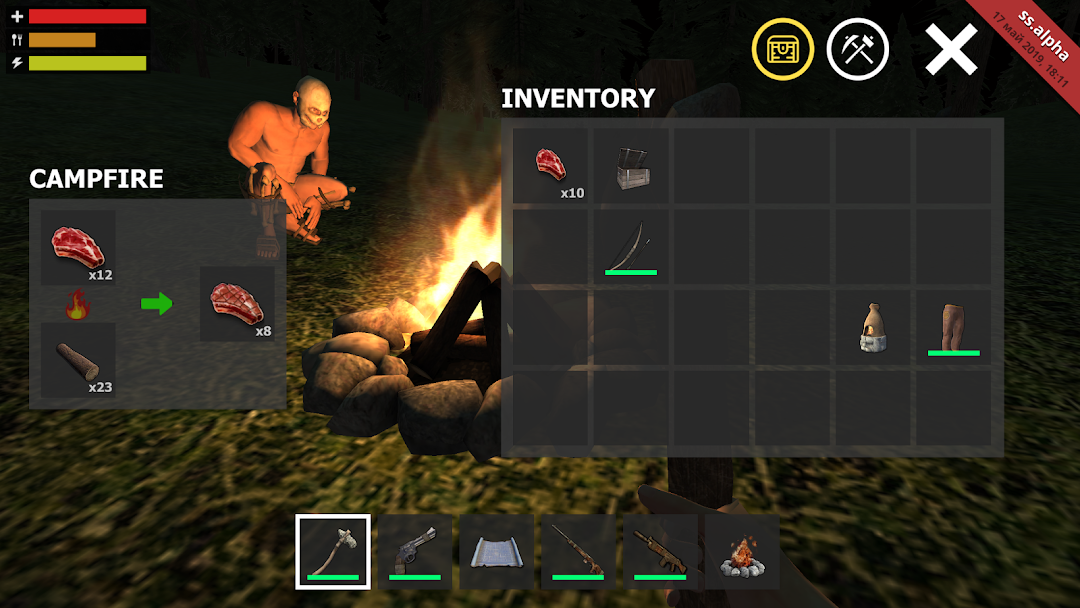
Survival Simulator puts you in the forest full of weird animals and players - mostly hostile and ruthless.Explore environment, place a camp, gather resources for crafting, defend yourself, improve your weapons and tools.
Could you survive in the place where everybody wants you to die? High time to check it out!
Key features:
• Multiplayer. Create your own server or join another one. Make everything on your own or build a like-minded team. It is up to you to decide. Since the goal is to survive. Whatever the way.
• Realistic graphics. Feel the pure survival game. Be ready to face many challenges. Plus the other players you will encounter will make it really difficult.
• Variety of tools and weapons.
• Gathering resources (logs, stone, ore)
• Hunting animals
• Building and crafting systems.