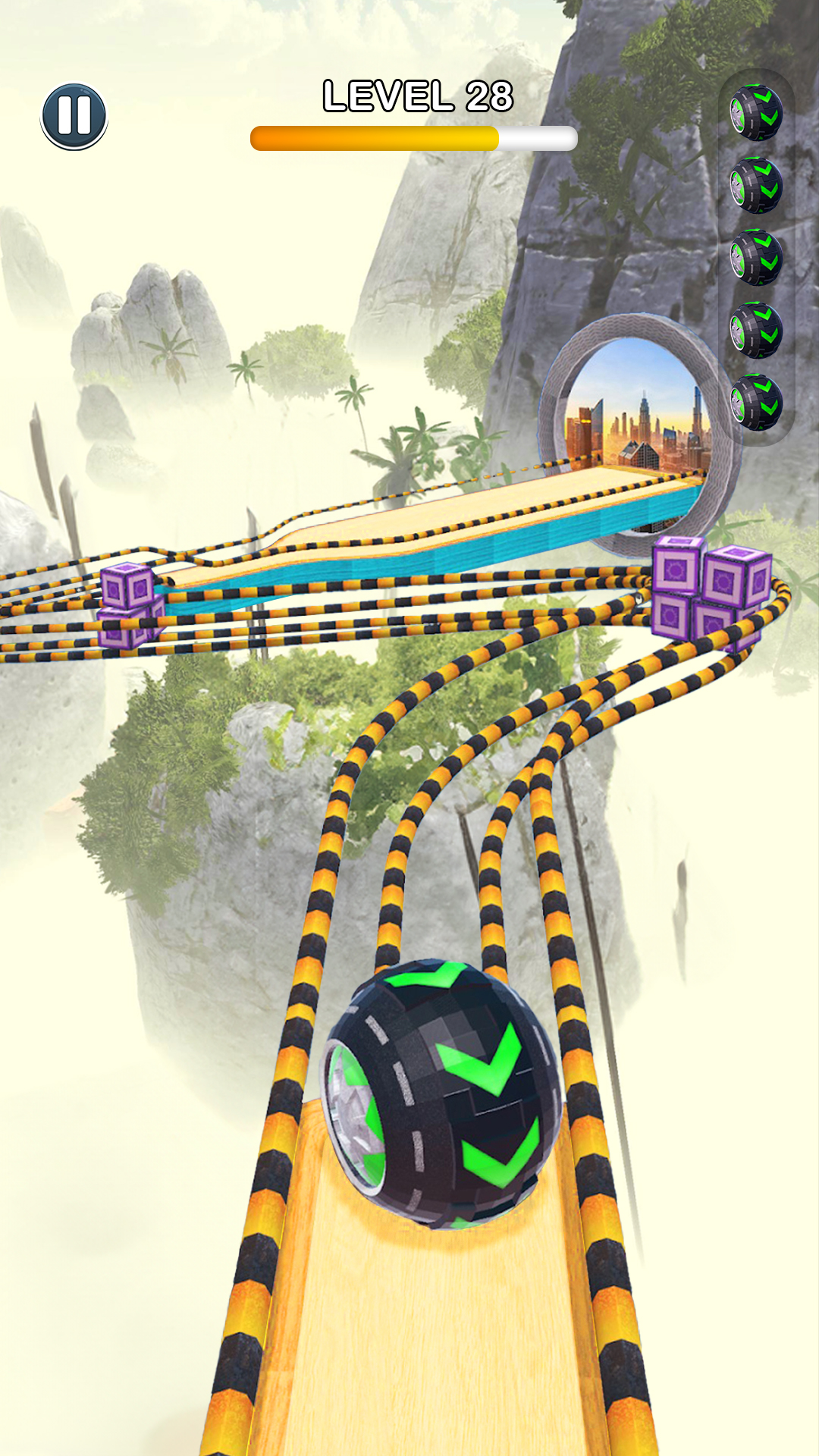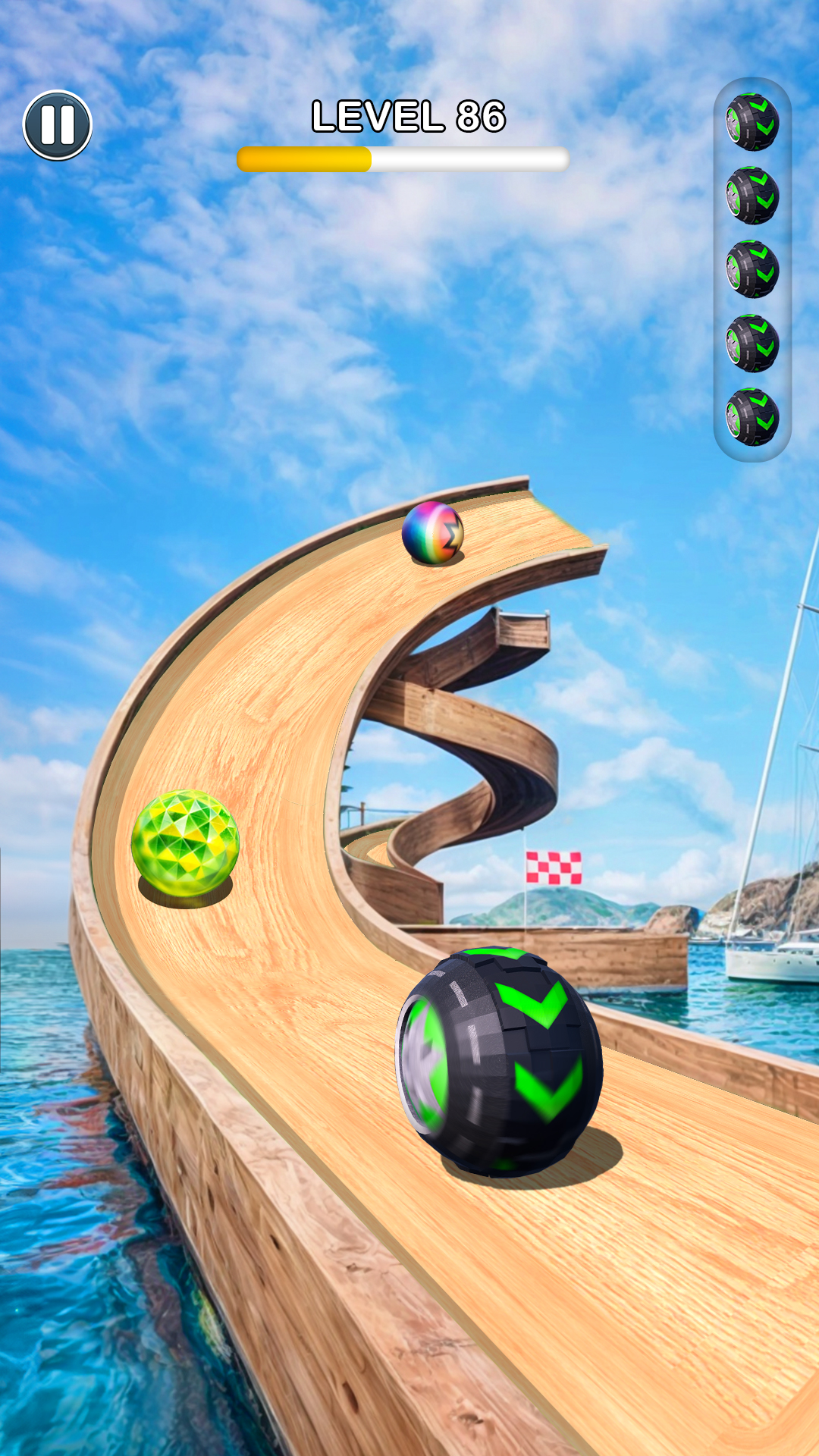


Rolling Ball Sky Escape是Wayfu Studio開發的一款休閒遊戲,雷電模擬器是在電腦上玩Rolling Ball Sky Escape的最佳平台,可提供強大的功能幫助你在Rolling Ball Sky Escape中獲得沉浸式的體驗。
當你在電腦上玩Rolling Ball Sky Escape的時候,如果你覺得重複執行一個動作或任務很費時間很無聊,別擔心,巨集指令功能可以幫你解決你的煩惱!你只需要點擊螢幕記錄功能來記錄你的操作,然後把它留給巨集指令來解決。巨集指令功能完全自動化您的操作,讓您以最少的努力輕鬆贏得遊戲!!現在就開始在電腦上下載和玩Rolling Ball Sky Escape吧!
Ready to roll? Let’s play 𝗥𝗼𝗹𝗹𝗶𝗻𝗴 𝗕𝗮𝗹𝗹 𝗦𝗸𝘆 𝗘𝘀𝗰𝗮𝗽𝗲!Control your ball’s balance, avoid obstacles, and roll to victory. It’s the ultimate time killer game — super fun, addictive, and harder than you think.
Jump, bounce, and spin your way through diverse levels. Roll the balls across tricky platforms, dodge unexpected traps, and collect rewards as you go. Sounds easy? It’s harder than it looks!
𝗛𝗼𝘄 𝗳𝗮𝗿 𝗰𝗮𝗻 𝘆𝗼𝘂 𝗿𝗼𝗹𝗹 𝘁𝗵𝗲 𝗯𝗮𝗹𝗹?
Race to the finish and discover why this ball game is so fun. Whether you're a beginner or a speedball pro, there’s always something new to master. It’s an easy start for beginners — but keeping your ball balanced is a real challenge.
𝗥𝗼𝗹𝗹𝗶𝗻𝗴 𝗥𝗮𝗰𝗶𝗻𝗴 𝗔𝗱𝘃𝗲𝗻𝘁𝘂𝗿𝗲!
This game is pure rolling chaos. Play with friends, compete in addictive ball races, and test your reflexes on wild 3D tracks. Want to keep playing?
🛠️ 𝗙𝗲𝗮𝘁𝘂𝗿𝗲𝘀:
• Super fun game with intuitive swipe controls
• Addictive racer game with real physics
• Play this with your squad or solo
• Control your ball’s balance through each race
• Unlock diverse skins and balls
• New levels added weekly – never stop rolling
• Race to the finish in every environment
• Roll, jump, and dodge with smooth gameplay
• Ultimate time killer game for all ages
🥇 𝗛𝗼𝘄 𝘁𝗼 𝗽𝗹𝗮𝘆:
Swipe to roll, jump over gaps, dodge traps, and reach the end.
Keep your ball balanced, stay on track, and roll to win. Easy to play, hard to stop.
𝗥𝗼𝗹𝗹𝗶𝗻𝗴 𝗕𝗮𝗹𝗹 𝗦𝗸𝘆 𝗘𝘀𝗰𝗮𝗽𝗲 is finally available on your phone.
Go, go, go — roll the balls and win big!
For support or suggestions, email us at gamewayfu@wayfustudio.com.