Potion Permit是Playdigious開發的一款角色扮演遊戲,雷電模擬器是在電腦上玩Potion Permit的最佳平台,可提供強大的功能幫助你在Potion Permit中獲得沉浸式的體驗。
當你在電腦上玩Potion Permit的時候,作為一個想要運行新帳號的初始玩家,多開和同步器功能對於首抽是非常有用的。你可以使用他們去複製多個模擬器然後開始同步過程。綁定您的帳號直到您抽到喜歡的英雄。
此外,操作錄製對於那些需要你升級和完成任務的遊戲是一個很棒的選擇!運行同步器並錄製您的操作,然後即時地重複主實例的操作。通過這樣做,您可以同時執行2個或更多的帳戶。你可以總在其他人之前得到你想要的英雄!這要歸功於更快的刷初始和更省時的召喚!現在就開始在電腦上下載和玩Potion Permit吧!
The town of Moonbury has always been wary of the outside world's medical advances, preferring to rely on its traditional healing methods.However, when the mayor's daughter falls ill and the local witch doctor can do nothing to help her, they are forced to look outside their small community for help.
The Medical Association decides to send their most accomplished chemist - you - to help cure the mayor's daughter and convince the residents of Moonbury of the wonders of modern alchemy.
Gain their trust and tend to each person when they fall ill in this open-ended sim RPG!
FEATURES
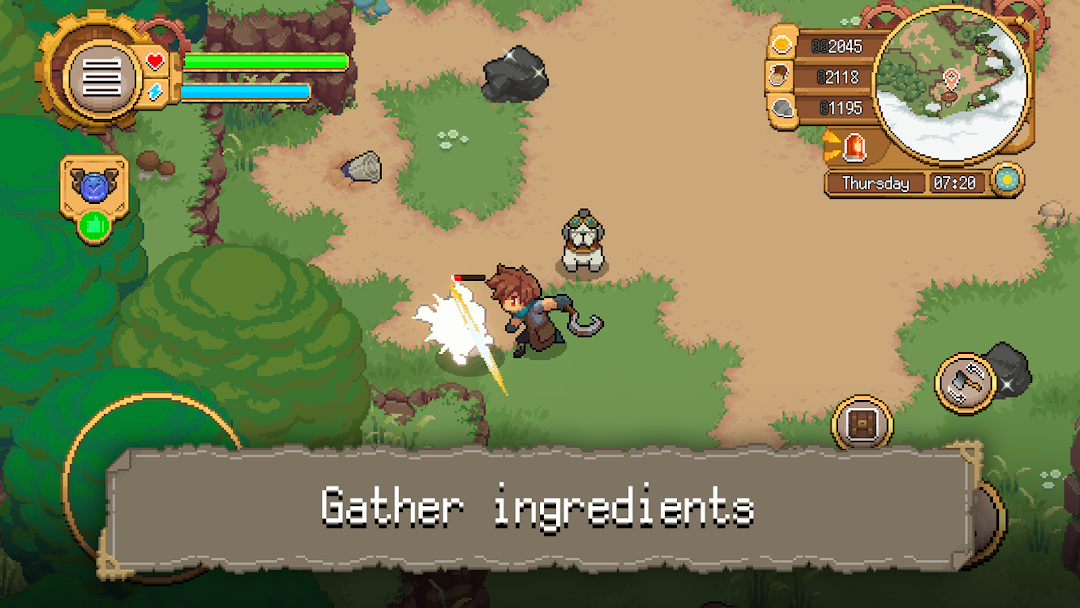
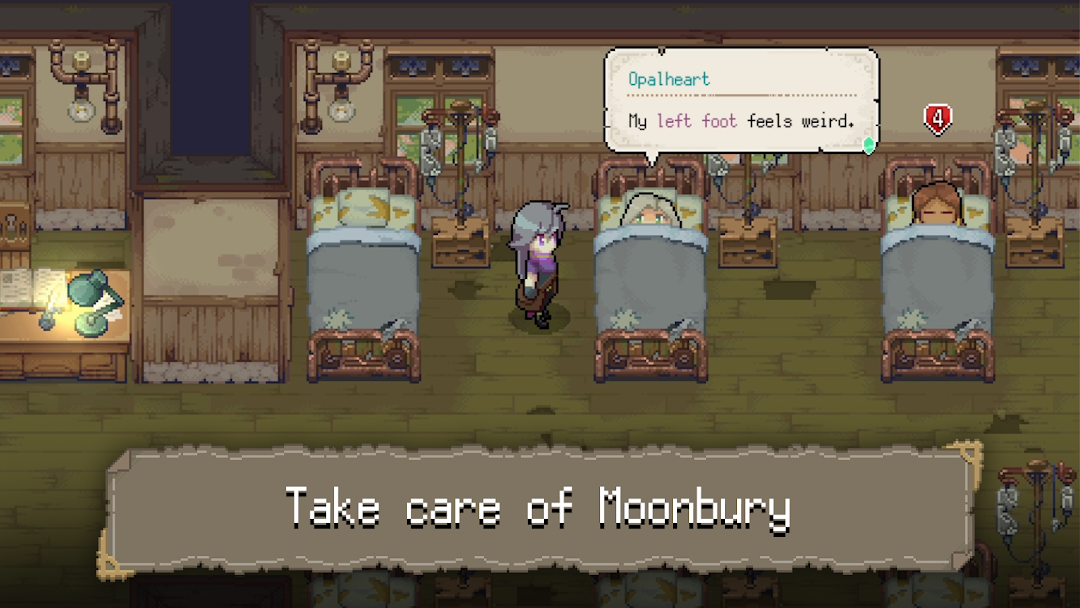
- Take care of Moonbury’s inhabitants: diagnose their illnesses, gather ingredients and brew potions to cure them.
- Heal the town : Upgrade buildings, expand your gathering area and transform the townsfolk’ lives in many ways.
- Build relationships with Moonbury’s inhabitants, earn their trust and eventually find love with your chosen sweetheart!
- Team up with your loyal dog that follows you wherever you go and helps you in your work.
- Relax in a wholesome, colourful world and live the apothecary life you want!
CAREFULLY REDESIGNED FOR MOBILE
- Revamped interface
- Google Play Games achievements
- Cloud Save – Share your progress between Android devices
- Compatible with controllers
If you run into a problem, please contact us at https://playdigious.helpshift.com/hc/en/12-playdigious/ with as much information as possible on the issue.