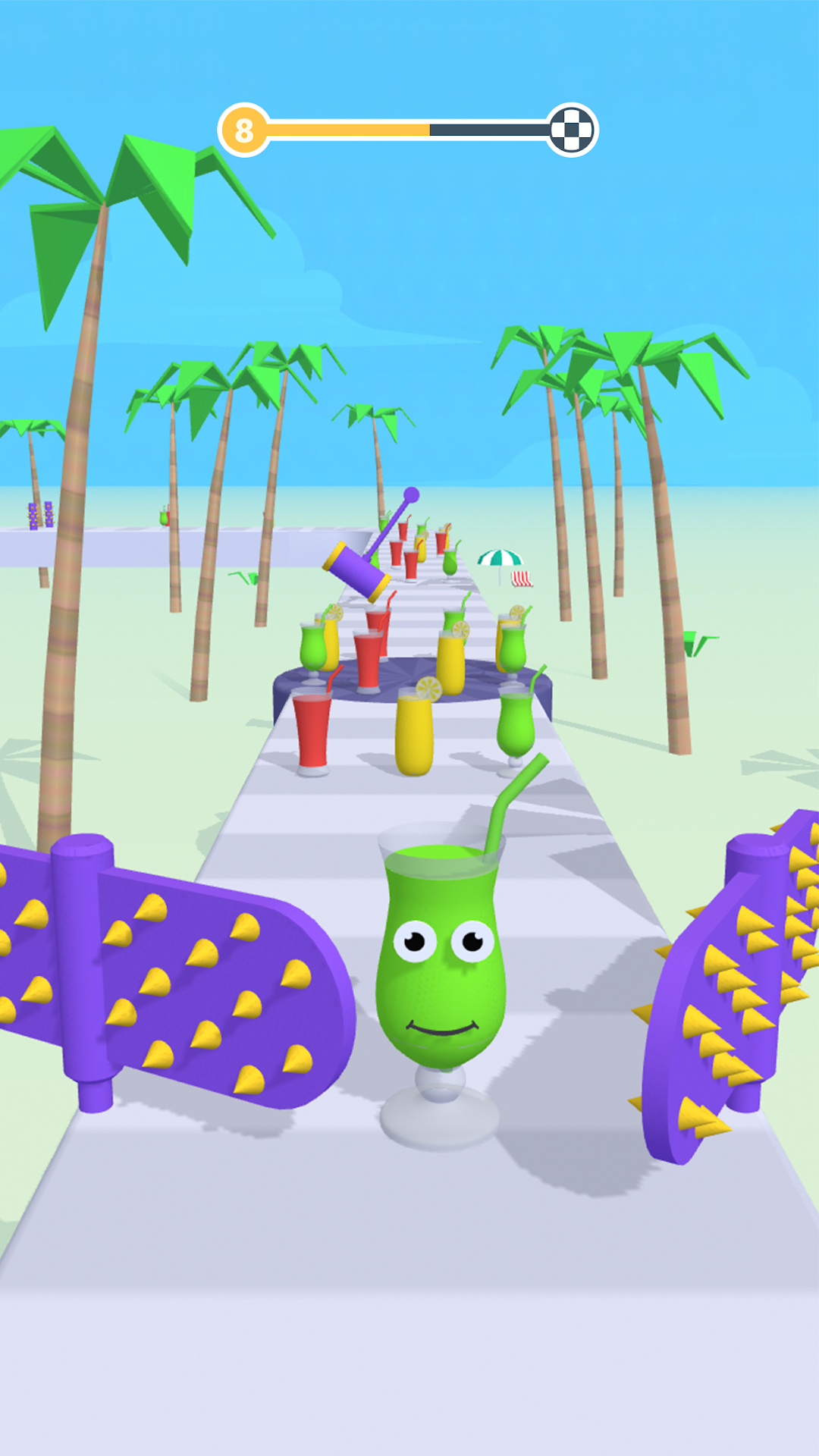
Juice Run是FunSpace開發的一款休閒遊戲,雷電模擬器是在電腦上玩Juice Run的最佳平台,可提供強大的功能幫助你在Juice Run中獲得沉浸式的體驗。
當你在電腦上玩Juice Run的時候,如果你覺得重複執行一個動作或任務很費時間很無聊,別擔心,巨集指令功能可以幫你解決你的煩惱!你只需要點擊螢幕記錄功能來記錄你的操作,然後把它留給巨集指令來解決。巨集指令功能完全自動化您的操作,讓您以最少的努力輕鬆贏得遊戲!!現在就開始在電腦上下載和玩Juice Run吧!
Juice Run is a game that uses juice to parkour. You need to manipulate a juice of one color, eat the juice of the same color to increase yourself, and at the same time avoid other colors of juice. If you encounter other colors of juice, you will become smaller. When you reach the end, the bigger your juice, the more diamonds you will get. Parkour adventure that will keep you on your toes till the very end! Race, Clash, and Win!How to play:
1. Move left and right
2. Avoid different color juices
3. Touch the juice of the same color
4. Change colors
5. Reach the end, victory
Game features:
1. The gameplay is simple to get started and can't stop at all;
2. Drink juice, of course, collect the largest glass of juice to drink;
3. The view of the beach makes it easy for you to decompress.
4. Lots of unique levels
5. Crisp bright graphics
6. Super smooth swipe control
7. Rewards and gifts
8. Free games
We are looking forward to getting feedback from all of you! Please leave your reviews, so we can keep making the game even better.