Guncho是Arnold Rauers開發的一款戰略遊戲,雷電模擬器是在電腦上玩Guncho的最佳平台,可提供強大的功能幫助你在Guncho中獲得沉浸式的體驗。
當你在電腦上玩Guncho的時候,您可以享受長時間的遊戲。使用腳本錄製自動錄製重複的動作和任務。這將讓您更快地升級,同時也使資源收集更有效。
此外,如果你想要一鍵連擊或是遊戲要求重複技能移動,巨集指令功能非常有用。一鍵式操作執行可以讓你快速完成殺戮!
如果你想培養多個帳戶,多開和同步也可以幫到你。你可以玩主帳戶的同時執行替代帳戶進行成長和升級。現在就開始在電腦上下載和玩Guncho吧!
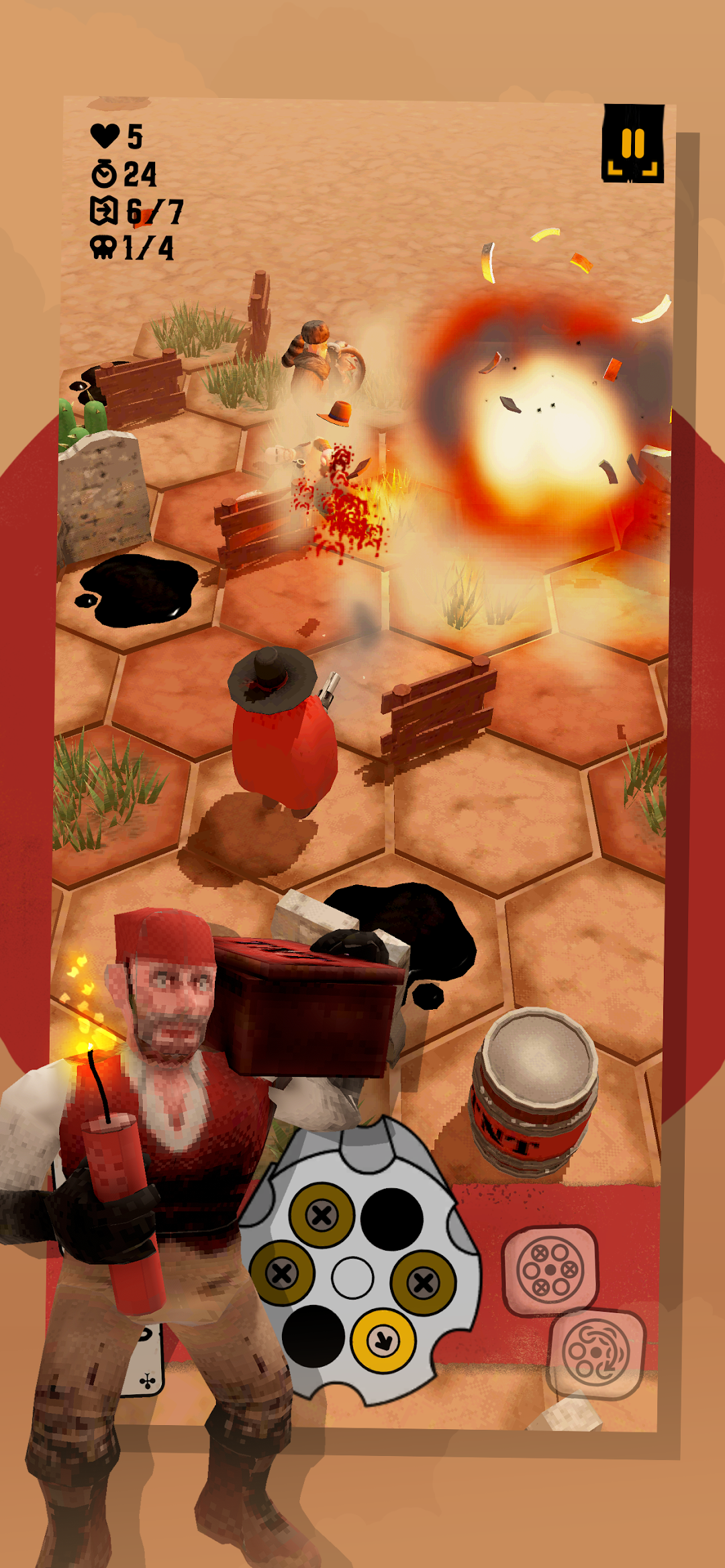
Guncho is a single player turn based tactical wild west shooter-roguelike. Engage in a unique positional shooting mechanic and fight your way through a series of randomly generated levels. Ride your donkey and use a variety of skills and bullet upgrades to become the ultimate gun slinger.About this game
In this single-player tactical Wild West shooter-roguelike, you play as Guncho against a variety of bandits and outlaws. In a series of randomly generated levels, you use your trusty revolver to fight your way through each encounter. At the end of every run, you will face a final boss which you need to defeat in order to become the ultimate gun slinger.
Gameplay
Guncho's gameplay revolves around a unique positional shooting mechanic. By moving, shooting, and unloading bullets, you influence Guncho's revolver rotation. To outwit your enemies, align your bullets through clever tactical moves. You can also use the environment to overcome the challenges of each level, by targeting explosive barrels or pushing your foes into fire or deadly cacti. After each level, choose from a variety of bullet upgrades and skills to further improve your tactical abilities. In each run, you face a final boss that will test your skills and tactical finesse.
Features
- Unique positional shooting mechanic.
- Turn-based Wild West roguelike shootouts.
- Hex-based tactics gameplay.
- Randomly generated levels.
- A variety of enemy types, with different movement and skill sets.
- Easy and Expert game modes.
- Daily game challenge.
- Unlocks and Achievements.
- Cloud saves.