Graveyard Keeper是tinyBuild開發的一款角色扮演遊戲,雷電模擬器是在電腦上玩Graveyard Keeper的最佳平台,可提供強大的功能幫助你在Graveyard Keeper中獲得沉浸式的體驗。
當你在電腦上玩Graveyard Keeper的時候,作為一個想要運行新帳號的初始玩家,多開和同步器功能對於首抽是非常有用的。你可以使用他們去複製多個模擬器然後開始同步過程。綁定您的帳號直到您抽到喜歡的英雄。
此外,操作錄製對於那些需要你升級和完成任務的遊戲是一個很棒的選擇!運行同步器並錄製您的操作,然後即時地重複主實例的操作。通過這樣做,您可以同時執行2個或更多的帳戶。你可以總在其他人之前得到你想要的英雄!這要歸功於更快的刷初始和更省時的召喚!現在就開始在電腦上下載和玩Graveyard Keeper吧!
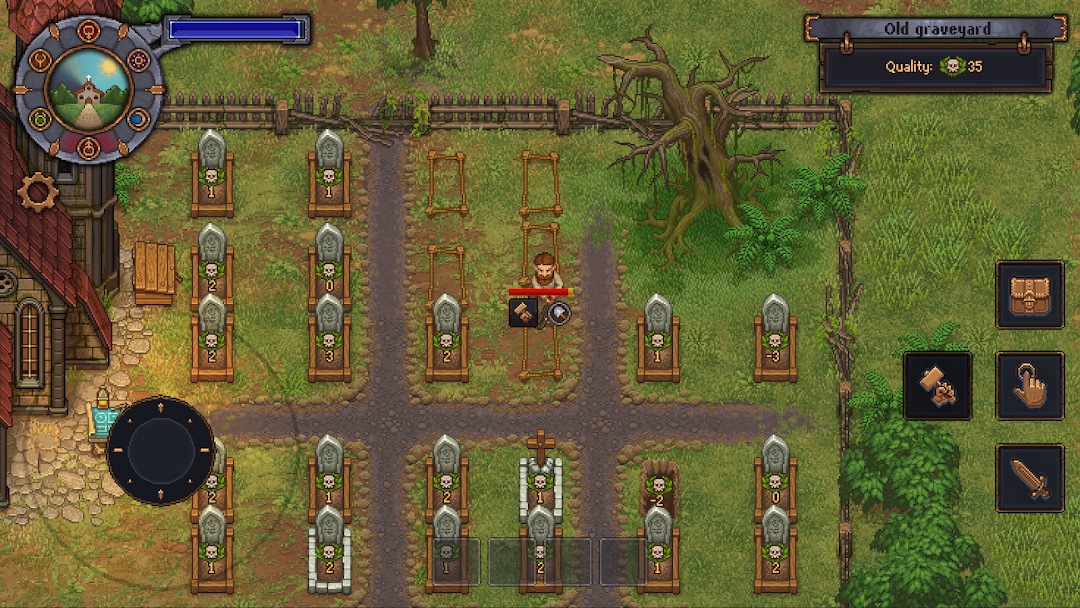
Graveyard Keeper is the most inaccurate medieval cemetery management sim of all time. Build and manage your own graveyard, and expand into other ventures, while finding shortcuts to cut costs. Use all the resources you can find. After all, this is a game about the spirit of capitalism, and doing whatever it takes to build a thriving business. And it’s also a love story.- Face ethical dilemmas. Do you really want to spend money on that proper burger meat for the witch-burning festival, when you have so many resources lying around?
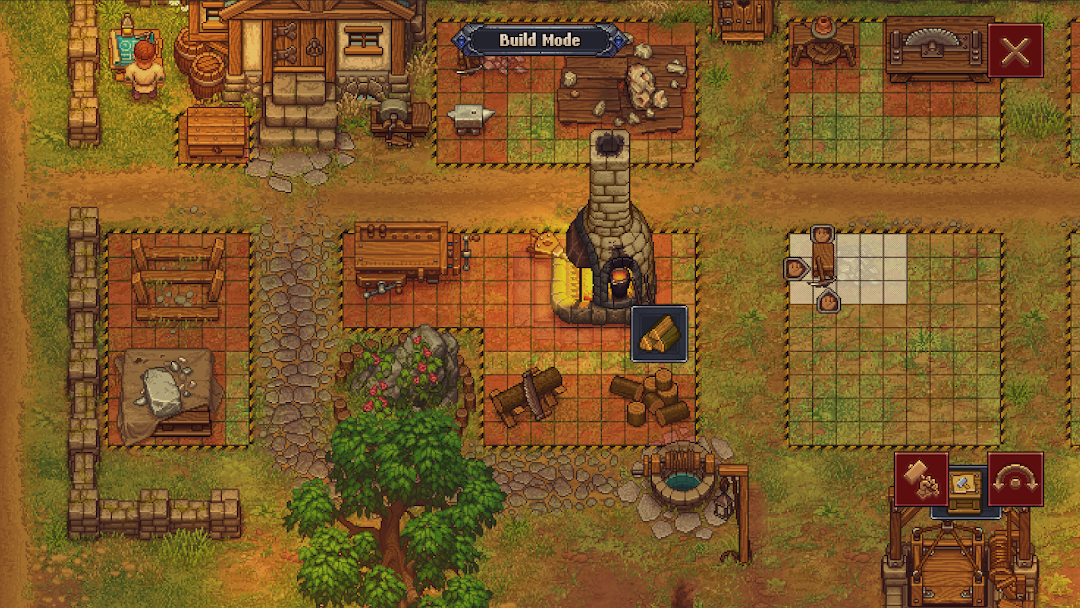
- Gather valuable materials and craft new items. Expand your Graveyard into a thriving business. Help yourself -- gather the valuable resources scattered across the surrounding areas, and explore what this land has to offer.
- Quests and corpses. These dead bodies don't need all those organs, do they? Why not grind them up and sell them to the local butcher? Or you can go on proper quests, you roleplayer.
- Explore mysterious dungeons. No medieval game would be complete without those! Take a trip into the unknown, and find discover new alchemy ingredients -- which may or may not poison a whole bunch of nearby villagers.