3.0291K+
下載APK安裝檔邀請好友並賺取回饋金
分享:
120FPS
概述
FAQ
攻略
使用雷電模擬器在電腦上玩Free Fire
Free Fire是GARENA INTERNATIONAL I開發的一款動作遊戲,雷電模擬器是在電腦上玩Free Fire的最佳平台,可提供強大的功能幫助你在Free Fire中獲得沉浸式的遊戲體驗。
當你在電腦上玩Free Fire的時候,你可以調整幀頻設定,享受流暢的遊戲體驗和酷炫的遊戲畫面。
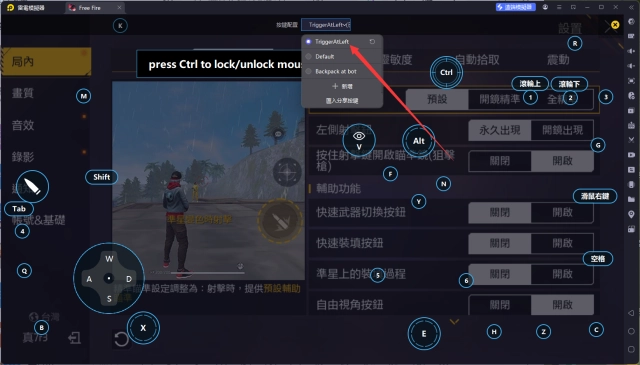
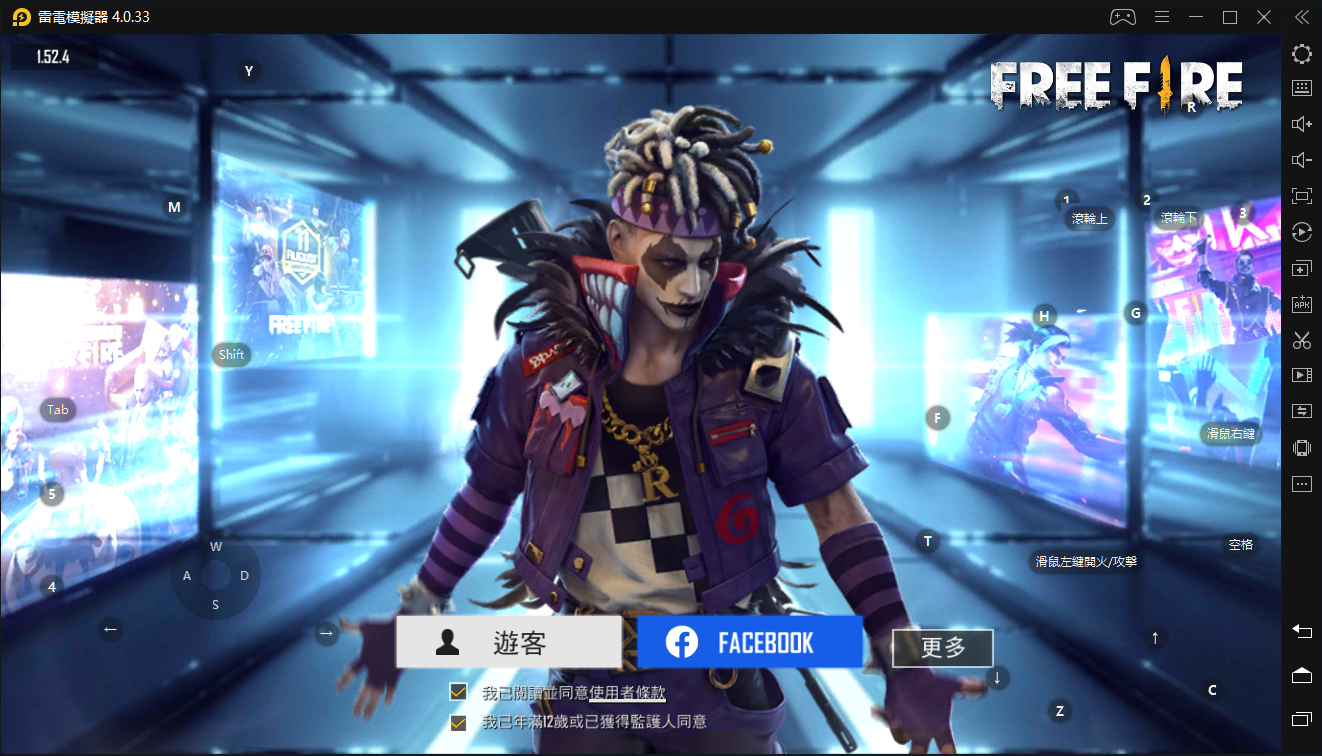
雷電模擬器還提供配置好的鍵盤映射,以最大限度地方便你控制整個遊戲的操作。鍵盤映射功能的不斷最佳化還提高了按鍵靈敏度和技能釋放精準度。為了增強你的遊戲體驗,雷電模擬器還為你配置了特殊的按鈕,如射擊按鈕、隱藏滑鼠按鈕、連續按鍵等。
如果你想用遊戲手把玩遊戲,自動啟用的遊戲手把檢測可以幫助你在幾個簡單的點擊中自訂控制,自由移動你的英雄。現在就開始在電腦上下載和玩Free Fire吧!
Welcome to Flame Arena, where thrilling survival challenges await. As the fires of battle ignite once more, will your squad outlast the rest and claim the trophy of glory?[Flame Arena]
Each team enters with a banner. Fallen teams see their banners reduced to ashes, while victors keep theirs flying high. Stay alert as the exclusive arena commentary delivers real-time callouts on eliminations and special events.
[Flame Zone]
As the match heats up, the Safe Zone transforms into a blazing ring of fire, with a fiery trophy burning bright in the sky. Special flame weapons will drop during battles. They come with boosted stats and fiery area damage, making them true game changers in the Flame Arena.
[Player Card]
Every fight matters. Your performance builds your Player Value. During the Flame Arena event, create your own player card, unlock vibrant designs, and make sure your name is remembered.

Free Fire is a world-famous survival shooter game available on mobile. Each 10-minute game places you on a remote island where you are pit against 49 other players, all seeking survival. Players freely choose their starting point with their parachute, and aim to stay in the safe zone for as long as possible. Drive vehicles to explore the vast map, hide in the wild, or become invisible by proning under grass or rifts. Ambush, snipe, survive, there is only one goal: to survive and answer the call of duty.
Free Fire, Battle In Style!
[Survival shooter in its original form]
Search for weapons, stay in the play zone, loot your enemies and become the last man standing. Along the way, go for legendary airdrops while avoiding airstrikes to gain that little edge against other players.
[10 minutes, 50 players, epic survival goodness awaits]
Fast and Lite gameplay - Within 10 minutes, a new survivor will emerge. Will you go beyond the call of duty and be the one under the shining lite?
[4-man squad, with in-game voice chat]
Create squads of up to 4 players and establish communication with your squad at the very first moment. Answer the call of duty and lead your friends to victory and be the last team standing at the apex.
[Clash Squad]
A fast paced 4v4 game mode! Manage your economy, purchase weapons, and defeat the enemy squad!
[Realistic and smooth graphics]
Easy to use controls and smooth graphics promises the optimum survival experience you will find on mobile to help you immortalize your name among the legends.
[Contact us]
Customer Service: https://ffsupport.garena.com/hc/en-us
展開
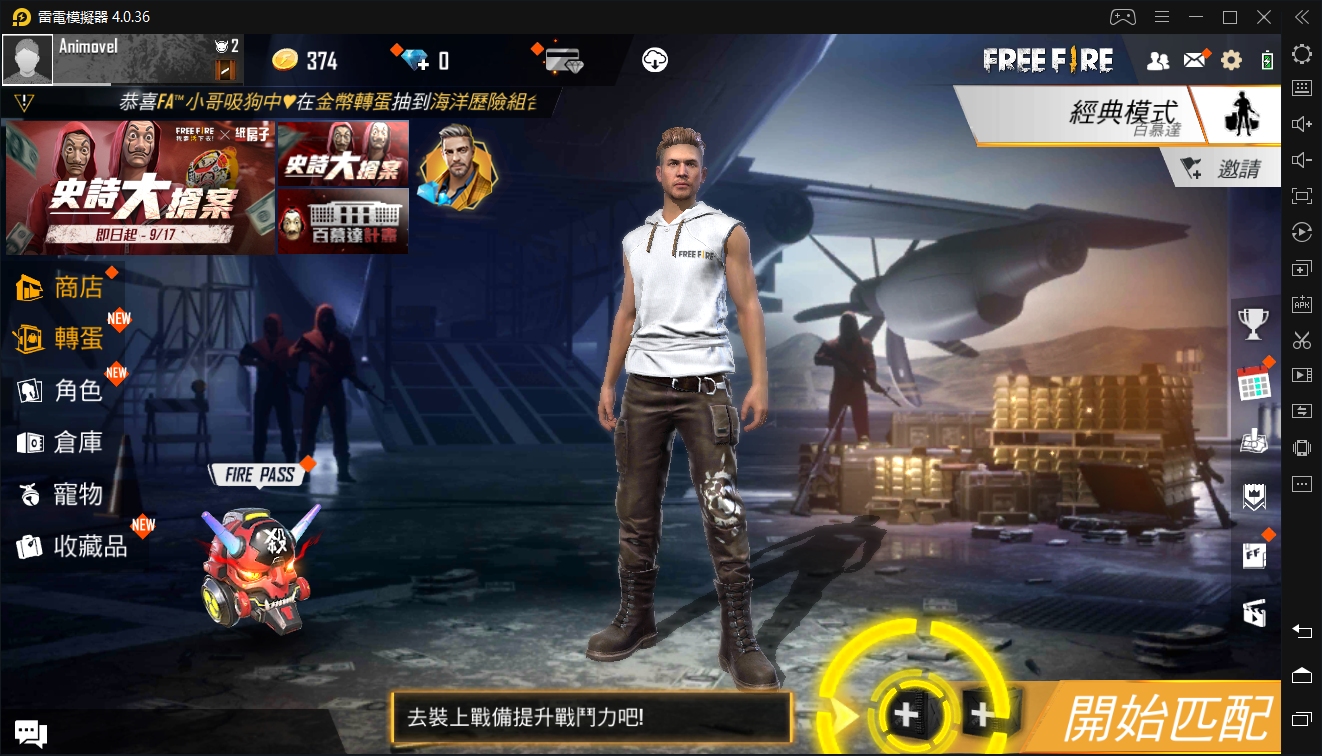
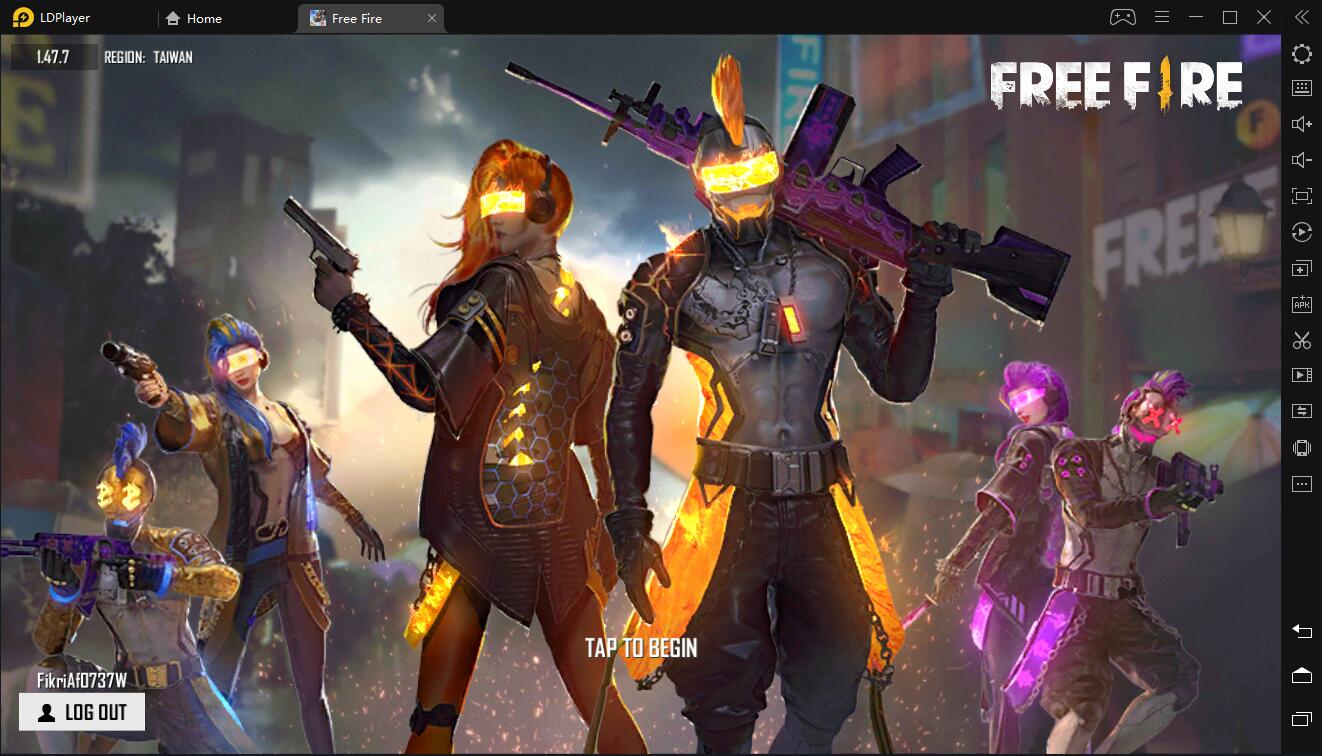
Free Fire PC版的截圖和影片
透過雷電模擬器下載并在電腦上暢玩Free Fire ,享受更寬闊的視野,更精緻的遊戲畫面,更酷炫的戰鬥技能和特效。極致完美的遊戲體驗,盡在雷電模擬器。
為什麼使用雷電模擬器在電腦上玩Free Fire ?
雷電模擬器提供獨有的模擬器功能,包括多實例支持、巨集指令、操作錄製以及行動裝置上不提供的其他功能。
超寬螢幕
鍵盤映射
巨集指令


利用大螢幕提供了全景無死角的超寬螢幕遊戲視野。能夠清晰地觀察Free Fire中的遊戲細節,並在瞬息之間做出反應。
高幀率
在高FPS的支援下,Free Fire遊戲的畫面更加流暢,動作更加連貫,增強了玩Free Fire的視覺體驗和沉浸感。超長續航
在電腦上運行Free Fire,無需擔心電量不足和設備發熱等問題,想玩多久就玩多久。
如何在電腦上下載Free Fire
- 1
在你的電腦下載並安裝雷電模擬器
- 2
在雷電模擬器的系統應用中找到GooglePlay商店,啟動並登入你的谷歌帳號。
- 3
在搜索框中輸入並搜尋Free Fire
- 4
從搜尋結果中選擇並安裝Free Fire
- 5
完成下載安裝後,回到雷電模擬器首頁。
- 6
點擊雷電模擬器首頁上的遊戲icon就可以開始享受精彩的遊戲了。
推薦搜尋