Coffee Stack是Rollic Games開發的一款能夠在行動裝置上運行的賽車應用程式,但使用最好的Android 模擬器-雷電模擬器 ,你可以在電腦上下載並暢玩Coffee Stack。
在電腦上運行Coffee Stack,您可以在大螢幕上清晰地瀏覽, 而用滑鼠和鍵盤操控應用程式比用觸摸屏鍵盤要快得多,同時你將永遠不必擔心設備的電量問題。
通過多開和同步功能,你甚至可以在PC上運行多個應用程式和帳戶。
而文件互傳功能讓分享圖像、影片和文件也變得非常容易。
下載Coffee Stack並在PC上運行。享受PC端的大螢幕和高畫質畫質吧!
Who doesn't start a day without a cup of coffee? Coffee Stack is a cup stacking game with runner Coffee Shop elements for extra fun! In this fantastic cup of coffee, you have a chance to collect all the stacks and pack coffee, fill them in different flavors, stack them and sell them to customers and earn cash rewards.Start with a coffee cup & Collect coffee cups stack them in a long queue. Upgrade your line to turn your coffees into delicious drinks, sweet cappuccinos, lattes, and frappuccinos! Add the beautiful sleeves, put on cute lids, and voila! You have an art piece of coffee cups!
Gameplay
• 3D Cup Stack Game with coffee themes.
• Fun cup game where kids learn to serve and make coffee.
• Choose your favorite barista hand and learn how to make the best drinks.
• Easy to use stacking controls for kids to play.
• Make hot or cold, tasty drinks for customers on your runway cafe.
• Upgrade your cups of coffee; try not to give them for free!
More Features
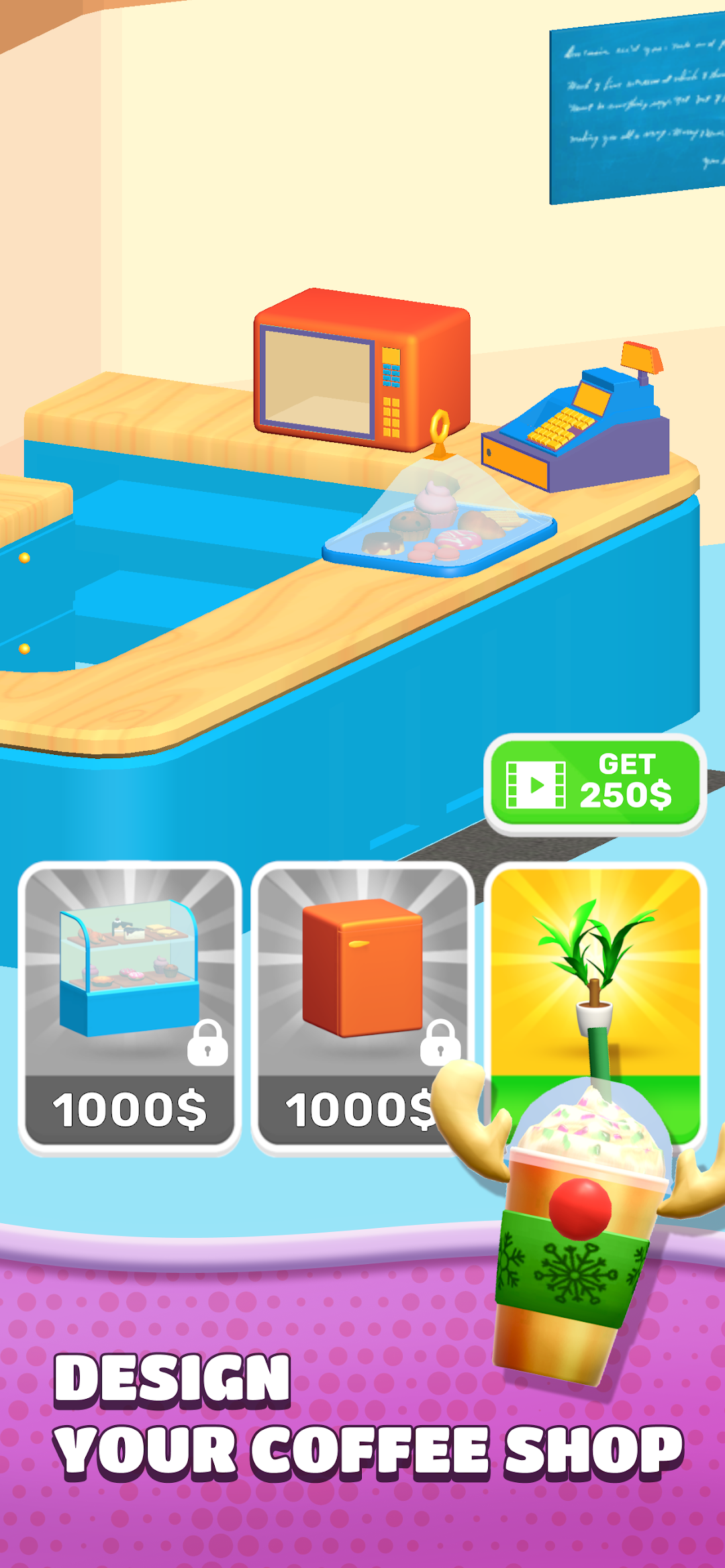
• Design and upgrade your COFFEE SHOP!
• Decorate your Coffee Shop as in your caffeine stimulated dreams, improve your coffee corp and turn it into an empire as you earn money!
If you like coffee games, you will love this game! What are you waiting for? Open your shop, and invite in your first customers!
Recommended to users who are 13 years and over.