Airport Madness 3D: Volume 2是Big Fat Simulations Inc.開發的一款能夠在行動裝置上運行的冒險應用程式,但使用最好的Android 模擬器-雷電模擬器 ,你可以在電腦上下載並暢玩Airport Madness 3D: Volume 2。
在電腦上運行Airport Madness 3D: Volume 2,您可以在大螢幕上清晰地瀏覽, 而用滑鼠和鍵盤操控應用程式比用觸摸屏鍵盤要快得多,同時你將永遠不必擔心設備的電量問題。
通過多開和同步功能,你甚至可以在PC上運行多個應用程式和帳戶。
而文件互傳功能讓分享圖像、影片和文件也變得非常容易。
下載Airport Madness 3D: Volume 2並在PC上運行。享受PC端的大螢幕和高畫質畫質吧!
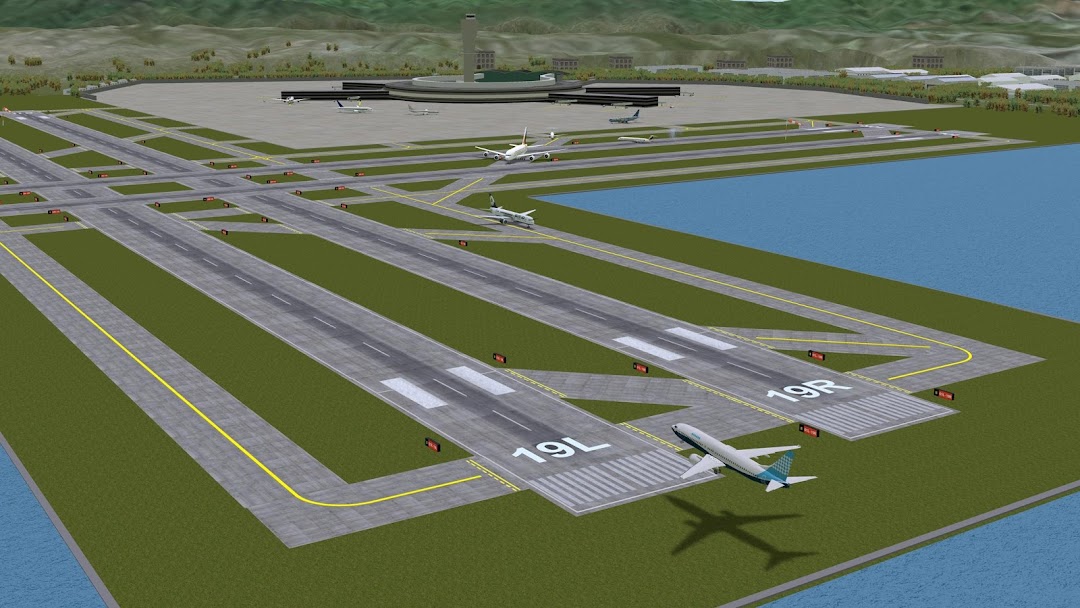
Designed by real air traffic controllers!Airport Madness 3D: Volume 2 offers eight new airports, new aircraft, more gates, and sharper detail. Like the first volume, Airport Madness 3D gives players a 3-dimensional air traffic control experience, from a control tower perspective.
Push traffic as quickly as you can, while avoiding midair collisions. Choose good weather or bad, adjust the tower height to your preference, then do your best to manage jet traffic into and out of eight different real-world airports, including New York John F. Kennedy, Toronto Pearson, Miami, London City, San Francisco, Lukla Nepal, Hong Kong and Chicago O'Hare.
It feels real!
Listen to human pilot voices as the aircraft obey your every command. Scan your radar screens for potential conflicts between aircraft. View the action from the Pilot Cams, the Sky Cam, Tower Cam or Runway Cam.
In addition to a UI refresh, the big change since Volume 1 is the all-new Career Stats page, which lets you track your ongoing performance history across all eight airports.
Our terrain is built from real-world earth data. Airport designs are based on real-world layouts. Game play has been designed by real-world air traffic controllers and commercial pilots. Even the aircraft flight characteristics are highly realistic.