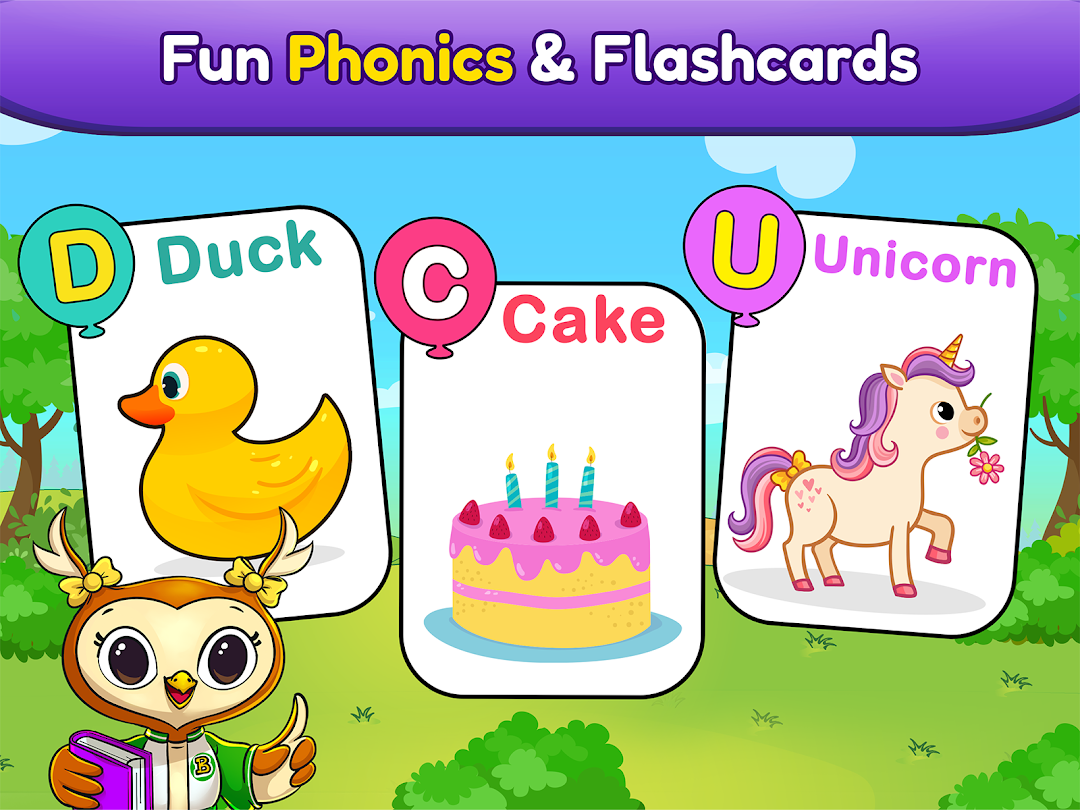
ABC Games: Phonics & Tracing是Bebi Family: preschool learning games for kids開發的一款能夠在行動裝置上運行的教育應用程式,但使用最好的Android 模擬器-雷電模擬器 ,你可以在電腦上下載並暢玩ABC Games: Phonics & Tracing。
在電腦上運行ABC Games: Phonics & Tracing,您可以在大螢幕上清晰地瀏覽, 而用滑鼠和鍵盤操控應用程式比用觸摸屏鍵盤要快得多,同時你將永遠不必擔心設備的電量問題。
通過多開和同步功能,你甚至可以在PC上運行多個應用程式和帳戶。
而文件互傳功能讓分享圖像、影片和文件也變得非常容易。
下載ABC Games: Phonics & Tracing並在PC上運行。享受PC端的大螢幕和高畫質畫質吧!
ABC Kids Learning game - a fun way to learn alphabet for kindergarten kids.Educational ABCD games for kids are designed to be the most engaging and effective way for learning letters and phonics, with simple interface for even toddlers.
2 ABC games for kids with phonics have joyful artworks, sounds and effects, making the English letter learning experience even more enjoyable for your preschool kids.
Kids educational app had never been so effective to learn letters, preschool kids get used to phonics and basics of spelling while playing, without even noticing that they're learning. Each letter is spoken out loud every time the kid interacts with alphabet in the games.
Additional Features:
• The app is completely free of Ads
• Can be played offline
• Links going outside the app and buttons making in-app purchases, are protected by Parental Gate, to make the alphabet learning process your kid's stay in the app as safe as possible.
Discover and play other learning games from "Bebi Games" with your child.
Please write review and rate, if you enjoy ABC games for kids in this educational app!