Ship Info是Galasoft AK開發的一款能夠在行動裝置上運行的地圖導航應用程式,但使用最好的Android 模擬器-雷電模擬器 ,你可以在電腦上下載並暢玩Ship Info。
在電腦上運行Ship Info,您可以在大螢幕上清晰地瀏覽, 而用滑鼠和鍵盤操控應用程式比用觸摸屏鍵盤要快得多,同時你將永遠不必擔心設備的電量問題。
通過多開和同步功能,你甚至可以在PC上運行多個應用程式和帳戶。
而文件互傳功能讓分享圖像、影片和文件也變得非常容易。
下載Ship Info並在PC上運行。享受PC端的大螢幕和高畫質畫質吧!
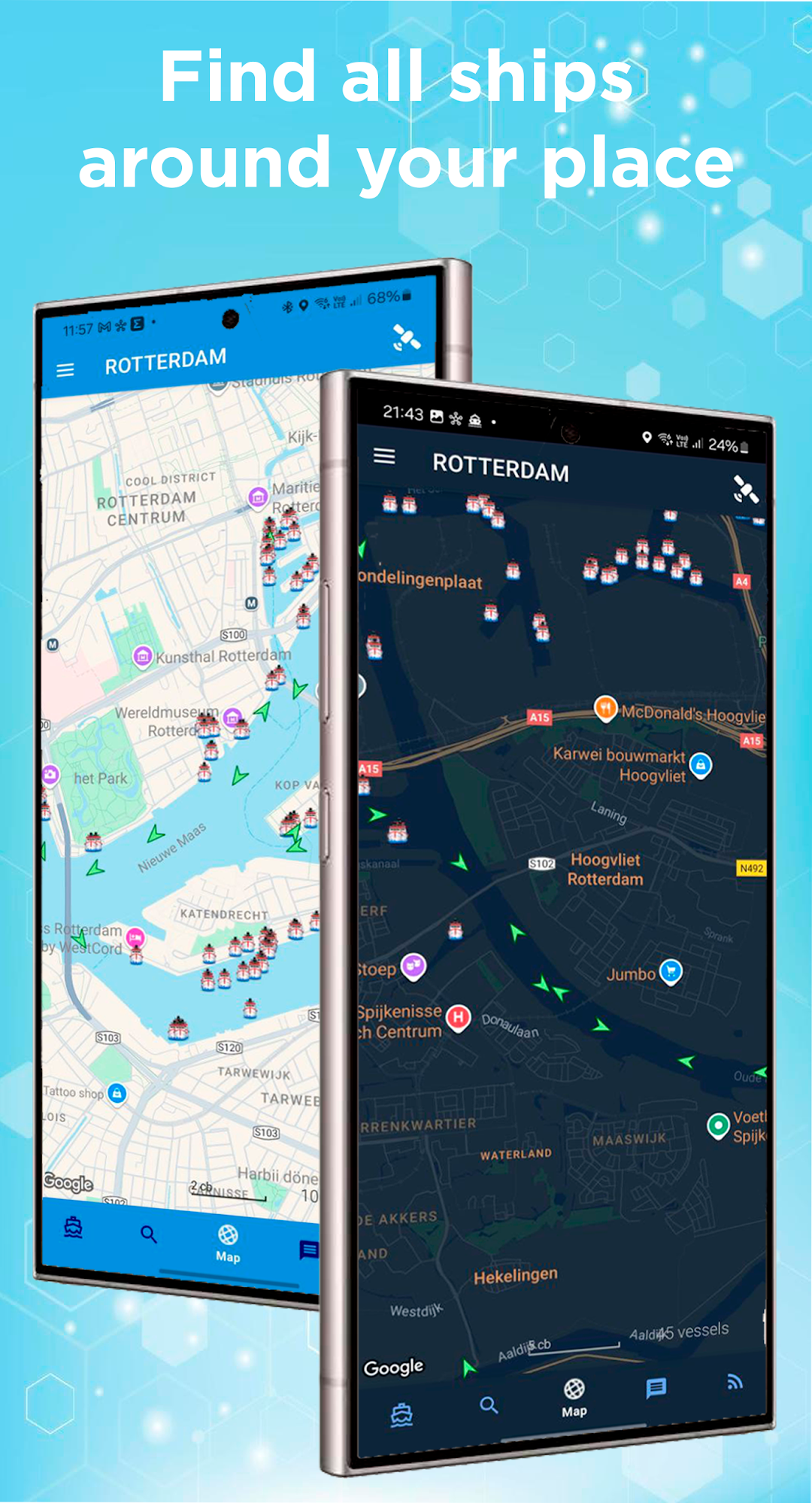
Ship Info is the "must have" app for seafarers, shipowners, and maritime professionals, offering comprehensive data on commercial fleets worldwide. Explore one of the largest merchant ship databases in the world, with over 400,000 vessels at your fingertips!Whether you’re a maritime professional or simply passionate about ships, Ship Info is the essential tool you’ve been waiting for. Download now and stay connected to the world of shipping!
Key Features:
- Search vessels by name, IMO number, or MMSI.
- Comprehensive information about detailed ship particulars, deck and engine equipment, radio-communication systems, and crew information.
- Latest vessel status, schedules, real-time AIS and satellite positions and vessel track
- Owner and Manager Info
- Numbers of high-quality vessels’ pictures.
- Seafarers’ reviews for valuable insights.
- Explore vessels near your location and major ports.
- Check available sea-going job vacancies.
- Get detailed reports on detentions, sanctions, blacklists, and ITF abandoned vessel lists.
Languages Supported:
• English
• German
• Danish
• Russian
• Ukrainian
• Chinese