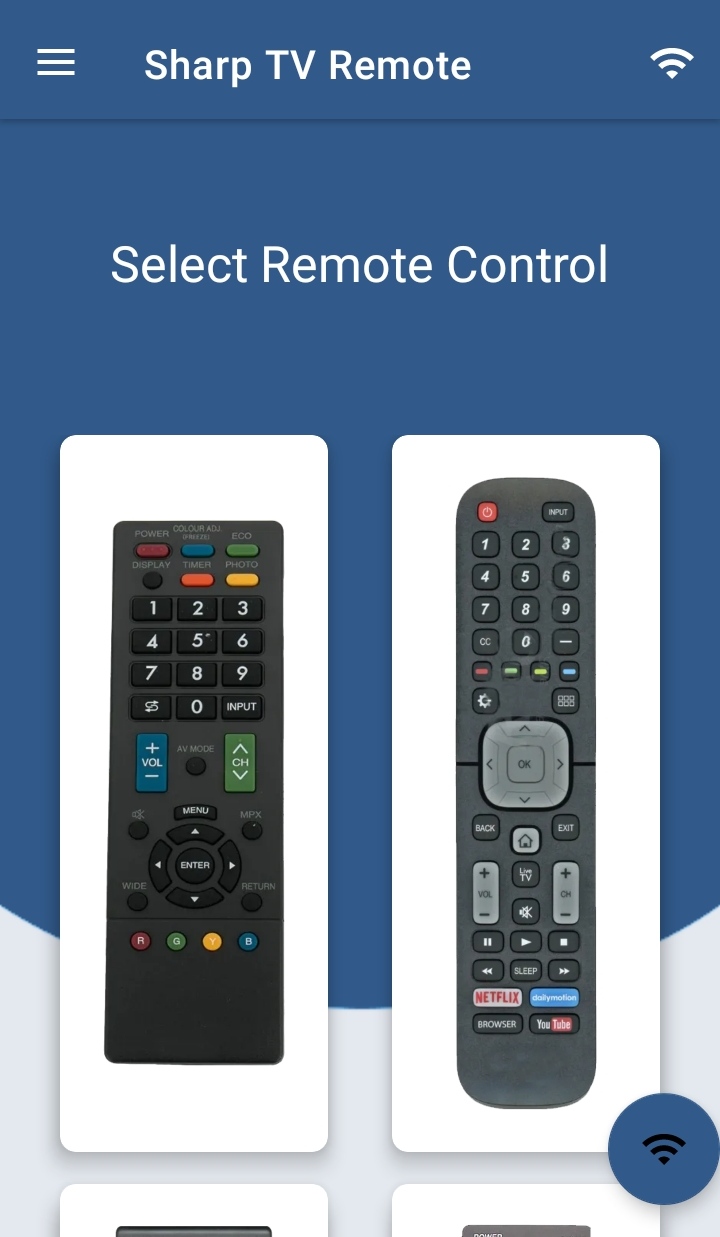
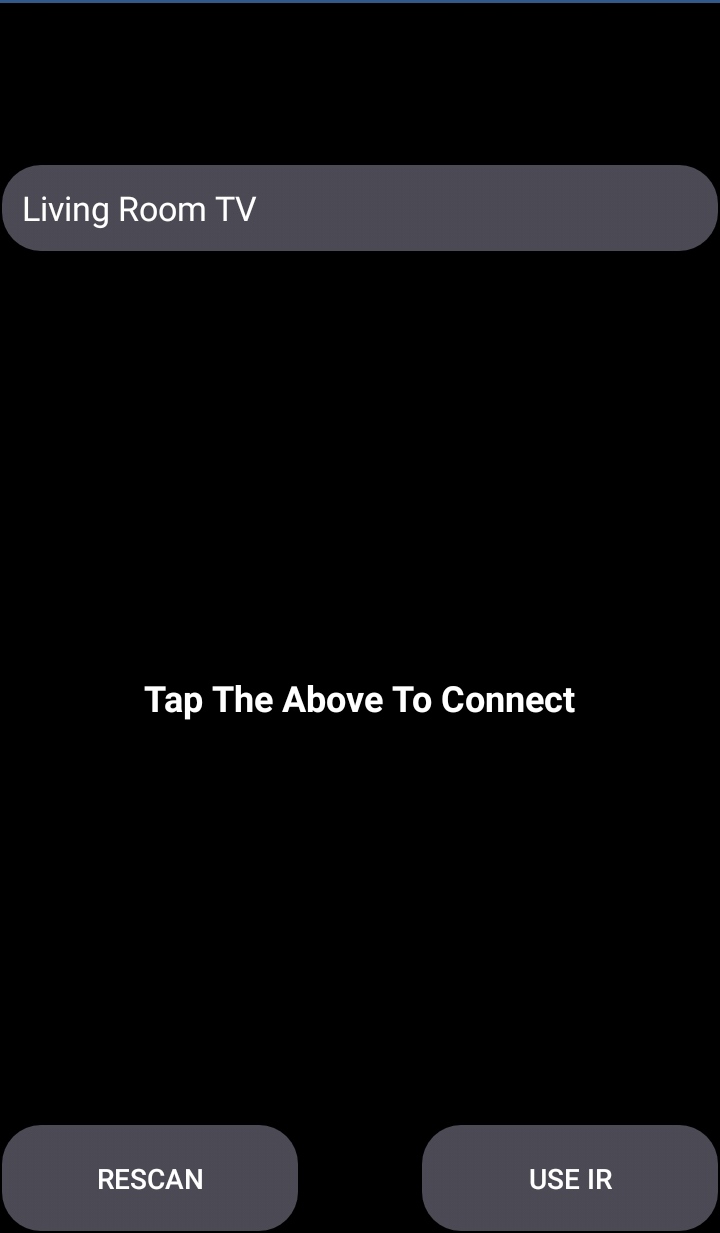
Sharp Smart TV Remote是Naba開發的一款能夠在行動裝置上運行的房屋與房產應用程式,但使用最好的Android 模擬器-雷電模擬器 ,你可以在電腦上下載並暢玩Sharp Smart TV Remote。
在電腦上運行Sharp Smart TV Remote,您可以在大螢幕上清晰地瀏覽, 而用滑鼠和鍵盤操控應用程式比用觸摸屏鍵盤要快得多,同時你將永遠不必擔心設備的電量問題。
通過多開和同步功能,你甚至可以在PC上運行多個應用程式和帳戶。
而文件互傳功能讓分享圖像、影片和文件也變得非常容易。
下載Sharp Smart TV Remote並在PC上運行。享受PC端的大螢幕和高畫質畫質吧!
Why Sharp Smart TV Remote ControlConvert your mobile device into Sharp Smart TV Remote and get rid of drained batteries and broken plastic remotes.
Supported Sharp Smart TV's
- - Supports All Sharp Smart TV with Android OS OR Android TV Remote
This remote control for Sharp Smart TV supports Android OS and Traditional IR devices.
Network Compatibility
To use Sharp Smart TV Remote your Sharp Smart TV and your mobile device must be on the same Wi-Fi Network, once the Sharp TV is detected then you will have to Enter the PIN shown on TV to start using Sharp Smart TV Remote.
Traditional IR Devices
Supports all traditional Sharp TV's, your phone must have IR blaster in it for using the Sharp TV Remote Control .
Functionality
- ON / OFF
- Volume Control's
- Channel Control's
- Mute
- Navigation Control's
- Multi Media Control's
- Home
- Touch Pad
- Many More
- For Traditional Sharp TV Remote, supports all the functions in the remote.
Android TV
In addition to Sharp Smart TV, our Remote Control for Sharp Smart TV Supports Android Chromecast OS.
Smart TV Remote Can be used
- Sharp Android TV Remote
- Sharp Remote Smart TV
- Sharp Roku TV Remote
Disclaimer
This app is not an official Sharp application. We are not affiliated with Sharp Electronics in any way, we have just presented it in a better way.
Reach Us
If in any case your Sharp Smart TV Remote is not getting connected please reach us at nabasmarttvremote@gmail.com. We are always working to improve our product.