Remove BG - Change Background是BBs Studio開發的一款能夠在行動裝置上運行的攝影應用程式,但使用最好的Android 模擬器-雷電模擬器 ,你可以在電腦上下載並暢玩Remove BG - Change Background。
在電腦上運行Remove BG - Change Background,您可以在大螢幕上清晰地瀏覽, 而用滑鼠和鍵盤操控應用程式比用觸摸屏鍵盤要快得多,同時你將永遠不必擔心設備的電量問題。
通過多開和同步功能,你甚至可以在PC上運行多個應用程式和帳戶。
而文件互傳功能讓分享圖像、影片和文件也變得非常容易。
下載Remove BG - Change Background並在PC上運行。享受PC端的大螢幕和高畫質畫質吧!
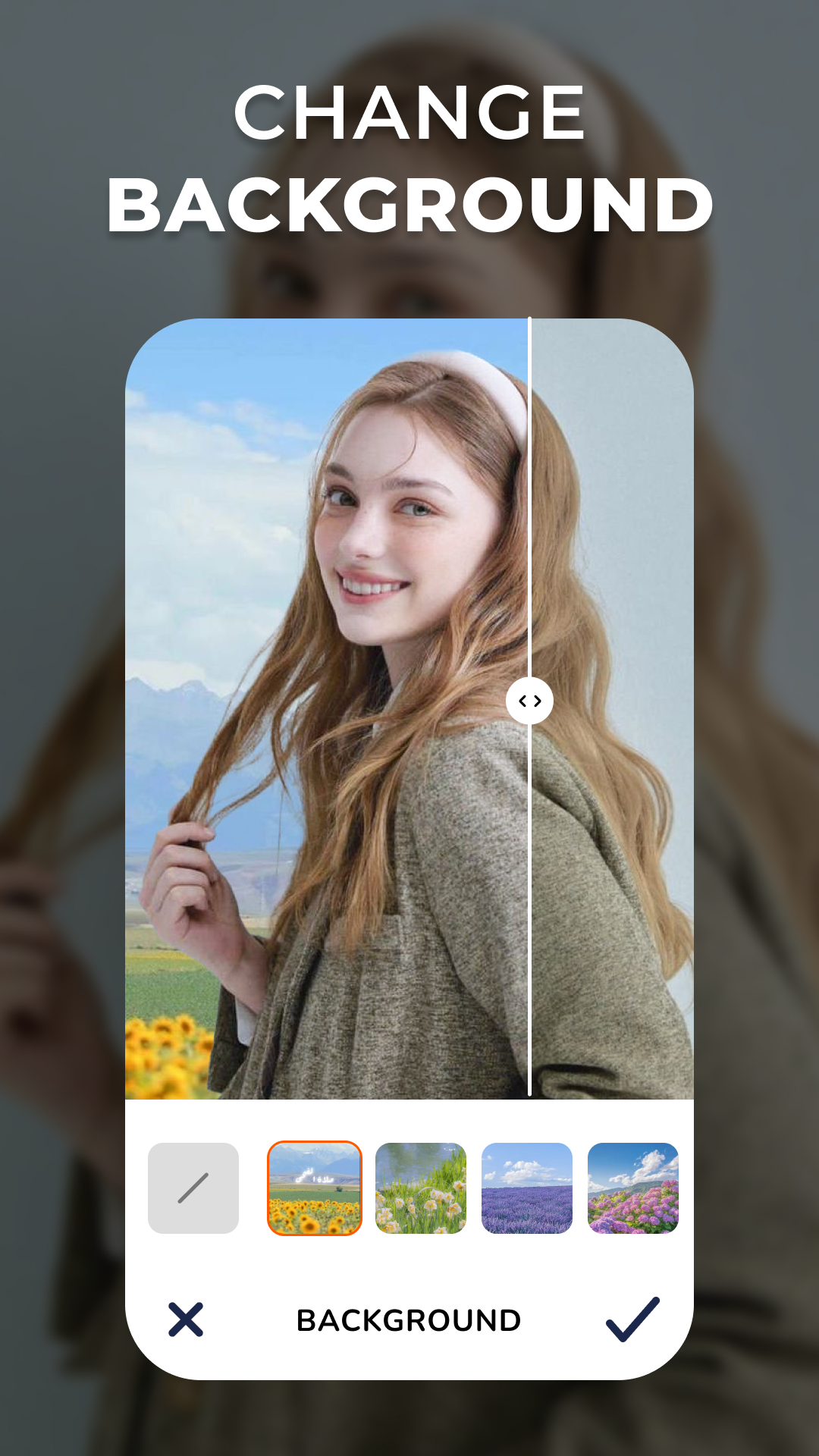
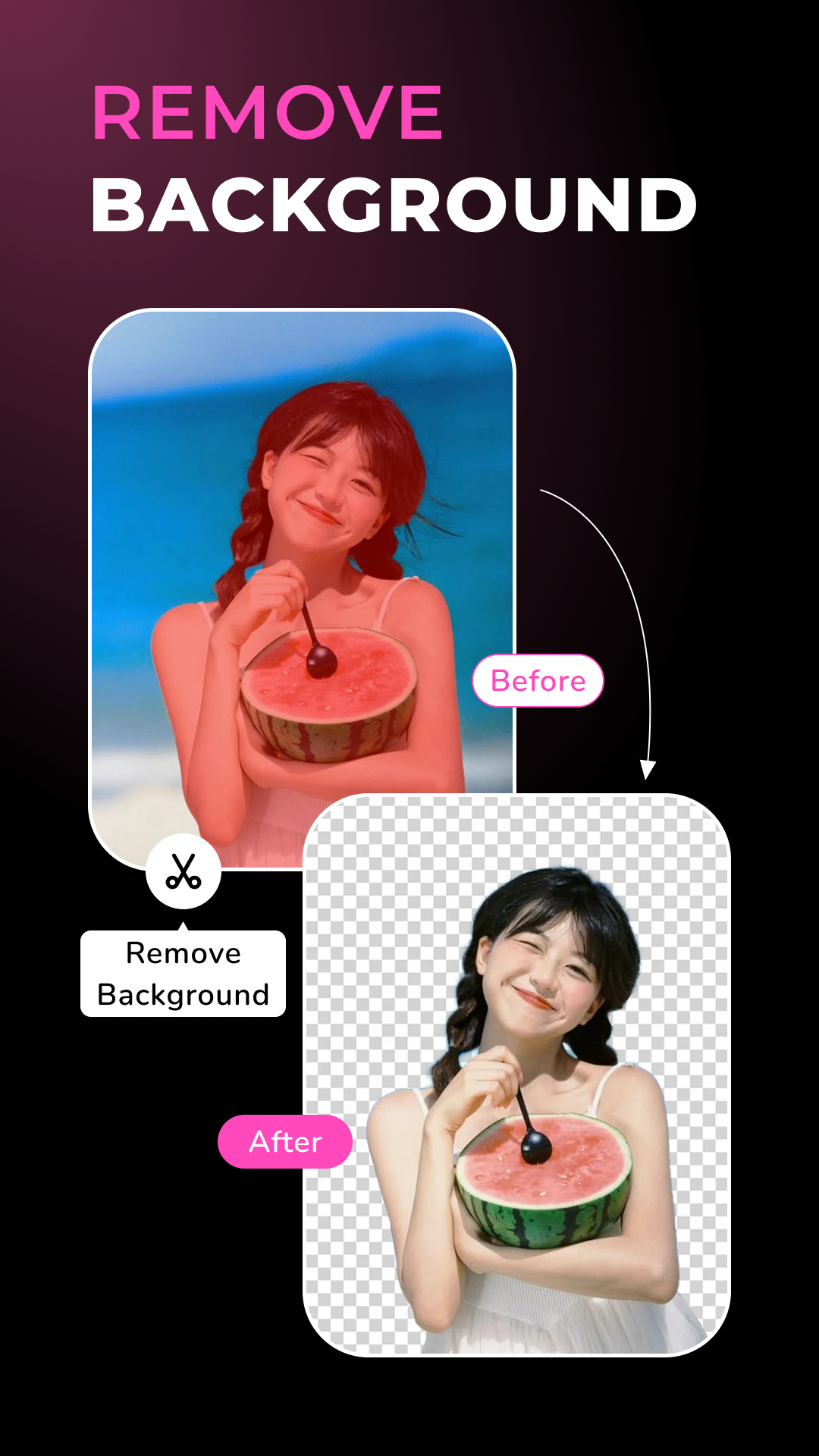
Remove BG - Photo Background is a powerful photo editing app that lets you remove backgrounds instantly and replace them with stunning templates. With advanced AI technology, you can create transparent backgrounds (PNG) or seamlessly swap them with over 200+ high-quality backgrounds. Plus, enhance your photos with filters and artistic overlays for a professional touch.Features
🔹 Remove Background Instantly
One-tap background removal with AI-powered precision.
Automatically detects and isolates the subject for a clean, transparent background.
Save as PNG or replace the background effortlessly.
🔹 Change Background with Stunning Templates
Access 200+ background templates in various themes: nature, studio, abstract, and more.
Upload your own background for full customization.
Adjust positioning, opacity, and blending for a natural look.
🔹 Professional Photo Filters
Enhance your images with a variety of stylish filters.
Fine-tune brightness, contrast, sharpness, and other settings.
🔹 Artistic Photo Overlays
Add creative overlay effects for a unique and cinematic feel.
Choose from light leaks, dust effects, vintage textures, and more.
With Remove BG - Photo Background, you can effortlessly remove backgrounds, replace them with beautiful templates, and enhance your images with professional effects—all in just a few taps! Download now and transform your photos today.