Pexels: HD+ videos & photos是Pexels開發的一款能夠在行動裝置上運行的攝影應用程式,但使用最好的Android 模擬器-雷電模擬器 ,你可以在電腦上下載並暢玩Pexels: HD+ videos & photos。
在電腦上運行Pexels: HD+ videos & photos,您可以在大螢幕上清晰地瀏覽, 而用滑鼠和鍵盤操控應用程式比用觸摸屏鍵盤要快得多,同時你將永遠不必擔心設備的電量問題。
通過多開和同步功能,你甚至可以在PC上運行多個應用程式和帳戶。
而文件互傳功能讓分享圖像、影片和文件也變得非常容易。
下載Pexels: HD+ videos & photos並在PC上運行。享受PC端的大螢幕和高畫質畫質吧!
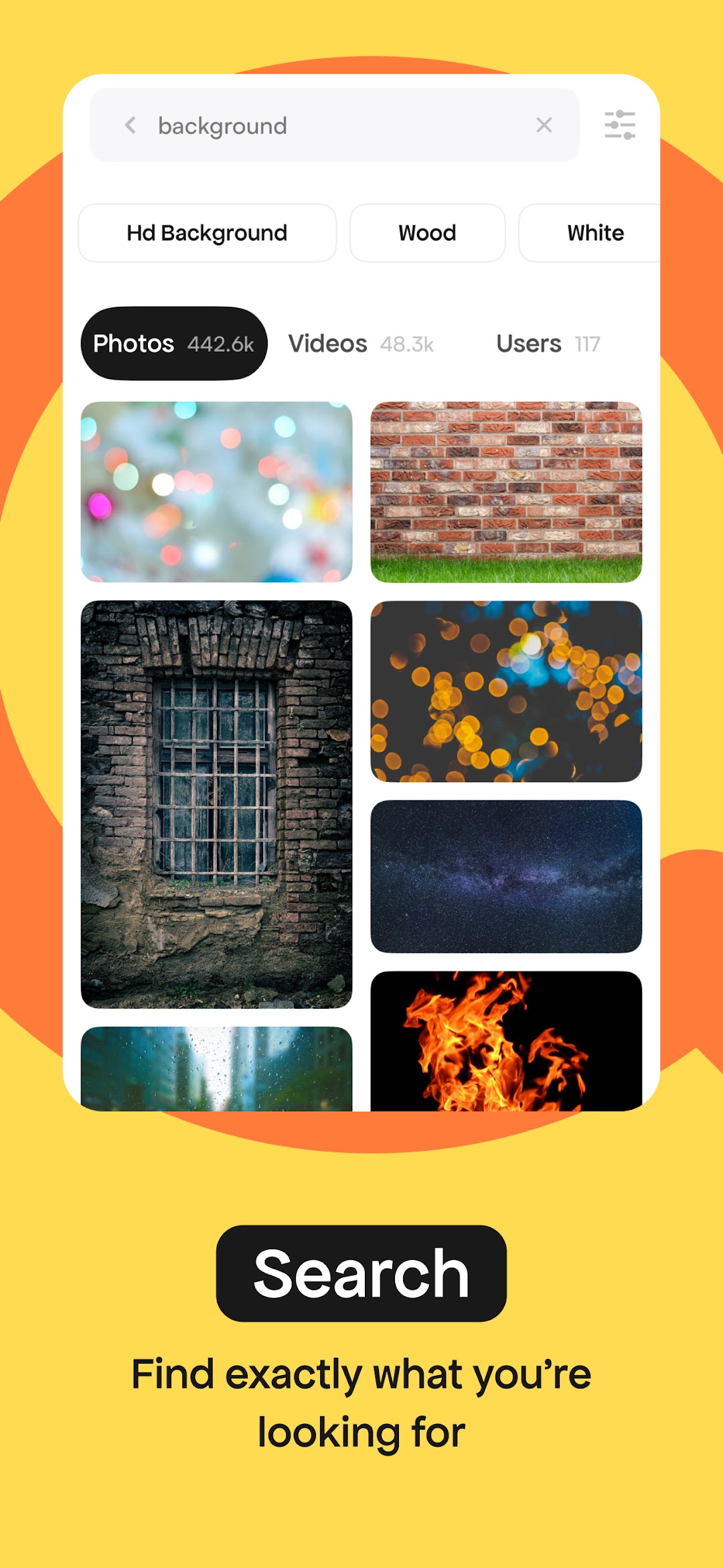
The Pexels app gives you unlimited access to over 3 million free, high-resolution photos and videos. Our beautiful library is donated by a global community of talented photographers who share their work for everyone to use freely. And you can be part of that community. Use Pexels photos and videos as wallpapers, in presentations, on social media, or wherever you choose!The most diverse free photos and videos
Powered by an algorithm and curated by our team, you’ll find inclusive, diverse and true photography with every search.
We’re constantly improving our results and library, so if we missed the mark, let us know and we’ll fix it.
A daily dose of inspiration
With fresh, new photos and videos added every day, find your inspiration by browsing the top trending images or curated collections.
Pexels is for everyone
Grab your phone or camera and join us. Upload your photos to reach millions and see the positive impact your work can have. Not only can you track your success as your photos get viewed and downloaded, you’ll also get to hear from the people using your imagery all around the world—from major publications to meaningful non-profits.
Plus, we’ll connect you with the global community of Pexels photographers to help you level up your skills and stay inspired.
Give back to artists
After downloading, choose to support the photographers who make Pexels possible by donating to their PayPal or saying thanks on social media.
Create a collection
Organize and share your favorite photos and videos with the collect tool. With a Pexels account, you can save your work on both mobile and desktop.