Equalizer FX: Sound Enhancer是ZipoApps開發的一款能夠在行動裝置上運行的音樂音頻應用程式,但使用最好的Android 模擬器-雷電模擬器 ,你可以在電腦上下載並暢玩Equalizer FX: Sound Enhancer。
在電腦上運行Equalizer FX: Sound Enhancer,您可以在大螢幕上清晰地瀏覽, 而用滑鼠和鍵盤操控應用程式比用觸摸屏鍵盤要快得多,同時你將永遠不必擔心設備的電量問題。
通過多開和同步功能,你甚至可以在PC上運行多個應用程式和帳戶。
而文件互傳功能讓分享圖像、影片和文件也變得非常容易。
下載Equalizer FX: Sound Enhancer並在PC上運行。享受PC端的大螢幕和高畫質畫質吧!
Equalizer FX app is your new Volume Booster tool.Unique sound enhancer and music volume booster!
Music Equalizer and Audio Enhancer 🎧
The Equalizer FX - Bass Booster lets you adjust the HD sound effect levels to get the best out of your music. Sound quality is our priority, so our HD sound booster is a must-have app as an audio enhancer. 🔊
Ultimate HD Sounds Equalizer for Android
Sound enhancer 🔊
The audio enhancer app allows you to improve the sound quality of your Android device to get a more enjoyable HD sound music experience.
Music Equalizer with HD Sound
🎵 Music Equalizer & Volume Booster includes: 🎵
- Music Equalizer - Audio Enhancer An audio filter is used to change the frequency envelope of the sound.
- Bass boost Audio effect to boost bass or amplify low frequencies of the sound.
- Virtualization Audio effect to virtualize audio channels. Allow you to enhance the stereo effect.
- Volume booster Loudness Enhancer is an audio effect for increasing music loudness. (Only for Android 4.4 and higher)
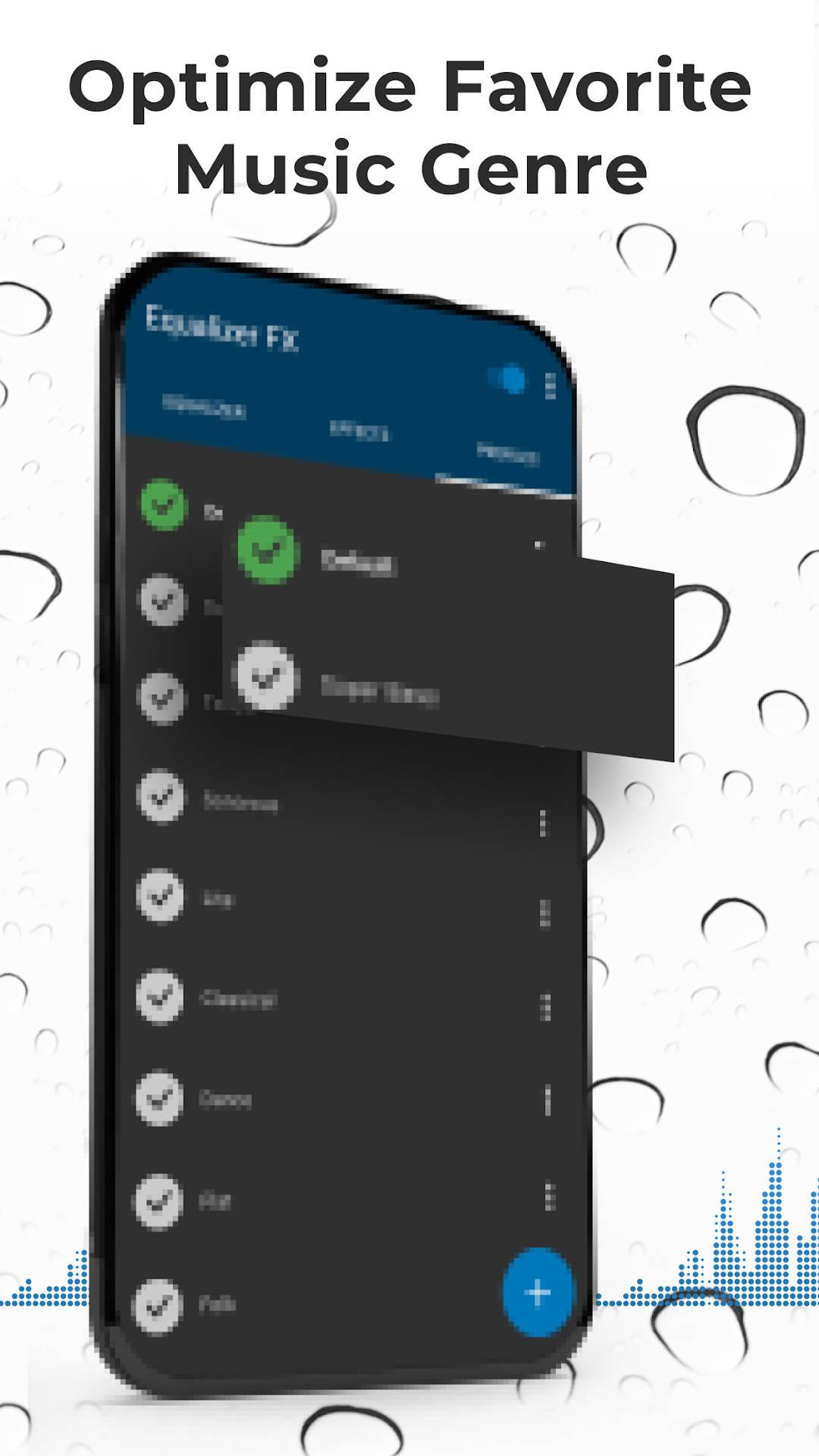
- Presets You can also create your own presets.
The audio enhancer app works with music players and streaming services like Pandora, Spotify, TuneIn Radio, and VK.
- Equalizer Widgets for your home screen.
- Automatically on/off when music player starts/stops playing music.
- Flexible configuration.
Note: The audio enhancer - HD Sound app is not working with FM radio.
Music Volume Booster for Android
Audio Enhancer
HD Sound - audio booster and sound enhancer. Enjoy every second of listening with the ultimate music equalizer! 🎧
Set it up easily
To get equalizer work, go to applications settings and select all applications. Find the MusicFX application, clear the Application data for this application and then install Equalizer FX: Sound Enhancer. After that, a new Equalizer FX - HD Sound will be available when you start the music player and select the music equalizer option.
Music Volume Booster 🔊
Use our loudness enhancer - volume booster with extra caution. The volume booster will significantly improve loudness, so you had better be ready! The only sound enhancer you'll ever need!
Music equalizer and sound booster for the best listening experience! 🎶 🎵 🎧