Bugjaeger® Premium是Roman Sisik開發的一款能夠在行動裝置上運行的工具應用程式,但使用最好的Android 模擬器-雷電模擬器 ,你可以在電腦上下載並暢玩Bugjaeger® Premium。
在電腦上運行Bugjaeger® Premium,您可以在大螢幕上清晰地瀏覽, 而用滑鼠和鍵盤操控應用程式比用觸摸屏鍵盤要快得多,同時你將永遠不必擔心設備的電量問題。
通過多開和同步功能,你甚至可以在PC上運行多個應用程式和帳戶。
而文件互傳功能讓分享圖像、影片和文件也變得非常容易。
下載Bugjaeger® Premium並在PC上運行。享受PC端的大螢幕和高畫質畫質吧!
Bugjaeger® tries to give you the expert tools used by Android developers for better control and deep understanding of your Android device internals.If you're an Android power user, developer, geek, or hacker, this app might be something for you.
How to use
1.) Enable developer options and USB debugging on your target device (https://developer.android.com/studio/debug/dev-options)
2.) Connect the device where you've installed this app to the target device via USB OTG cable
3.) Allow the app to access USB device and make sure the target device authorizes USB debugging
I case you also have the free version installed, I suggest to uninstall the free version, so there are no conflicts when accessing ADB USB devices
Please report technical issues or your new feature requests directly to my email address - roman@sisik.eu
This app can be used by developers to debug Android apps or by Android enthusiast to learn more about the internals of their devices.
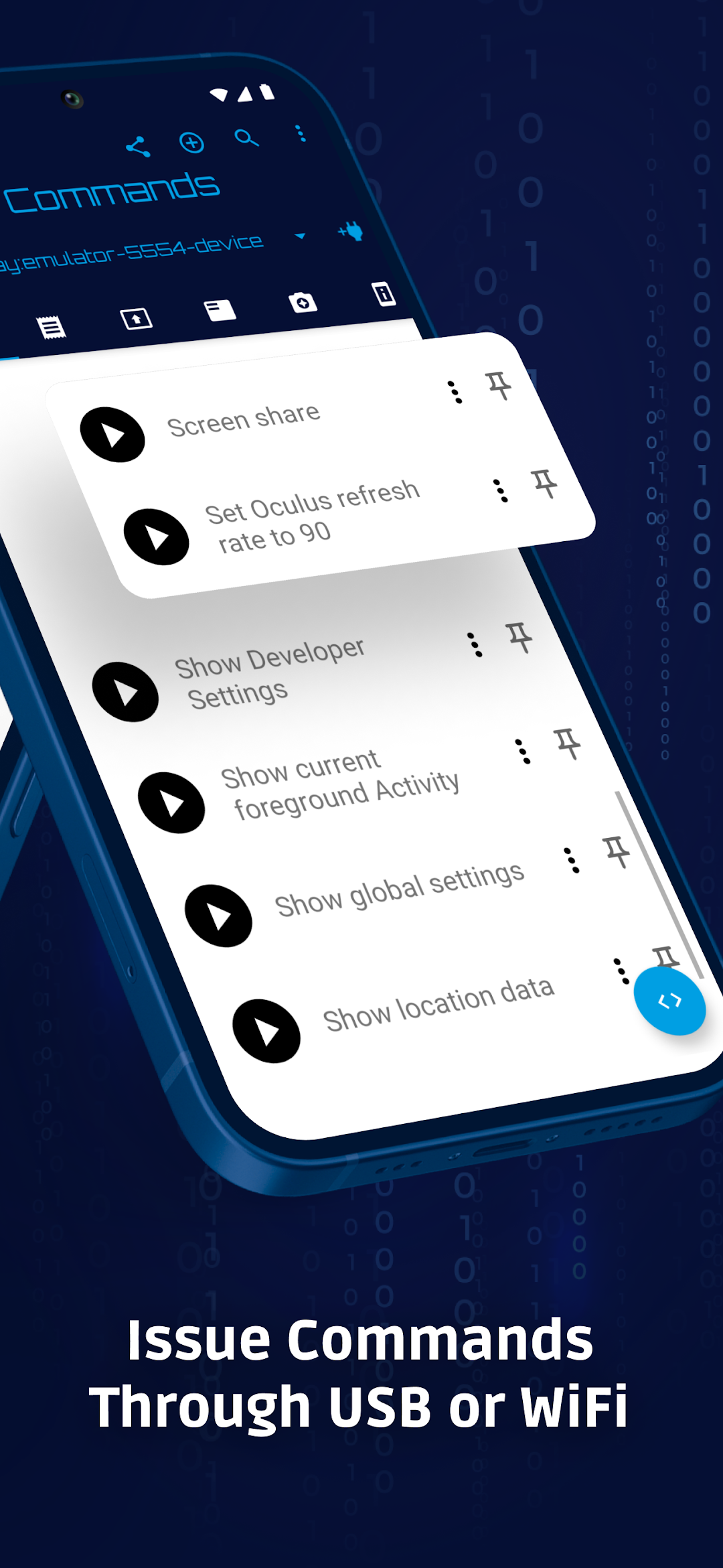
You connect your target device through USB OTG cable or through wifi and you'll be able to play around with the device.
This tool offers some features similar to adb(Android Debug Bridge) and Android Device Monitor, but instead of running on your development machine, it runs directly on your Android phone.
Premium features (not included in free version)
- no ads
- unlimited number of custom commands
- unlimited number of executed shell commands per session in interactive shell
- option to change port when connecting to adb device through WiFi (instead of default 5555 port)
- unlimited number of screenshots (only limited by amount of your free storage)
- possibility to record the live screencast into video file
- option to change file permissions
After installing the premium version I recommend to uninstall the free version, so that there are no conflicts when handling connected ADB devices.
Main features include
- executing custom shell scripts
- remote interactive shell
- creating and restoring backups, inspecting and extracting content of backup files
- reading, filtering, and exporting device logs
- capturing screenshots
- performing various commands for controlling your device (rebooting, going to bootloader, rotating screen, killing running apps)
- uninstalling and installing packages, checking various details about installed apps
- monitoring the processes, showing additional information related to processes, killing processes
- connecting through wifi with specified port number
- showing various details about the device's Android version, cpu, abi, display
- showing battery details (like e.g., temperature, health, technology, voltage,..)
- file management - pushing and pulling files from device, browsing the file system
Requirements
- If you want to connect the target device through USB cable, your phone has to support USB host
- The target phone must enable USB debugging in Developer options and authorise the development device
Please note
This app uses the normal/official way of communicating with Android devices which requires authorisation.
The app does not bypass Android's security mechanisms and it does not use any Android system vulnerabilities or anything similar!
This also means the app won't be able to perform some privileged tasks on non-rooted devices (e.g. removing system apps, killing system processes,...).
Additionally, this is not a rooting app.